
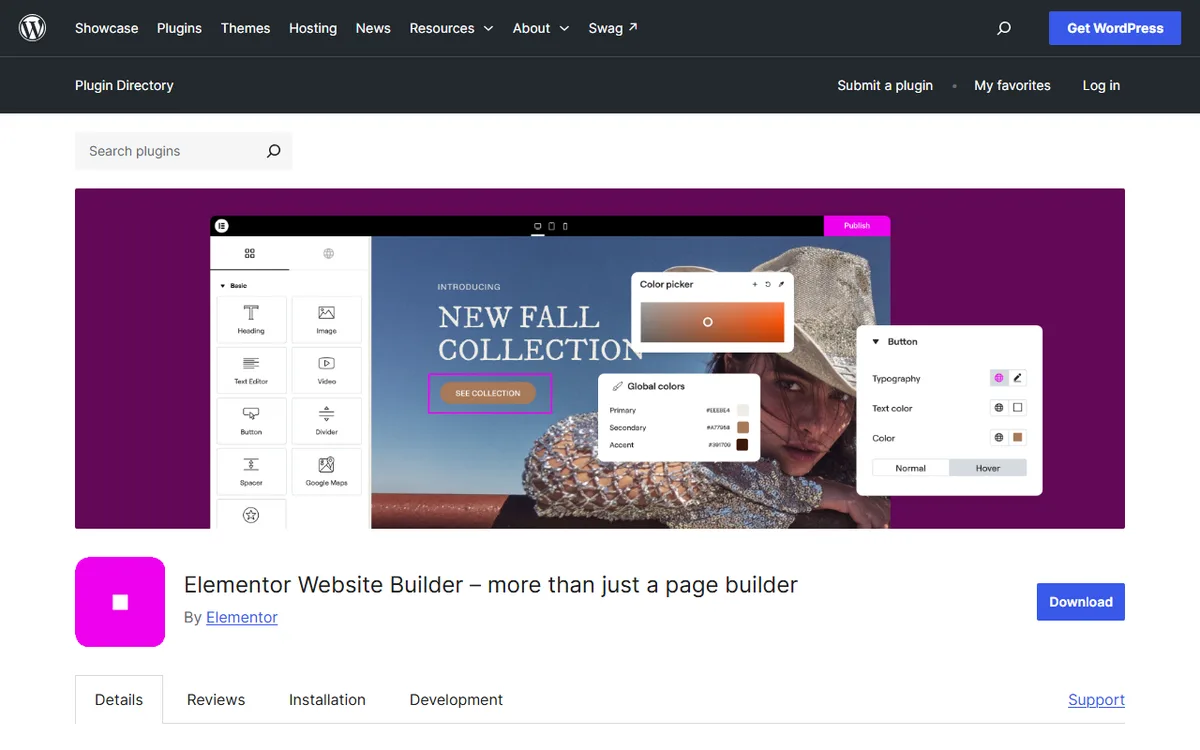
Gutenberg, which is also known as the WordPress block editor, became WordPress’s default editor in December 2018 with WordPress 5.0. Elementor is a separate plugin that has a free version and paid Pro plans. Its WordPress.org page says Elementor and Gutenberg work together, letting you pick which editor to use as you edit your site.
For the whole site, it is rarely a choice between one or the other. The question is which editor works best for each page and whether Elementor Pro’s added features are worth an annual fee. This guide compares cost, free versions, theme building, dynamic content, switching rules and which editor to choose. For Gutenberg basics, begin with the Gutenberg tutorial.
The short answer: who should pick which
- Stick with Gutenberg for blog posts, basic pages and sites focused on text. It is the default editor and includes blocks for paragraphs, images, headings, lists, videos and galleries. If you use a block theme, its Site Editor can also design your headers, footers and templates.
- Choose Elementor if you want a visual drag-and-drop page editor with widgets, templates and, with Pro, a Theme Builder, dynamic content and a WooCommerce builder.
- Use both if you prefer. Elementor's page says they work together, and you select the editor while editing.
Cost side by side
Elementor prices are in US dollars as seen from the United States on 4 November 2026 on elementor.com/pricing. Check the page before you buy.
The block editor comes with WordPress, so there is no added cost to use it. Elementor’s free plugin is also free, while paid plans are priced annually.
| Option | Cost | Sites |
|---|---|---|
| Block editor with a block theme | $0 extra, included with WordPress | Part of WordPress |
| Elementor free plugin | $0 | Not limited by a plan |
| Elementor Essential | $60 a year | 1 |
| Elementor Advanced Solo | $84 a year, adds eCommerce features | 1 |
| Elementor Advanced | $108 a year | 3 |
| Elementor Expert | $204 a year | 25 |
Elementor also offers One and One Agency plans. See the Elementor pricing guide for their prices and included features.
Elementor subscriptions renew at the listed price, and its 30-day money-back guarantee is available only for annual plans. The terms also say the 30-day refund applies to new Pro and Hosting subscriptions, but not to upgrades on monthly subscriptions, renewals or other subscription changes.
What you get free
- Block editor: blocks for paragraphs, images, headings, lists, videos and galleries, additional blocks through plugins, third-party blocks from the WordPress block directory, and block patterns you can also make yourself starting with WordPress 6.3.
- Elementor free: a live drag-and-drop editor, basic widgets and templates, and more than 40 free widgets, such as Heading, Image, Text Editor, Video, Button, Gallery and carousels.
The Block Inserter sorts blocks into groups like Text, Media, Design, Widgets, Theme and Embeds. Elementor labels features that require payment as Pro on its listing: Theme Builder, Dynamic Content and the WooCommerce Builder. For help deciding whether to upgrade, see Elementor free vs Pro.
Building pages and themes
Page layout
Gutenberg has block patterns, groups of blocks that you can add to posts and pages and customize. Once you insert a pattern, content-only editing restricts changes to basics like text or images until you choose Edit pattern. Elementor’s Template Library includes full website kits and templates for individual pages, blocks and pop-ups.
Theme building and templates
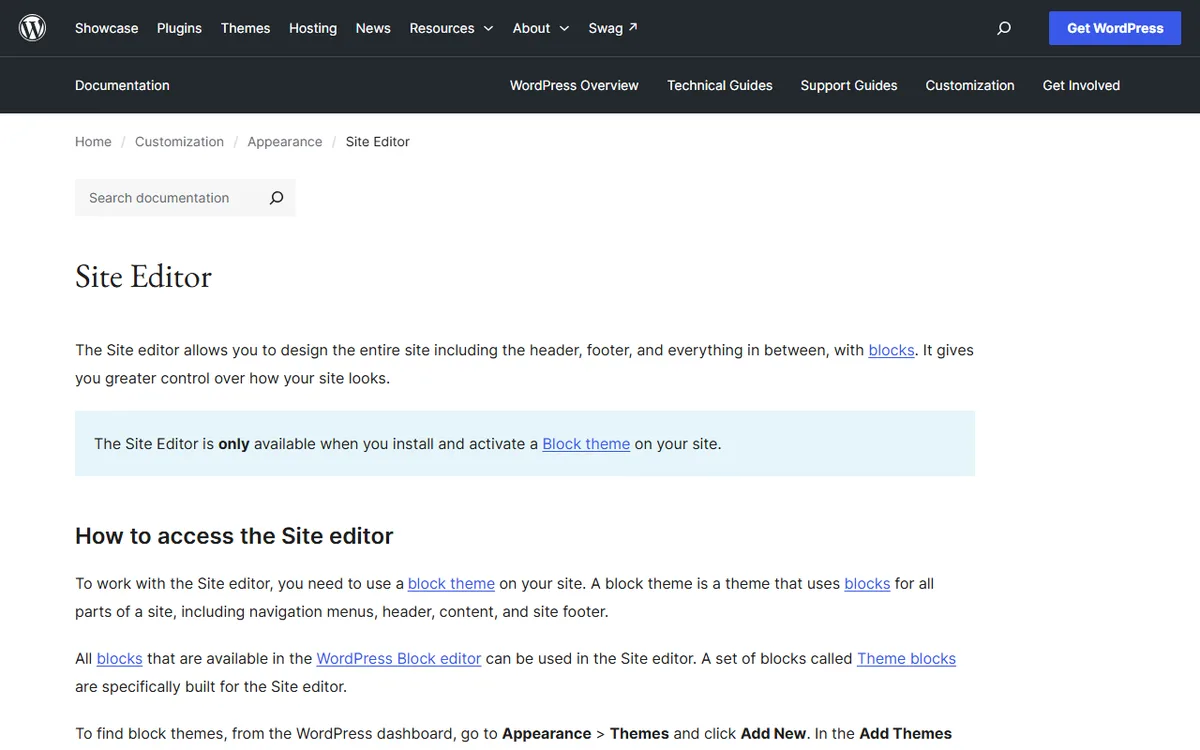
The WordPress Site Editor lets you design the whole site with blocks, including headers, footers and the structure and layout of posts and pages. You can create templates and reusable template parts, and customize site-wide and block styles such as color palettes and typography. It is available only when a block theme is installed and activated, and you open it from Appearance > Editor. The steps are in the Gutenberg tutorial.
Elementor's Theme Builder lets you design headers, footers, posts, and archives, and is a Pro feature. Elementor includes it in Essential, Advanced Solo, Advanced, and Expert. For One and One Agency, see Elementor's pricing page for the feature list.
In short, a block theme gives you a free way to design headers and footers. Without a block theme, the Site Editor is unavailable, and Elementor's Theme Builder is a paid option to weigh against switching to a block theme.
Dynamic content and WooCommerce
The Query Loop block shows posts according to settings such as post type and filters, which can display posts by category or tag and by one or more chosen authors. Elementor's Dynamic Content links designs to data sources. In Essential, it links to WordPress content, but custom fields and post types are unavailable. Advanced Solo, Advanced, and Expert include those features, letting you display dynamic data anywhere on the site.
Elementor Pro's WooCommerce Builder lets you customize every store page, including product pages, shop layouts, archives, carts, checkout, and account pages. eCommerce features are included in Advanced Solo, Advanced, and Expert.
Switching between them, and what happens if you stop paying
Treat switching as a rebuild, one page at a time. Elementor can run alongside the block editor, since its page says the two work together and lets you choose the editor while editing. Test Elementor on one new page before moving anything.
Gutenberg's FAQ explains that blocks are HTML and do not keep things the browser cannot understand on the front end. If you disable the plugin that powers a shortcode, the page may display the shortcode as plain text.
If you stop paying for Elementor Pro, Alex Collins, who writes nvudev, offers a practical rule. When an Elementor Pro subscription ends, the site stays live, but avoid editing Pro elements on your pages because doing so risks breaking them. Leave pages built with Pro elements as they are, or renew before making changes.
Which to choose for your situation
When the block editor is enough
- A blog or simple brochure site where blocks and patterns can cover text, images, headings, lists, videos, and galleries.
- A block theme where the Site Editor lets you design headers, footers, and templates for free.
- A page that lists posts filtered by category, tag, or author, which the Query Loop block can handle.
When Elementor earns its fee
- Your theme is not a block theme, and you want a Theme Builder: Elementor Essential includes it for 1 site at $60 a year.
- You want to build a store one page at a time: eCommerce features are available starting with Advanced Solo at $84 a year for 1 site, or Advanced at $108 a year for 3 sites.
- You need custom fields and post types for dynamic data: these are included with Advanced Solo, Advanced and Expert, but not Essential.
- You create sites for many clients: Elementor Expert supports 25 sites at $204 a year.
- You want to try it first: use the free Elementor plugin alongside Gutenberg, then choose an editor for each page.
If you want to stop using Gutenberg entirely, see how to turn off Gutenberg. To explore more options, browse the overview of WordPress page builders.
Sources
- WordPress Block Editor documentation
- Elementor plugin page on WordPress.org
- Elementor pricing
- wordpress.org: Site editor
- Elementor Terms and Conditions
- Documentation for Blocks
- Documentation for Block Patterns
- Elementor WooCommerce Builder
- wordpress.org: Query loop block
- Block Editor FAQ in the developer docs
Frequently asked questions
Is Gutenberg better than Elementor?
It depends on what you need to do. Gutenberg is WordPress’s default editor, with blocks, patterns and, when you use a block theme, the Site Editor. Elementor is a plugin with a free version and Pro plans that include Theme Builder, dynamic content and a WooCommerce builder.
Can I use Gutenberg and Elementor together?
Yes. Elementor's page says that Elementor and Gutenberg work together, and you can select which editor to use when editing your site.
How much does Elementor cost compared with Gutenberg?
WordPress includes the block editor. Elementor offers a free plugin, while Essential is $60 a year for 1 site, Advanced is $108 a year for 3 sites, and Expert is $204 a year for 25 sites, based on prices shown in the United States on 4 November 2026.
Does Gutenberg have a theme builder?
Yes, you can use the Site Editor if your theme is a block theme. It uses blocks to design headers, footers and templates. Elementor’s Theme Builder is a Pro feature included in Essential, Advanced Solo, Advanced and Expert.