
Elementor has two parts. The free plugin is a complete drag and drop page builder for WordPress. Elementor Pro is a paid add on that builds on it and adds extra features. The question is not which is better, but whether your site needs those extras.
What the free version of Elementor can do
The free plugin, which you can get from the WordPress.org plugin directory, provides Elementor's core features:
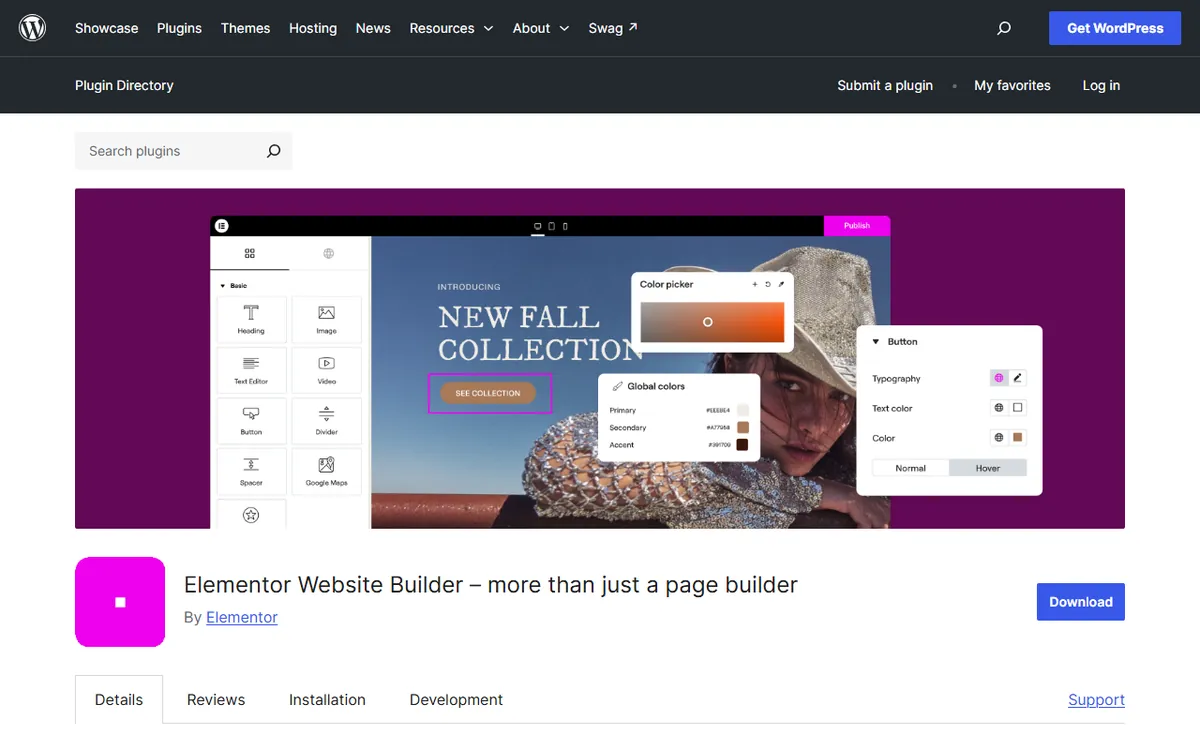
- A visual drag and drop editor that shows the page as visitors will see it
- Basic widgets, including headings, text, images, buttons, videos and spacers
- Controls for arranging sections and columns
- Different settings for desktop, tablet and mobile views
- A library of free templates to start from
That is enough to create complete, attractive pages for a small business, a portfolio or a landing page.
What Elementor Pro adds
- Theme Builder. Visually design your header, footer, single post and archive templates rather than relying on your theme's design.
- Form widget. Create contact and lead forms in Elementor without needing a separate form plugin.
- Popup Builder. Make popups for promotions or newsletter sign-ups. It is included on the Advanced plan and above, so check which plan you buy.
- WooCommerce Builder. Create product and shop pages for a WooCommerce store.
- More widgets and templates. Pro adds extra widgets and a larger template library beyond the free set. This matters mainly if the free widgets cannot produce the layout you want.
Elementor free vs Pro at a glance
| Feature | Free | Pro |
|---|---|---|
| Drag-and-drop page editor | Yes | Yes |
| Mobile and tablet settings | Yes | Yes |
| Theme Builder (headers, footers, templates) | No | Yes |
| Form widget | No | Yes |
| Popup Builder | No | Higher plans |
| WooCommerce Builder | No | Yes |
Who should stay on the free version
Stick with free if your site has only a few pages, your theme's header and footer look good, and you already like your form plugin. Many small business sites and portfolios do not need anything more. Use the free plugin with the free Hello Elementor theme, designed by Elementor's makers to work with the builder, for a complete setup without spending money on software.
Kim Scotland, a freelance web designer, builds most client sites with the free version, and every template in the designer's own template shop uses it. The Kim Scotland Elementor guide recommends starting free and upgrading only when a need appears, such as Pro's WooCommerce widgets for an online shop. Set global colors and fonts early, so that one change updates them across the site, although the occasional page may need a manual tweak.
When Elementor Pro is worth paying for
Upgrade when the free version starts making you work around its limits. Common signs:
- You want a header or footer that your theme cannot create.
- The free version has no Form widget, so you need a separate form plugin. Pro lets you build and manage forms inside Elementor.
- You run a WooCommerce shop and want product pages that fit the rest of the site.
- You build client sites and want consistent templates across them.
Pro is priced by the number of websites. On the US pricing page on 4 November 2026, paid plans started at $5 a month billed yearly ($60 a year for one site) and reached $204 a year for 25 sites. Our Elementor pricing guide compares every plan, and Elementor's pricing page shows the current offers.
How businesses use Elementor Pro
Elementor's case studies show how paid features can justify their cost. The companies report the results themselves, so treat them as examples, not guarantees.
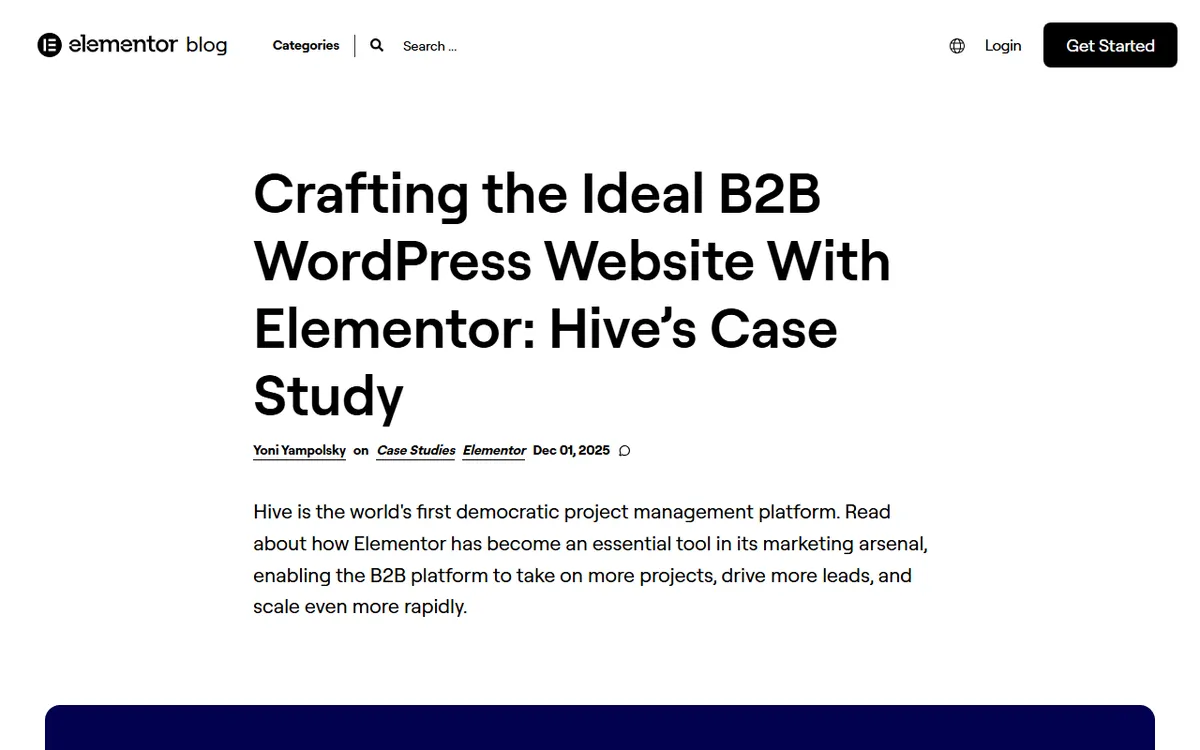
- A marketing team that manages its own pages. Hive uses Elementor on its homepage, pricing page and product pages. Six marketing team members create and edit pages, including Google Ads landing pages, and the company estimates it saves seven hours of back-and-forth each week.
- A designer who no longer has to wait for developers. At Freemius, a designer builds and updates the homepage, About page and marketing pages without needing developer time for every change.
- A restaurant selling online in a week. When COVID restrictions began, the Paris vegan bistro Abattoir Végétal needed a site for click and collect orders. Its agency built one in a week, featuring an image based menu, category filters and a WooCommerce product page for each dish, as reported in Elementor's August 2020 showcase.
The three cases use features that belong to Pro, such as the Theme Builder, Form widget and WooCommerce widgets, as described by Elementor. If your site does not need any of these, the free version will work.
The safest way to decide
Build your site with the free version first. You risk very little, because Pro installs on top of the free plugin and your pages keep working after you upgrade. Once the site is built, you will know which missing feature, if any, is worth paying for. If you are still setting up WordPress itself, begin with our guide on how to build a website with WordPress, and visit the Elementor hub for everything else we cover about the builder.
Frequently asked questions
Is the free version of Elementor enough?
For a site with standard pages, often yes. If you want to design custom headers and footers, forms or WooCommerce shop pages in Elementor, you will need Pro.
Can I start with free and upgrade to Pro later?
Yes. Pro installs on top of the free plugin, so pages built with the free version continue working after you upgrade.
Where do I download Elementor?
You can find the free version in the WordPress.org plugin directory and install it from your dashboard. You can buy and download Pro from Elementor’s own website.