
Elementor has a lower starting price, while Beaver Builder offers four yearly plans at set prices, each with Beaver Themer, its theme builder. Elementor Essential is $60 a year for 1 site, based on prices shown in the United States on 4 November 2026, compared with $89 for Beaver Builder Starter. Beaver Builder's plans are priced at $89, $179, $299 and $546 a year. Elementor also has a free plugin with more than 40 free widgets.
For all Beaver Builder plans, see the Beaver Builder pricing guide. For Elementor, see the Elementor pricing guide. Beaver Builder prices were checked on 10 November 2026, and Elementor prices were shown in the United States on 4 November 2026.
The short answer
Choose Beaver Builder if you prefer a short list of plans, a theme builder with every plan, and WooCommerce Support with every plan. Its 170+ built-in templates and pre-designed rows work with any theme, and you can save layouts to reuse on another site. Choose Elementor if you prefer a lower starting price and a Template Library that includes website kits and pop-up templates. Elementor's eCommerce features begin with Advanced Solo at $84 a year, while Beaver Builder offers WooCommerce Support starting with Starter at $89. Elementor costs less per year at 1, 3 and 25 sites, so Beaver Builder's advantage is its plan structure and Themer in every plan, not its price.
One limitation to know before you pay: Beaver Builder's page builder does not preserve its layout and styling when you deactivate it. Its products continue working after a subscription expires, but updates, downloads and support are no longer available.
Price and licensing side by side
Beaver Builder prices below come from its pricing page as read on 10 November 2026. Elementor prices come from its pricing page as seen from the United States on 4 November 2026. Check both before you buy.
| Sites covered | Beaver Builder plan and price | Elementor plan and price |
|---|---|---|
| 1 site | Starter, $89 per year | Essential, $60 per year, or Advanced Solo, $84 per year |
| 3 sites | Plus, $179 per year | Advanced, $108 per year |
| 25 sites | Professional, $299 per year, covers 50 sites | Expert, $204 per year |
| Unlimited sites | Unlimited, $546 per year | One Agency, unlimited sites, see the Elementor pricing page for the current price |
Compare the table by site count rather than plan name. For 1 site, Elementor Essential costs $29 a year less than Beaver Builder Starter, and Advanced Solo costs $5 less. For 3 sites, Elementor Advanced costs $71 less than Beaver Builder Plus. For 25 sites, Elementor Expert costs $204 a year. Beaver Builder has no 25 site tier, so a freelancer with around 20 client sites would consider Professional at $299, which covers 50 sites. However, the lowest priced Elementor plan has limits. Essential includes Theme Builder, but not Popup Builder, custom code and CSS, or eCommerce features, which are included starting with Advanced Solo. See the Elementor pricing guide for the complete plan list.
Staging and development copies are not included in Beaver Builder's site limit. Only live production sites count. Beaver Builder's terms also state that prices are in U.S. dollars and can change at any time, with or without notice. Elementor's pricing page says prices are in USD unless noted otherwise, taxes may apply depending on the billing address, and subscriptions renew at list price.
Renewals and what happens when a subscription ends
A Beaver Builder purchase gives you a one year membership with updates and support. Products purchased on May 1, 2017 or later renew automatically unless you disable renewal in My Accounts. If a subscription expires, the products continue to work, but updates, downloads and support access end. Elementor says subscriptions renew at list price. Alex Collins recommends renewing Elementor Pro before editing any page that uses Pro elements (see more under Switching between them).
Refunds
Beaver Builder offers a 30 day refund for a first purchase, but not after 30 days or for repeat purchases. If a plan renews automatically and you want to cancel, you have 30 days from renewal to request a refund. Elementor's pricing page offers a 30 day money-back guarantee and says it applies only to annual plans. Its terms also state that refunds are not available for monthly subscription renewals, upgrades or other subscription changes.
What you get free
Both builders offer a free plugin on WordPress.org. Elementor's free version includes a drag-and-drop live editor, basic widgets and templates, and its page lists over 40 free widgets. Beaver Builder Lite is also free, but Beaver Builder's own pricing page mentions it without explaining its features.
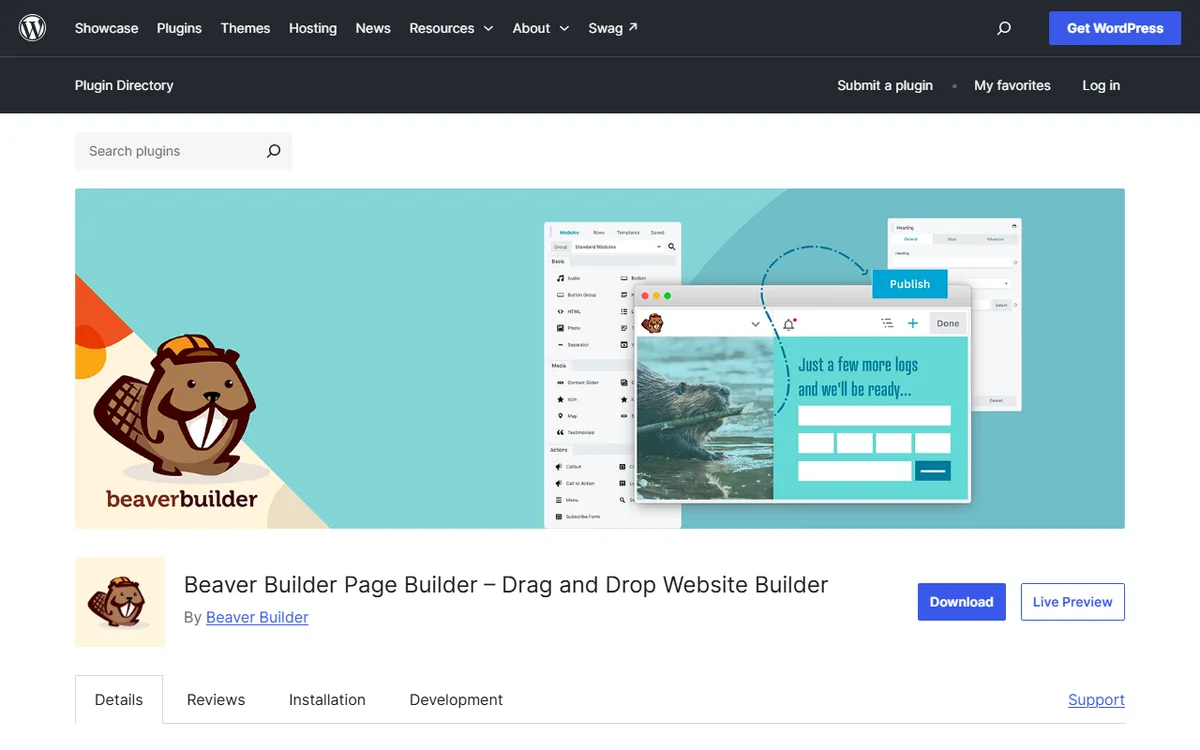
The Beaver Builder Lite page names its included content modules, such as Box, Photo, Button, Heading, Menu, Text Editor, HTML, Audio and Video. It also states that the builder works with pages, posts and custom post types, and that layouts adjust to different screen sizes. The same page places Beaver Themer Theme Builder, pre-made layout templates and the option to save, export and reuse layouts under Premium Features, so these are not included in the free plugin.
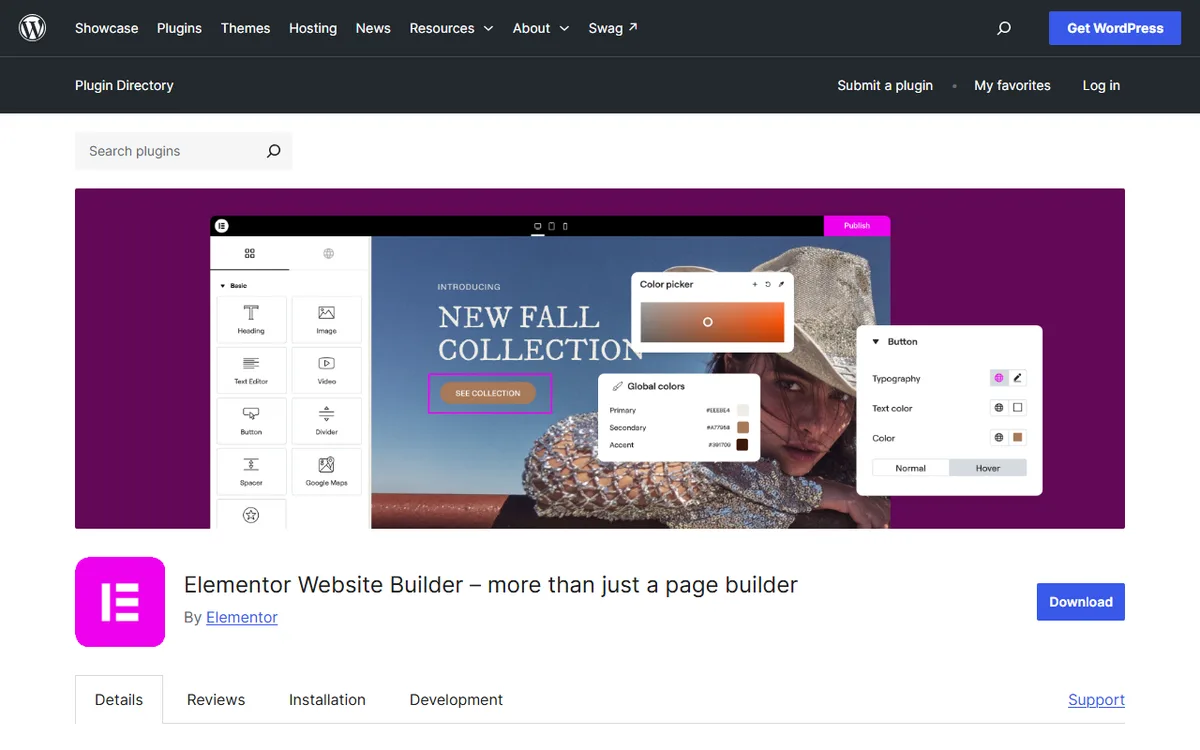
On the Elementor side, Theme Builder, Dynamic Content and the WooCommerce Builder are listed as Pro features. To build headers and footers or a store with either tool, you will need a paid plan. For more details on the free Elementor plugin, read Elementor free vs Pro.
Building pages and themes
The two differ most in how they sell theme building. Beaver Themer is Beaver Builder’s theme builder, included in every plan at no extra cost. It requires a paid plan and does not work with the free Lite version. The Beaver Builder Theme and Beaver Themer are separate products included in every plan and designed to work together.
With Beaver Themer, you can design headers, footers, post templates, archives, search results and 404 pages, then apply templates to posts, products or custom post types. Field Connections can bring ACF, Pods and Meta Box content into layouts. Elementor lists Theme Builder as included in Essential, Advanced Solo, Advanced and Expert, and describes it on WordPress.org as a tool for designing headers, footers, posts and archives.
Templates
Beaver Builder lists 170+ responsive page and row templates built into the plugin. These include landing page, content page and micro page templates, along with pre-designed rows, and they work with any theme. Choose a design in the Templates tab, replace the text and images, then publish. Elementor's free page lists a Template Library with website kits, single pages, blocks and pop-up templates. Its pricing page says Editor Pro adds website templates, landing pages and pre-designed sections.
Dynamic content and online stores
Elementor's pricing page distinguishes features within its plans. Essential connects designs to WordPress content, but does not include custom fields or post types. They are included in Advanced Solo, Advanced and Expert. Beaver Builder's pricing page says its Dynamic Content uses custom fields, post data and templates to create data-driven designs without code. Its page builder page lists Loop Builder in all four plans.
Both describe WooCommerce tools for stores. Elementor presents its WooCommerce Builder as a visual, no-code tool for building stores, including the homepage, product pages and checkout. Beaver Builder lists WooCommerce Support in all four plans, while Beaver Themer can restyle the Shop, Cart, Checkout and My Account pages without editing a template file.
Switching between them
The vendor pages in the Sources list do not describe a conversion tool between the two builders, so expect to rebuild layouts by hand. Beaver Builder says that after you deactivate it, text, images and media remain in your WordPress pages and posts, but the visual layout and styling made with the page builder do not carry over.
For Elementor Pro, Alex Collins, who writes nvudev, offers this advice. When the subscription ends, the site remains live, but avoid editing the Pro elements on your pages because doing so could break them. Leave the pages unchanged, or renew before making edits. This is the author's advice, not a statement from Elementor.
Staging sites do not count toward the site limit for a Beaver Builder plan, so you can safely rebuild a page on a staging copy before switching. Check the result on that copy before changing the live site.
You can reuse Beaver Builder templates you saved on another site through the editor or the cloud, which is useful if you use Beaver Builder across several client sites. Elementor's terms allow you to use templates from its library on your own websites and on websites built for others, but not to resell them as a separate product.
Which to choose for your situation
One personal or small business site
Elementor Essential costs $60 a year for 1 site, and Advanced Solo costs $84, compared with $89 for Beaver Builder Starter, which includes Beaver Themer. Begin with the free plugins if you only need page layouts.
Three client sites
Elementor Advanced costs $108 a year for 3 sites. Beaver Builder Plus costs $179 for 3 sites and adds Beaver Builder AI to the Starter list. If a client's site needs custom fields, keep in mind that Elementor's Essential plan does not include them.
An agency with many sites
Elementor Expert covers 25 sites for $204 a year. Beaver Builder Professional covers 50 sites for $299 a year, while Unlimited covers unlimited sites for $546 and includes White Labeling and priority email support. Elementor also lists One Agency for unlimited sites.
A WooCommerce store
WooCommerce Support comes with every Beaver Builder plan. Elementor's eCommerce features are available starting with Advanced Solo at $84 a year, but are not included in Essential.
You want a refund safety net
Both offer a 30 day guarantee, but check the terms. Elementor's guarantee covers only annual plans, while Beaver Builder refunds only first purchases or recent renewals.
If page speed is important to you, test both builders on a copy of your site before choosing. To see how a third builder compares, read Divi vs Elementor or return to the WordPress page builders overview.
Sources
- Beaver Builder Pricing
- Beaver Builder Page Builder
- Elementor (WordPress.org)
- Elementor Pricing
- Beaver Builder Templates
- Beaver Builder Terms
- Elementor WooCommerce Builder
- Elementor Terms and Conditions
- Beaver Builder Lite (WordPress.org)
- Beaver Themer
Frequently asked questions
Is Beaver Builder cheaper than Elementor?
No. As seen from the United States on 4 November 2026, Elementor costs $60 per year for 1 site (Essential), $108 for 3 sites (Advanced) and $204 for 25 sites (Expert). Beaver Builder costs $89 for 1 site and $179 for 3 sites.
Does Beaver Builder include a theme builder?
Yes. Beaver Themer, its theme builder, comes with all four Beaver Builder plans at no extra charge, but it does not work with the free Lite version.
What happens to my content if I deactivate Beaver Builder?
Text, images and media remain in your WordPress pages and posts, but the visual layout and styling made with the page builder do not carry over.
Do both builders offer a refund?
Both offer a 30 day guarantee. Elementor says the guarantee covers only annual plans. Beaver Builder refunds first purchases requested within 30 days and may refund automatic renewals requested within 30 days.
Can I still edit my pages after an Elementor Pro subscription ends?
Alex Collins, who writes nvudev, recommends against it. The site remains live, but editing Pro elements could break them, so renew before making changes. This is advice, not Elementor's documentation.