
Prices below come from the official Wix and Squarespace pricing pages as seen from the United States on 4 November 2026, before tax. Check wix.com/plans and squarespace.com/pricing before you buy.
Pick Wix if you want to start for free, place elements anywhere on the page, and choose from many templates. Pick Squarespace if you want a design-focused site with less setup and are comfortable getting support by email and chat.
For a basic business site, the two builders are about the same price. The right choice depends on how much control you want, whether you need to sell online, and how comfortable you are with a set layout structure.
Quick verdict by type of owner
| If you are | Pick | Main reason |
|---|---|---|
| Testing an idea with no budget | Wix | It has a free plan with no time limit |
| Building a portfolio or a service business site | Squarespace | Its sections keep layouts consistent |
| Selling a few products | Either | Both support selling on their lowest paid plans |
| Selling a lot online | Compare plans closely | Fees and tools differ by plan, see below |
| Wanting a phone number for support | Wix | Squarespace does not offer phone support |
| Starting from an AI-generated draft | Either | Both have AI site builders |
Pricing: Wix is cheaper at the bottom, close elsewhere
| Plan | Billed yearly | Billed monthly |
|---|---|---|
| Wix Free | $0 | $0 |
| Wix Light | $17 a month ($204 a year) | $24 |
| Wix Core | $29 a month ($348 a year) | $36 |
| Wix Business | $39 a month ($468 a year) | $46 |
| Wix Business Elite | $159 a month ($1,908 a year) | $172 |
| Squarespace Basic | $19 a month ($228 a year) | $25 |
| Squarespace Core | $29 a month ($348 a year) | $39 |
| Squarespace Plus | $49 a month ($588 a year) | $65 |
| Squarespace Advanced | $99 a month ($1,188 a year) | $139 |
Both builders renew automatically. Wix says promotions apply only to the first purchase and discounted plans renew at the standard rate. Squarespace has recently changed its plan prices, so check your billing details for the actual renewal charge rather than assuming it will match last year's price.
For a full breakdown of one option, read our guide to Squarespace plans and pricing.
Free plan versus free trial
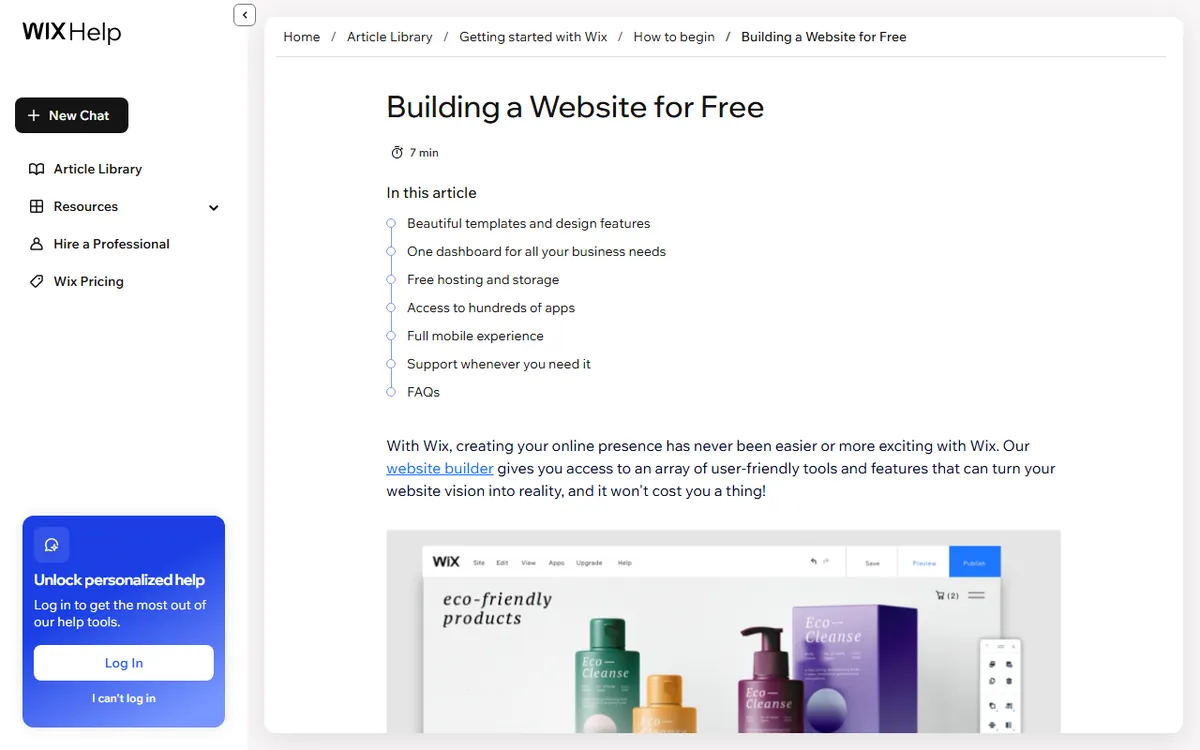
Wix offers a free plan you can use for as long as you want without a credit card. The site uses a wixsite.com address, displays Wix branding, and includes 500 MB of storage. You cannot use a custom domain or accept online payments. Our guide to the Wix free plan explains what it can and cannot do.
Squarespace does not offer a free plan. It has a 14-day free trial that requires no credit card, but a trial site cannot accept live payments. When the trial ends, you must select a paid plan to keep the site public.
Ease of use: freeform editor against structured sections
Wix's classic editor lets you drag elements anywhere on the page. It feels natural at first, but layouts are easier to break, especially on phones. Squarespace uses sections and blocks to build pages, which offers less freedom and fewer ways to end up with a messy page.
Both builders now offer an AI starting point. With Wix's AI website builder and newer Harmony editor, you can describe a business in a chat and get pages, layouts, colors, and starter content. Squarespace's Blueprint AI asks about your business and then creates a multi-page starter site with copy, imagery, colors, and fonts. In both cases, you edit the result yourself, so expect to rewrite some text. For more on the Wix process, see how to build a site with Wix.
Templates and switching later
Wix's marketing pages list more than 2,000 website templates. Its own help pages do not agree on the number, and one still says 800 or more. On the day it was checked, Squarespace's template catalog showed 202 website templates, a live count that can change.
It is difficult to change your mind later with either builder. You cannot switch templates on an existing Wix site, so you would need to create a new site, move your domain and plan, and copy over the content. Squarespace 7.1 sites also cannot switch templates, so you make design changes in the editor. Pick a template with the layout you want from the beginning.
Selling online
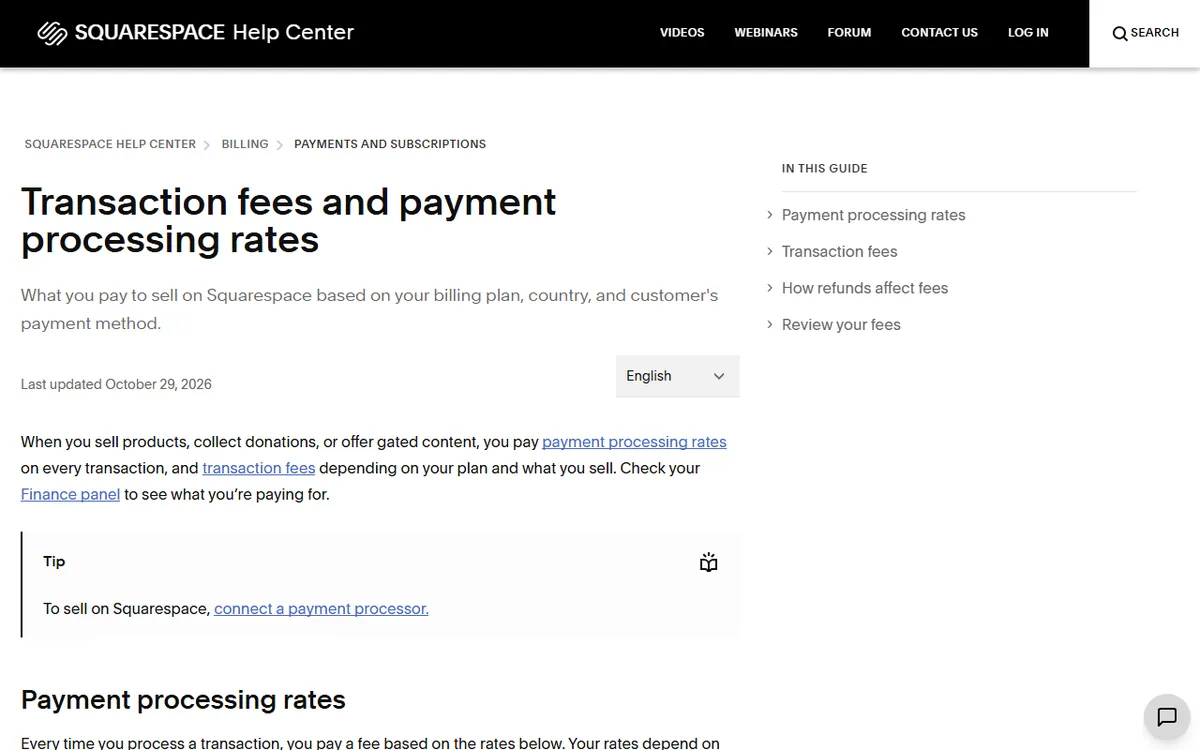
Both builders let you sell on their lower paid plans, though their fees are different. Wix charges a payment processing fee on every sale, while Squarespace Basic charges a 2% transaction fee on store sales, which its higher plans do not charge.
- Wix: Wix Payments charges 2.9% plus $0.30 for standard US cards, excluding American Express, and 3.7% plus $0.30 for American Express. Wix also works with PayPal, Stripe, Square, Klarna and other providers, with availability depending on the country.
- Squarespace: Basic has a 2% store transaction fee. Core, Plus and Advanced have no transaction fee. For standard US cards, Squarespace Payments charges 2.9% plus $0.30 on Basic and Core, 2.7% plus $0.30 on Plus, and 2.5% plus $0.30 on Advanced. Digital content and membership fees are 7%, 5%, 1% and 0%, respectively, from Basic to Advanced.
Squarespace Core includes customer accounts, gift cards, point of sale and unlimited products. Plus includes abandoned cart recovery, subscriptions, and more advanced shipping and discounts. Wix's free plan does not accept online payments, so a paid plan is needed to sell.
Storage, support and custom code
| Feature | Wix | Squarespace |
|---|---|---|
| Storage | Free 500 MB, Light 2 GB, Core 50 GB, Business 100 GB, Business Elite unlimited | No general storage quota confirmed. Video upload storage is 30 minutes on Basic, 5 hours on Core, 50 hours on Plus and unlimited on Advanced |
| Bandwidth | Unlimited on paid plans | Included, with no numeric cap stated |
| Support channels | Chat, phone callback and email | Email, live chat, X, Facebook Messenger and the mobile app, with no phone support |
| Custom code | Embed code on a published site connected to a domain, plus Velo for JavaScript | CSS in code blocks on all plans, JavaScript blocks and code injection on current paid Core, Plus and Advanced plans |
| Refund window | 14 days for a new plan | Annual plans within the refund window, which reseller terms put at 14 days |
Wix lists English callback support around the clock and expert live chat on weekdays. Squarespace lists email support as always available, with a reply within 12 hours outside business hours, and live chat on weekdays. Hours can change, so check the support page for your time zone.
How to decide in ten minutes
- Decide whether selling is necessary. If it is, estimate your monthly sales and compare the fees above for both builders.
- Decide whether you prefer freedom or guardrails. Choose Wix for freeform control and Squarespace for structure.
- Try both free options. Create a free Wix site and start a Squarespace trial, then build a home page in each.
- Check the first year’s paid cost and the cost for the following year. Note the annual price, domain cost and renewal price.
- Choose your template before adding content, since switching later means starting a new site.
New to this? Before paying for a plan, begin with what a website builder is.
Sources
- Wix plan options and pricing (Wix plan prices)
- Squarespace plan pricing (Squarespace plan prices and fees)
- Wix Help Center: how to use Wix for free (free plan limits)
- Wix Help Center: bandwidth and storage (storage by plan)
- Wix Help Center: getting a refund for a premium plan (14-day refund)
- Wix Payments fees for processing (US card rates)
- Squarespace payment processing rates and transaction fees (fees by plan)
- Squarespace support hours and channels (support options)
- Squarespace: a guide to templates (version 7.1 templates)
- Squarespace Blueprint AI (AI site builder)
Frequently asked questions
Is Wix or Squarespace cheaper?
Wix costs less at the low end. Its Light plan costs $17 per month with annual billing, compared with $19 for Squarespace Basic. Wix offers a free plan, while Squarespace has only a 14 day trial.
Which is easier for a complete beginner?
Wix is quicker to start with because you can place elements anywhere. That freedom can make a site messy over time. Squarespace uses more structure, which helps keep pages tidy with less effort.
Can I switch from Wix to Squarespace later?
Not in one click. Neither builder allows you to change a published site's template, so you need to build the new site and copy your content over.