
With templates and drag-and-drop tools, you can build and launch a website without writing code. Many hosted builders also include hosting and site management, so you can put your site online without setting up hosting separately.
By the end of this guide, you will know what website builders do, how the main types differ, what free plans include and what trade-offs to consider before committing. If you want to start building now, follow the step-by-step walkthrough in how to build a website from scratch, without code.
What a website builder does in plain terms
Hand-coding involves writing every page in HTML, CSS and often JavaScript. It offers complete control, but requires technical skill and time. A builder handles most of that work for you. Choose a design, edit text and images on a visual canvas, and let the platform create and manage the code behind it.
WordPress is mainly a content management system, which helps you manage pages, posts and other content. With self-hosted WordPress, you choose and pay for hosting, install the software, and select themes and plugins. A page-builder plugin such as Elementor or Divi adds visual editing tools on top of WordPress. To take the WordPress route, see how to build a website with WordPress, step by step.
How a builder works, from sign-up to publishing
Most hosted builders follow a similar process.
- Sign up and select a template, or tell the builder's AI assistant about your site if it offers one.
- Change text, images and sections on the visual canvas.
- Create the pages you need, such as home, about, services and contact.
- Review the mobile version of every page.
- Complete the SEO fields, including page titles and descriptions.
- Publish using the builder’s free address, or use a paid plan to connect a custom domain.
Most builders automatically make a mobile-friendly version. Wix, for example, creates one that you can edit separately in a mobile editor. Webflow provides responsive breakpoints so you can adapt a layout to different screen widths. Make checking the mobile version a required step, since the automatic version is only a starting point.
The main types of builders and who each suits
| Type | Examples | What is included | Best suited to |
|---|---|---|---|
| Hosted all-in-one | Wix, Squarespace, Webflow, Shopify | Hosting, security, templates and the editor in one subscription | Beginners who want one place to manage everything |
| WordPress page builder | Elementor, Divi | Visual editing inside WordPress. Hosting is not included in the plugin or the Divi membership | People who want more control and are willing to manage hosting |
| AI site generator | Hostinger AI Builder, GoDaddy Airo | A site generated from a description, with a plan needed to publish | People who want a fast first draft to refine |
Editors vary within the hosted group. Wix has a drag-and-drop editor. Squarespace uses its Fluid Engine editor. Webflow offers greater design freedom, with templates or a blank canvas, while Shopify focuses on setting up an online store. To explore AI-assisted options, see the best AI website builders, or visit the best no-code website builders for a broader comparison.
Features most builders include
- Templates to customize instead of designing from scratch.
- Hosting and SSL. Wix says every Wix site uses HTTPS and SSL, while Squarespace and Shopify include hosting and SSL with their service.
- Forms to collect messages from visitors. Squarespace notes that you may need to configure submission storage or delivery settings.
- Ecommerce tools. Squarespace says the specific store features vary by plan.
- SEO settings. Wix documents SEO fields you can customize and an SEO Setup Checklist, while Webflow documents settings for page titles and descriptions.
Check the basics yourself, even if the builder takes care of the technical side. Give images descriptive alt text, make sure text is easy to read against its background, and test the loading speed of published pages. Google's SEO starter guide explains how titles, descriptions and content influence search, and the WCAG 2.2 quick reference lists accessibility requirements.
What free plans and trials really give you
Free options vary widely, and not all of them are free plans. Some are trials that expire.
| Builder | Free option as of 4 November 2026 | Key limit |
|---|---|---|
| Wix | Free plan | Wix address and Wix branding, custom domain needs an upgrade. Free sites include up to 500 MB storage and 1 GB bandwidth |
| Squarespace | 14-day trial, no permanent free plan | Trial sites cannot accept payments |
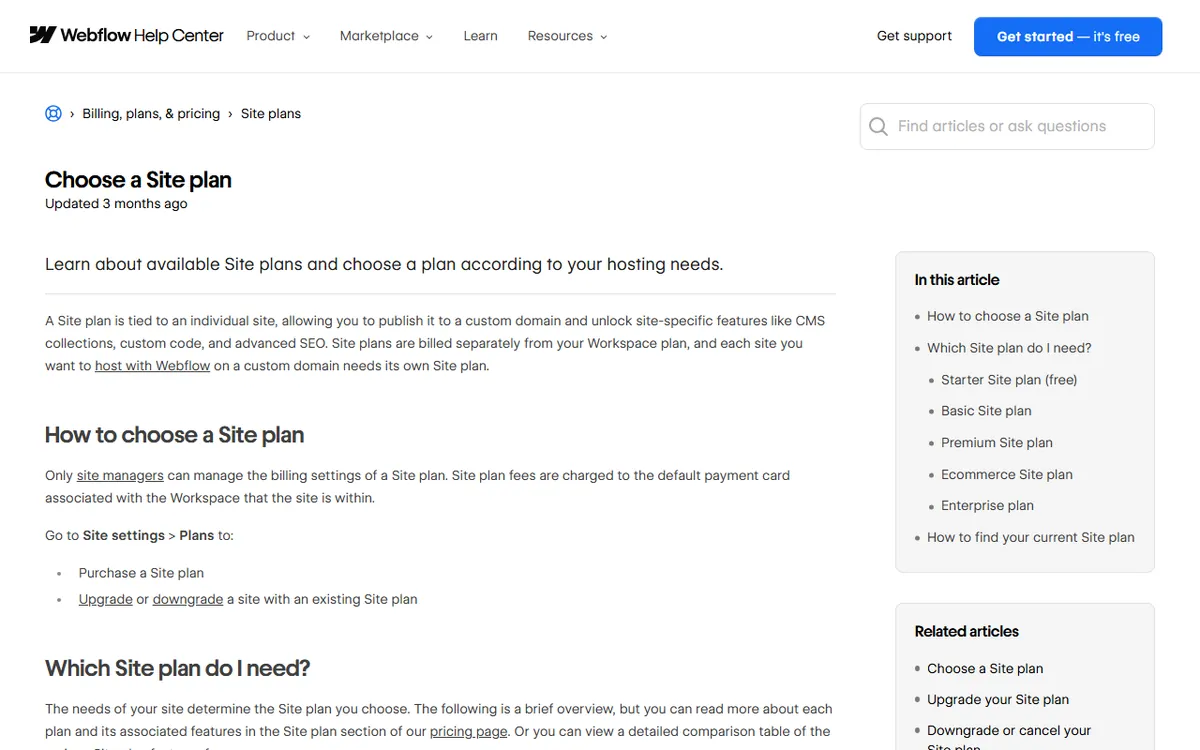
| Webflow | Free Starter site | 2 static pages, 50 CMS items, a webflow.io address |
| WordPress.com | Free plan | 1 GB storage and a wordpress.com address |
| Carrd | Free plan | Up to three sites, custom domains need a paid plan |
| Shopify | Trial only | A paid plan is required to continue |
Free plans suit learning and simple projects, but a custom domain, no builder branding and accepting payments usually require a paid plan. For details on one builder, read what the Wix free plan covers and where its limits are. Builders also promote low starting prices that increase at renewal. For example, Hostinger lists an entry offer of $1.99 a month for a 48-month term paid upfront, with renewal at $10.99 a month. Check the renewal price before paying.
Ownership and lock-in: what happens if you leave
Hosted builders connect your site to their platform, so moving it later takes effort.
- Wix: Regular Wix sites have to run on Wix's servers. Wix offers beta code export for Studio sites, allowing you to host the frontend on a Node server, but that frontend still relies on Wix media and APIs.
- Squarespace: lets you export some content in a WordPress-format XML file. Store pages, product blocks, styles and custom CSS are among the things that are not exported, and you cannot export a trial site.
- Webflow: paid Workspace plans let you export HTML, CSS, JavaScript and assets. The export does not include CMS content, ecommerce, form processing or site search.
The practical takeaway is to keep your text, images and logo in your own copy outside the builder. Content you wrote is easy to reuse. You will need to rebuild the design and built-in features.
How to choose a builder
Choose a builder that fits the job, then review the cost over several years.
- Ease of use: try the free plan or trial before paying, and publish a test page.
- Total cost: include the plan price, domain and any renewal increase. Keep in mind that card processing is separate from platform fees, so selling online adds a cost.
- Growth path: find out which plan unlocks the features you may want in a year, such as payments or additional pages.
- Exit options: review the export page above before creating 50 pages.
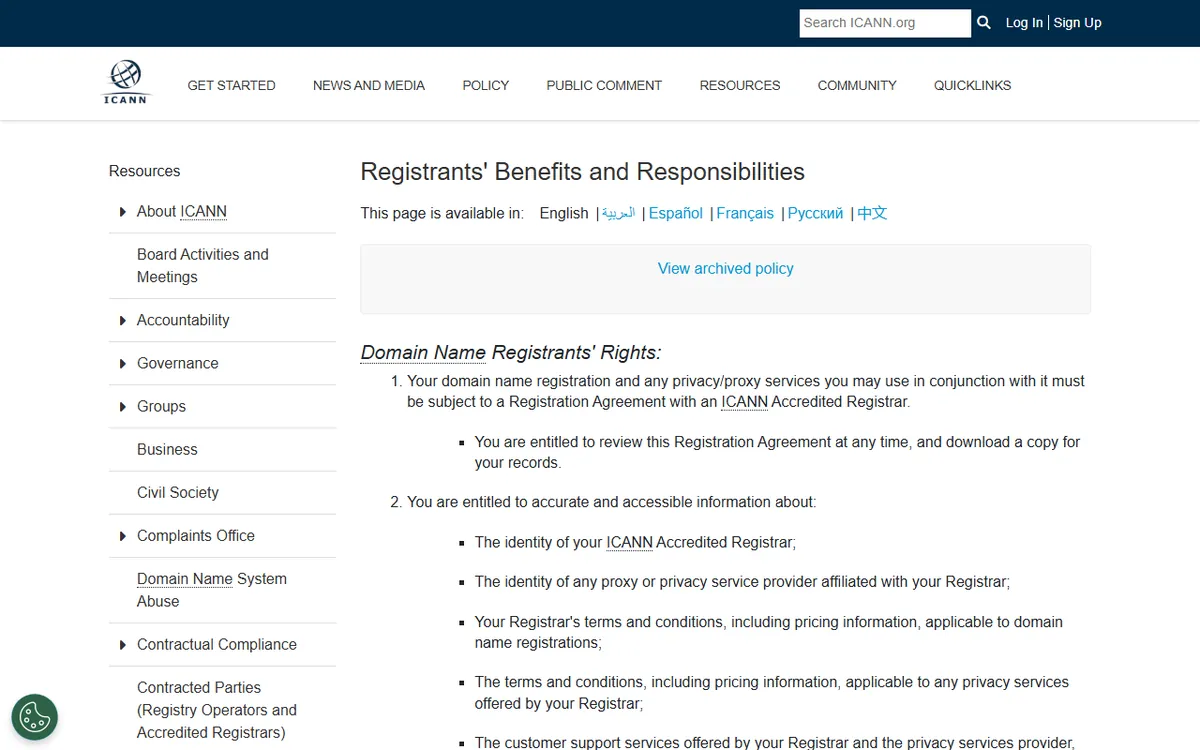
Domain basics are useful here. A domain name is the address people enter, and it is registered separately from your design, even if the builder sells it to you. ICANN describes the benefits of owning your own domain. Marketing claims like "free" or "50 million sites" do not show whether a service suits you, so check the actual plan limits on the vendor's pricing page instead.
Sources
- Wix website builder (includes definition, hosting and security)
- WordPress.com: WordPress.com vs. WordPress.org (CMS compared with hosted setup)
- Wix Help: exporting or embedding your Wix site elsewhere (vendor lock-in)
- Squarespace Help: exporting your site (export restrictions)
- Webflow Help: exporting site code (export restrictions)
- Wix: is Wix actually free? (free plan restrictions)
- Webflow Help: select a Site plan (Starter restrictions)
- Squarespace pricing (14-day trial)
- Hostinger AI Builder pricing (initial offer and renewal)
- Google Search Central: SEO starter guide (SEO essentials)
Frequently asked questions
Do I need to know how to code to use a website builder?
No. A builder creates and manages the underlying code, allowing you to work with templates, sections and visual controls. You only need to know some code if you want to do more than the editor allows.
Is a free website builder good enough to launch a real site?
It is enough to learn how to use the tool and publish a simple site. Free plans usually use the builder’s own address and branding, so most businesses upgrade to connect a custom domain.
Can I move my site to another platform later?
It depends on the builder. Wix says a standard Wix site must run on Wix's servers, Squarespace exports some content in a WordPress format XML file, and Webflow lets paid Workspace plans export HTML, CSS, JavaScript and assets. In every case, plan for a partial rebuild.