
Wix includes hosting with its website builder, along with the editor and security updates, so you do not need to install anything. The free plan lets you use the editor and publish a working site without paying. It is a practical way to try Wix, and it may be all some people need.
What the Wix free plan includes
- The complete Wix editor and its template library
- Hosting, which puts your site online as soon as you publish
- A free web address in the format username.wixsite.com/sitename
- The option to edit and publish again as often as you want
The build experience is the same as on a paid plan. The limits show up after publishing.
The limits of a free Wix website
| Free plan | Paid plans | |
|---|---|---|
| Wix branding and ads on your site | Yes | Removed |
| Web address | username.wixsite.com/sitename | Your own domain |
| Accept online payments | No | On plans that support payments |
The ads and wixsite.com address are common reasons to upgrade. Visitors see both, and a free address is harder to remember and print on a business card.
Who the free plan suits
The free plan is a good fit when you want to:
- Test Wix before deciding if it is the right builder for you
- Create and improve a site before you are ready to officially launch it
- Manage a personal project, class assignment, or event page where branding is not important
- Share a draft with a client or friend to get feedback
The free plan is less suitable for a business site that customers need to trust. It cannot take payments, so a shop needs a paid plan.
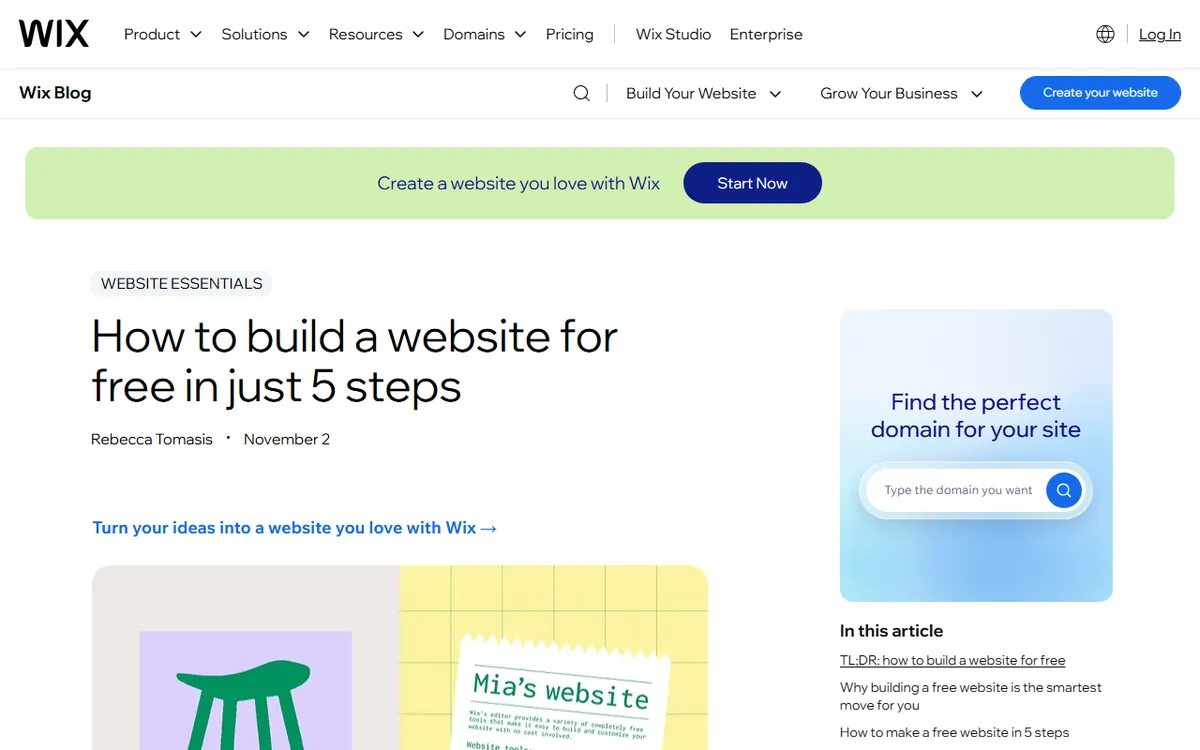
Wix's guide to creating a website for free lists similar uses: a personal portfolio or freelance résumé, a hobby blog, a community group page, a school project and a one-page event site. These all share information instead of selling, which is what the free plan is designed for.
When to upgrade to a paid Wix plan
Upgrade when your site is ready to represent you publicly: when you want your own domain, no Wix ads, or the option to accept payments. You can keep building on the free plan and upgrade when you launch. Your site carries over, so you do not need to rebuild anything. Wix lists its current plans and prices on its plans page, and plans change over time, so check there before choosing one.
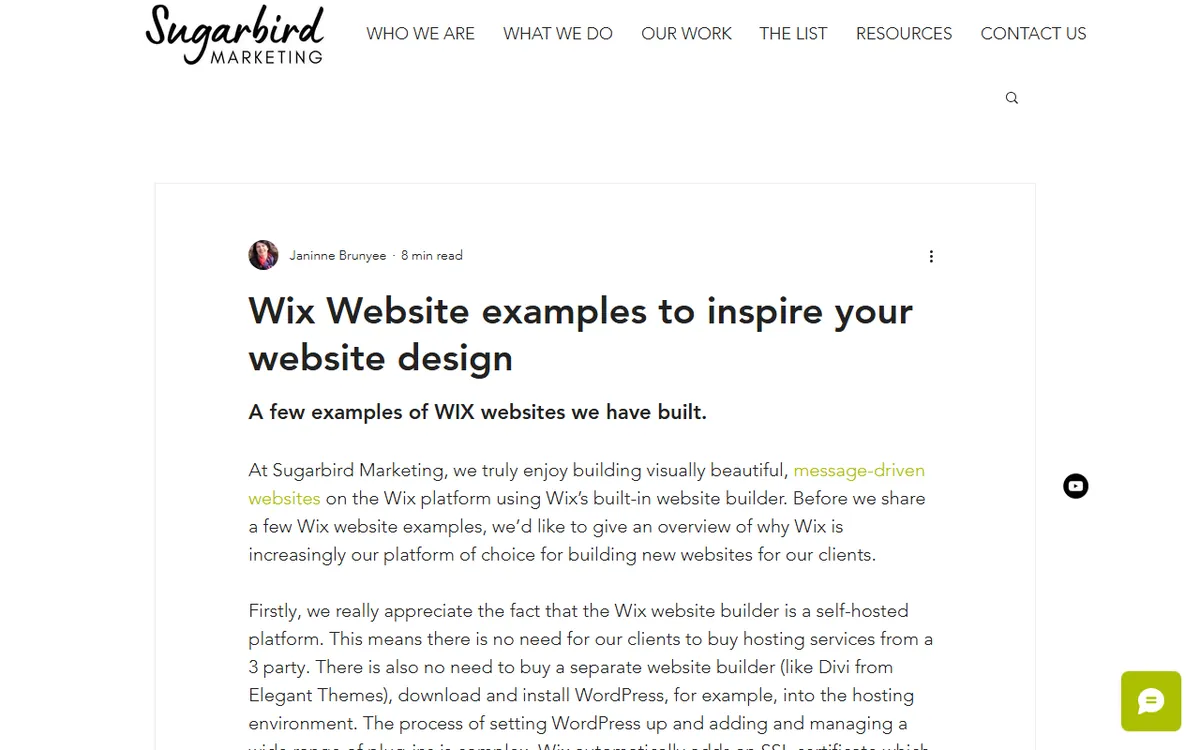
Sugarbird Marketing describes two small businesses that depend on paid features. Sweetwater Stem Co., a flower farm in Gig Harbor, sells seasonal flower and egg subscriptions using Wix Payment Plans. Ann Van Orsdel, a healer and educator, accepts paid appointments through Wix Bookings and sells event places with Wix Events. The free plan cannot support either, since it cannot take payments.
Larger sites go further. The agency VISion Marketing rebuilt the site of Aldenham Residential, a developer with 30 developments and 89 plots, on Wix Studio so the team could update listings itself. It also moved the Miller's Way Project acupuncture clinic's 28 services and 17 practitioners into Wix Bookings. Both projects go well beyond what a free site can do.
How to build a free website with Wix
- Sign up for a free account on Wix.
- Pick a template that is close to the site you have in mind.
- Swap out the demo text and images for your own, one page at a time.
- Review the mobile view in the editor and fix anything that looks cramped.
- Click Publish to make the site live at your free wixsite.com address.
If you get stuck on a step, the Wix Help Center has official answers to most questions. For planning, read our guide on building a website from scratch, and visit our Wix hub for more about Wix.
Frequently asked questions
Is Wix free to make a website?
Yes. You can sign up, create a site and publish it for free. The site will display Wix branding and ads and have a wixsite.com address.
Can I use my own domain on the Wix free plan?
No. You need a paid Wix plan to connect your own domain name.
Can I sell products with a free Wix website?
No. Selling requires a paid Wix plan that supports payments, such as the Core or Business plans, which include payment acceptance. The free plan does not.