
The main difference is the payment model. WPBakery offers lifetime licenses, including 1 site for a one-time $82 payment. Elementor offers yearly plans, ranging from $60 per year for 1 site to $204 per year for 25 sites, based on a United States view on 4 November 2026.
This guide compares their prices, free options, refunds, page and theme building, and what to consider when moving a site between them. See the WPBakery pricing guide for every WPBakery license and the cost of support after the first year. For details on Elementor plans, see the Elementor pricing guide.
The short answer
- Choose WPBakery if you want to pay once, your theme takes care of headers and footers, and you mainly need to arrange content on pages and posts. It works with any properly coded WordPress theme.
- Choose Elementor if you want to design headers, footers and archives in the builder, work with dynamic content or build WooCommerce store pages, and are comfortable paying each year. Theme Builder comes with the Essential plan and higher plans.
The WPBakery pages reviewed for this guide do not describe a theme builder. If designing themes inside the page builder matters to you, that is the key difference.
Price and licensing side by side
WPBakery prices come from its pricing page as read in US dollars on 10 November 2026. Elementor prices are in US dollars as seen from the United States on 4 November 2026 on Elementor's pricing page.
| Sites you run | WPBakery (paid once) | Elementor (per year) |
|---|---|---|
| 1 site | $82 (Regular) | $60 (Essential) or $84 (Advanced Solo) |
| 3 sites | $246 for three Regular licenses, or $299 for 5 Sites | $108 (Advanced, 3 sites) |
| 25 sites | $1,033.20 for the 30-site Agency Program pack, or $1,483 for two 10 Sites licenses plus one 5 Sites license | $204 (Expert, 25 sites) |
Since WPBakery requires a one-time payment and Elementor charges each year, WPBakery Regular at $82 costs less than Elementor Advanced Solo's first year at $84. Elementor Essential costs $120 by its second year, exceeding the one-time $82 price. These amounts exclude WPBakery's optional support renewals, explained in the WPBakery pricing guide.
At the listed prices, the 30-site Agency Program pack costs $1,033.20 as a one-time payment, while Elementor Expert at $204 a year totals $1,020 over five years and $1,224 over six. Expert costs more only in the sixth year. These amounts exclude WPBakery's support renewals and any change in Elementor's price.
Elementor also offers One and One Agency plans, and describes One Agency as covering unlimited sites. Check Elementor's pricing page for their prices. Elementor subscriptions renew at the listed price. A WPBakery license includes free lifetime updates. Auto-updates require an active Support Plus period, but manual updates remain available after it ends.
Refunds
WPBakery accepts refund requests made within 15 days of purchase. Paid support purchases cannot be refunded, and refunds are not granted for reasons such as changing your mind, purchasing by mistake or not having the expertise to use the product. Elementor's 30-day money-back guarantee covers annual plans only, and its terms exclude monthly subscription renewals, upgrades and other subscription changes from refunds.
What you get free
Elementor offers a free plan. It includes unlimited sites, 32 widgets, a drag-and-drop editor, a landing page builder, the Hello Theme and mobile editing. WordPress.org lists over 40 free widgets, so the number varies by page. Elementor is free software released under GPLv3.
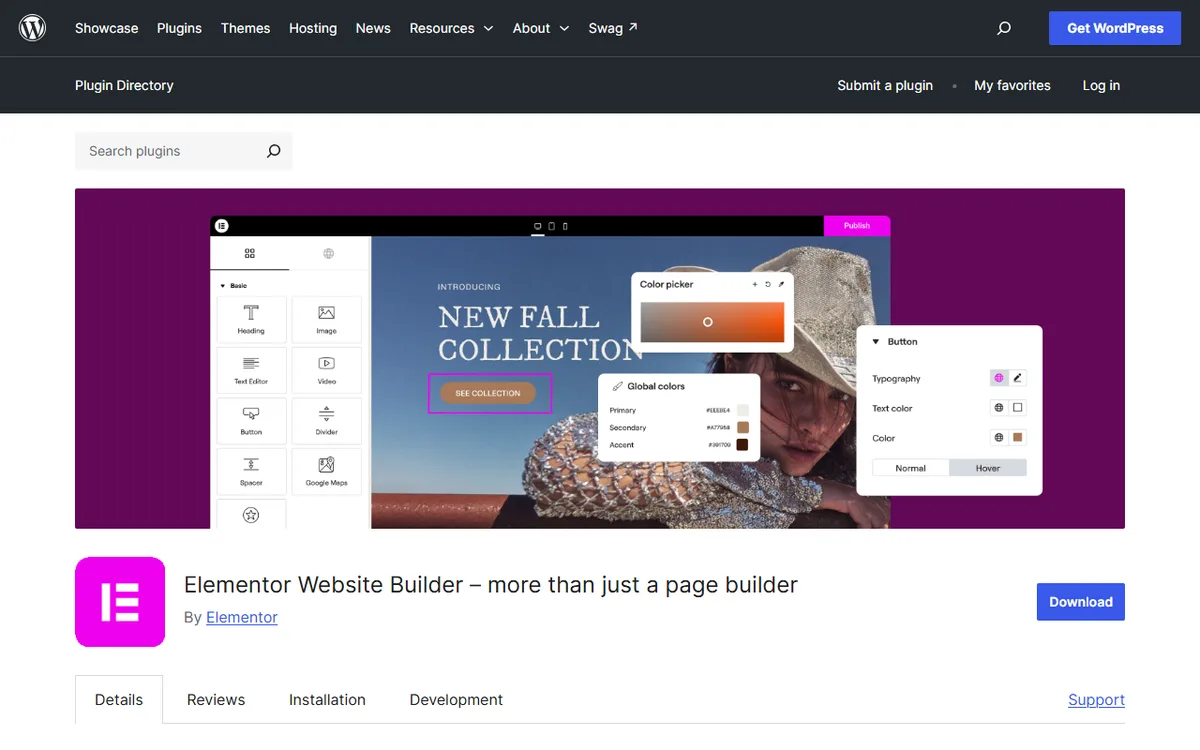
For information about WPBakery's demo, refunds and free or paid options, see the WPBakery pricing guide. Elementor's free versus Pro comparison explains what is not included in the free plan.
Building pages and themes
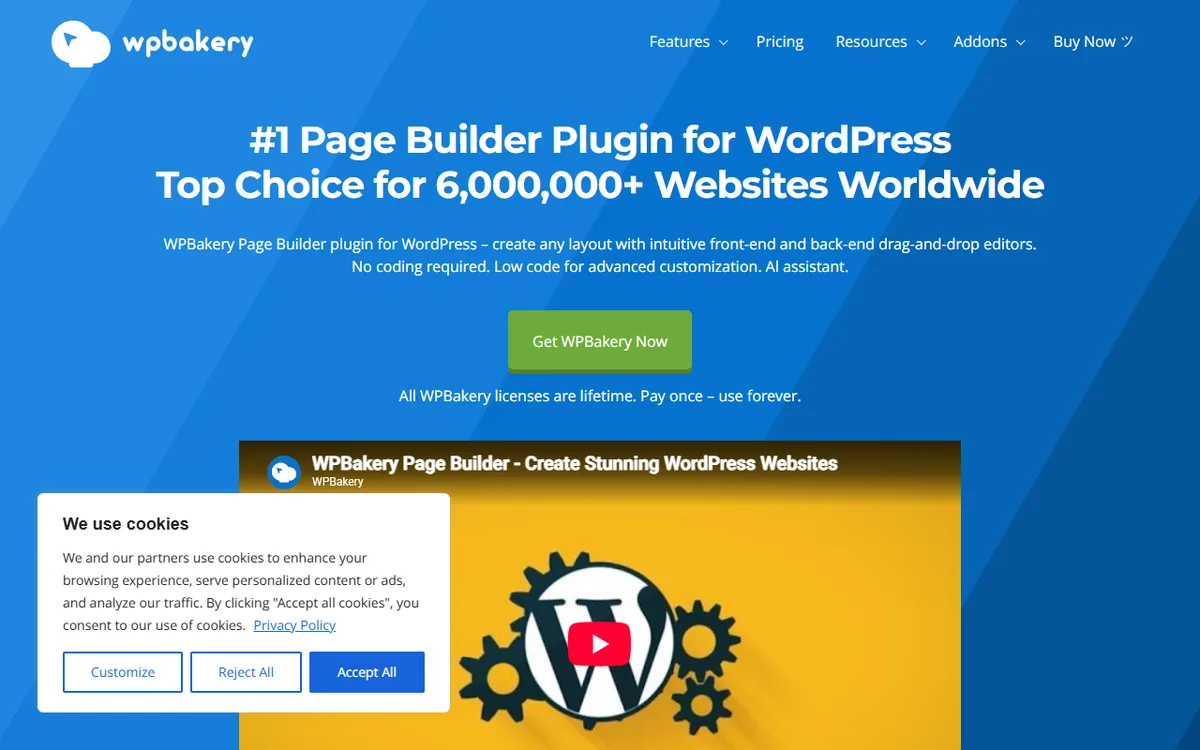
How WPBakery builds pages
WPBakery provides frontend and backend editors, prebuilt content elements, templates, and responsive design controls. It works with correctly coded WordPress themes. Install a theme, activate WPBakery, and add content elements with one click. It supports pages, posts, and custom post types, and you can use ACF on pages, posts, or grid elements.
WPBakery saves all its data in the standard WordPress content field. When added to a site with existing content, it recognizes the content and wraps it in an editable format while preserving its data and structure. For WooCommerce, it provides shortcodes as content elements. You can add custom theme shortcodes through Shortcode Mapper.
For templates, WPBakery provides 100+ predefined templates and a Template Library updated weekly, with free stock images. You can save any layout as a template, and since version 5.0, you can also save rows and sections. The Templatera add-on inserts templates as independent blocks, so editing a template updates every page that uses it. The Template Library requires an active license with support.
How Elementor builds pages and themes
Elementor Pro includes Theme Builder for headers, footers, single post templates, and archives, as well as dynamic content controls and WooCommerce integration. Theme Builder comes with Essential, Advanced Solo, Advanced, and Expert. Essential includes Dynamic Content, but not Custom Fields and Post Types. Popup Builder, custom code and CSS, and eCommerce features are available starting with Advanced Solo.
Elementor's Pro library includes website templates, landing pages, and pre-designed sections. Its WooCommerce Builder lets you customize every page in an online store, including product pages, shop layouts, carts, checkout, and account pages.
Switching between them
WPBakery saves its layout in the standard WordPress content field, so content remains in the post when you change builders. If you deactivate WPBakery, its shortcodes may show on the page instead of the finished elements. If you deactivate Elementor, Elementor says its designs and layouts are no longer visible, while text and images return to a basic, unstyled format in the default WordPress editor.
WPBakery says moving from Elementor is not automatic: you must rebuild pages, with no one-click migration available. It refers to third-party migration plugins but does not document a WPBakery tool for converting or importing Elementor pages. Elementor documents import and export kits for site content, templates and settings, but does not describe them as a way to import pages made with WPBakery. Treat a move in either direction as a rebuild, in this order:
- Back up the site.
- Make a copy on a staging site.
- Rebuild one page and one post type using the new builder.
- Review your headers and footers, because WPBakery's pages do not describe a theme builder, while Elementor Pro's Theme Builder designs headers, footers, posts and archives.
- Switch to the live site when the staging copy looks right.
Leaving Elementor Pro comes with one specific risk. Alex Collins, who writes nvudev, advises that the site stays live after an Elementor Pro subscription ends, but you should not edit or change the Pro elements on your pages because doing so risks breaking them. The advice is to leave pages built with Pro elements unchanged after the subscription ends, or renew before making changes.
Which to choose for your situation
- A single site you plan to keep for years, using a theme that already handles headers and footers. WPBakery Regular at $82 once costs less over time. Elementor Essential exceeds $82 in its second year.
- A site where you want to design the header, footer, and archives yourself. Elementor lists Theme Builder starting with Essential at $60 a year. The WPBakery pages described here do not mention a theme builder.
- Three or four client sites. For four sites, WPBakery 5 Sites at $299 costs less than four Regular licenses at $328. Elementor Advanced costs $108 a year for 3 sites.
- A large portfolio. Elementor Expert covers 25 sites for $204 a year. WPBakery's 10 Sites license covers 10 sites for $592, while its Agency Program lists a 30-site pack at $1,033.20.
- A WooCommerce store. Both offer WooCommerce tools. Elementor eCommerce features are available starting with Advanced Solo for $84 a year.
If you are also considering Visual Composer, a separate product from WPBakery, read Visual Composer versus WPBakery.
Sources
- WPBakery Pricing
- Elementor Pricing
- WPBakery Features
- Elementor Terms and Conditions
- wpbakery.com: Wpbakery agency program
- WPBakery Refund Policy
- Download Elementor for Free
- Elementor on WordPress.org
- WPBakery Knowledge Base
- WPBakery For Any WordPress Theme
- WPBakery Template Library
- WPBakery Templates Docs
- Elementor Theme Builder
- wpbakery.com: Common wpbakery issues and how to fix them
- elementor.com: Is Elementor easy for beginners, yes
- wpbakery.com: How to change a WordPress site without coding
- elementor.com: Importing and exporting Elementor website templates
Frequently asked questions
Is WPBakery cheaper than Elementor?
For one site over several years, yes, based on listed prices. WPBakery Regular costs $82 once, while Elementor Essential costs $60 per year and totals $120 in its second year. WPBakery support renewals cost extra.
Does WPBakery have a theme builder like Elementor?
WPBakery’s pages do not describe a theme builder. Elementor Pro includes Theme Builder with its Essential, Advanced Solo, Advanced and Expert plans.
Is WPBakery a one-time payment and Elementor a subscription?
Yes. WPBakery offers lifetime licenses with free updates for life, while Elementor offers yearly plans that renew at the list price.
Can I use WPBakery with any theme?
WPBakery says it works with any WordPress theme that is properly coded.
Can I convert a WPBakery site to Elementor?
Not through a one click tool. WPBakery says there is no one click migration from Elementor and provides no converter, while Elementor’s import and export kits do not include WPBakery pages. Plan to rebuild the pages on a staging copy.