
SiteOrigin Page Builder and Elementor are both free WordPress plugins that help build page layouts. Their paid plans differ. SiteOrigin Premium costs $29, $49 or $99 per year, based on how many sites you run. Elementor's four plans for 1 to 25 sites cost $60 to $204 per year in the United States and come with Theme Builder.
This guide compares their prices, free features, page and theme building tools, and what to consider when moving a site from one to the other. For full details on SiteOrigin's plans, see the SiteOrigin Premium pricing guide. For Elementor plans, see the Elementor pricing guide.
The short answer
SiteOrigin uses rows, columns and standard WordPress widgets to arrange content. Elementor uses elements in a visual editor. Both offer a free plugin to get started.
- Choose SiteOrigin if you already have a theme you like, want to manage layouts row by row, and need a low yearly price for many sites. Its Developer plan covers unlimited sites for $99 a year.
- Choose Elementor if you want to design headers, footers and archives in the builder, link designs to dynamic data, or create WooCommerce store pages. These features come with Elementor Pro.
The two products do not have matching prices and features. Elementor's least expensive paid plan includes Theme Builder. SiteOrigin's pages do not describe a theme builder, so a lower priced SiteOrigin plan does not offer the same set of features.
Price and licensing side by side
SiteOrigin prices come from its Premium page as read on 10 November 2026. Elementor prices are in US dollars as seen from the United States on 4 November 2026 on Elementor's pricing page.
| Sites you run | SiteOrigin Premium per year | Elementor per year |
|---|---|---|
| 1 site | $29 (Personal) | $60 (Essential) or $84 (Advanced Solo) |
| 3 sites | $49 (Business, up to 5 sites) | $108 (Advanced, 3 sites) |
| 25 sites | $99 (Developer, unlimited sites) | $204 (Expert, 25 sites) |
SiteOrigin lists each price beside a higher regular price. Personal is $29 instead of $60, Business is $49 instead of $96, and Developer is $99 instead of $180. Check the page for the price at checkout. SiteOrigin's Licensing page says all tiers include every premium addon, with the number of sites as the only difference. Premium renews annually, but SiteOrigin's pages do not say whether renewals cost the sale price or the regular price, so do not assume the first-year price applies in year two.
Elementor also lists One and One Agency plans, and describes One Agency as covering unlimited sites. Prices for both appear on Elementor's pricing page, where you can check the current figures. Elementor subscriptions renew at list price.
Refunds and renewals
SiteOrigin provides a 60-day money-back guarantee on a first purchase. Upgrades are also covered, but the 60 days begin on the original purchase date, not the upgrade date. If an unwanted renewal charge is processed, you can contact SiteOrigin within 30 days for a full refund for that renewal period. Elementor's 30-day money-back guarantee covers annual plans only, and its terms say refunds are not available for upgrades, renewals or other subscription changes.
What you get free
SiteOrigin's free tools include Page Builder, Widgets Bundle, SiteOrigin CSS and Installer, all of which are free and open source. The free Page Builder includes a Live Editor, and the free Widgets Bundle provides 28 widgets. SiteOrigin says there are no artificial limits on pages and no widgets reserved for premium users.
Elementor's free plugin includes a live drag-and-drop editor, basic widgets and templates. Its page says the free Editor is suitable for a basic website, testing ideas or a small business site. Elementor's Template Library also provides full website kits and templates for single pages, blocks and pop-ups.
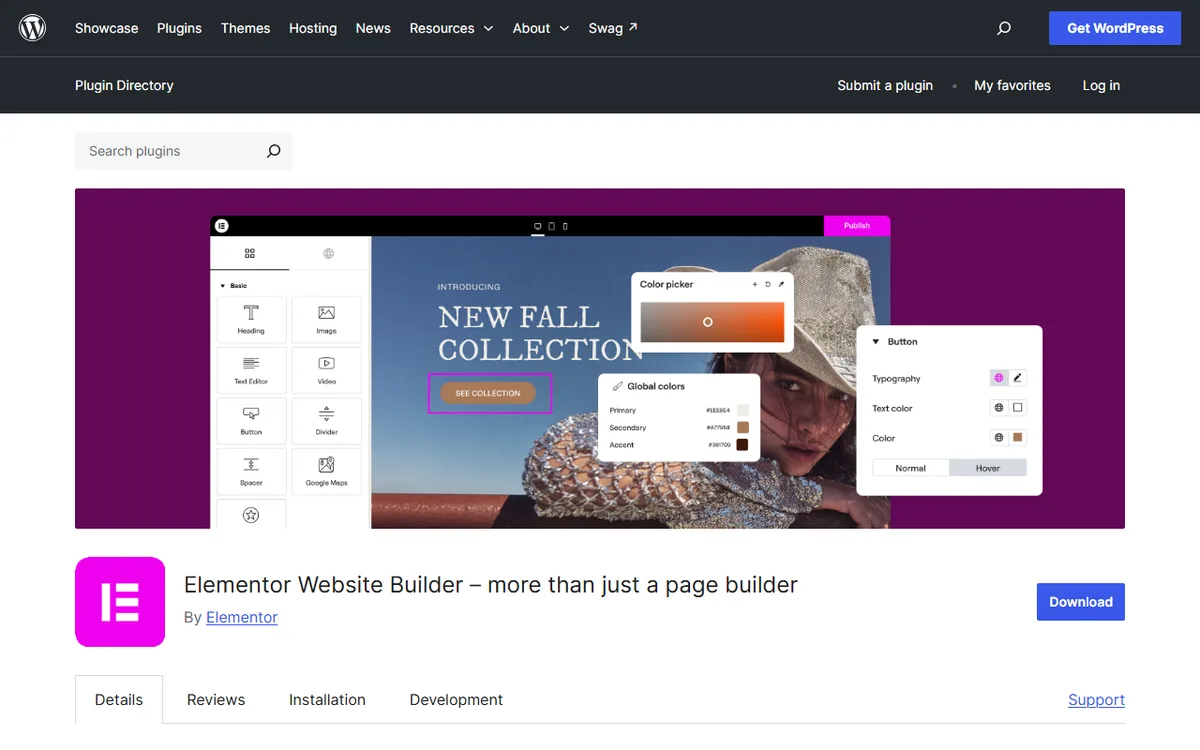
To see more of what Elementor reserves for paid plans, read Elementor free versus Pro.
Building pages and themes
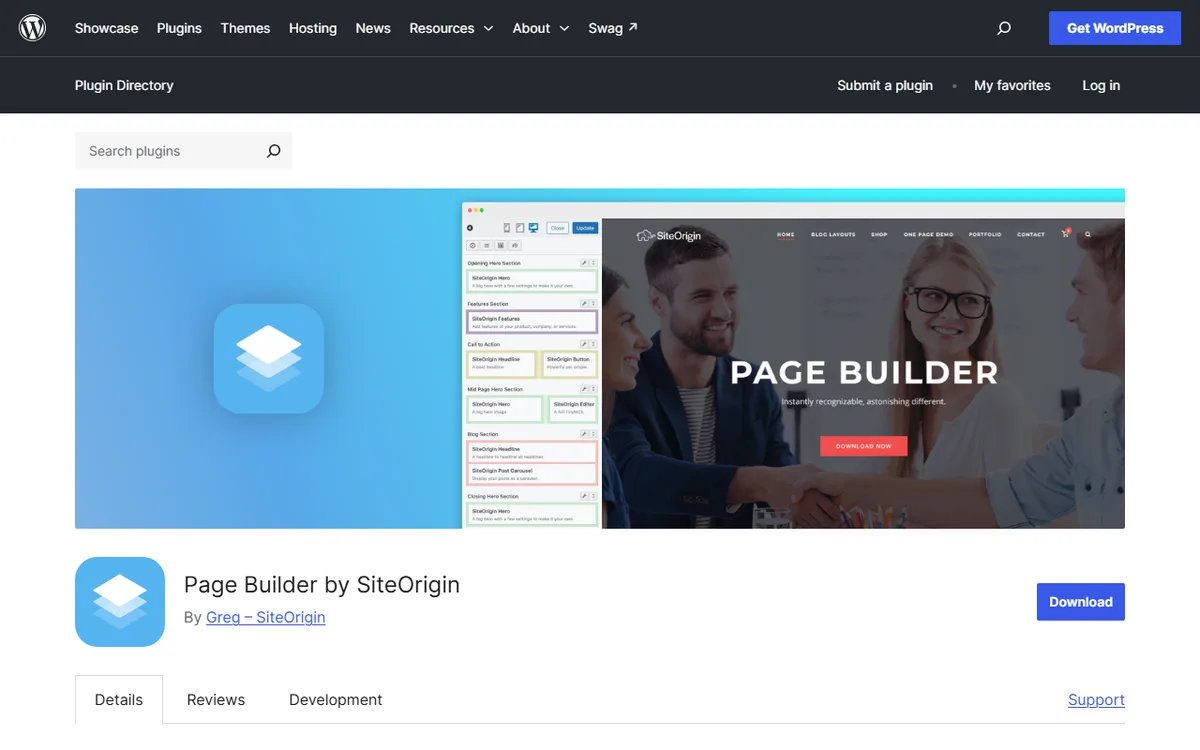
How SiteOrigin builds pages
SiteOrigin Page Builder works with any theme. It operates within the theme's content loop, while the theme continues to set fonts, colors and spacing. You divide rows into columns using fixed ratios such as 50/50, 60/40 and 33/33/33, with columns stacking on mobile. You can place any WordPress widget or SiteOrigin widget in a column. Rows support custom backgrounds, padding, and full-width or boxed layouts.
Page Builder is available in its own interface, as a SiteOrigin Layout Block in the Block Editor, or as a SiteOrigin Layout Widget in sidebar and footer widget areas. Use the Layouts button in the toolbar to add a prebuilt layout or import and export one, and the History button to restore earlier versions.
Premium builds on this. Its Custom Layouts addon lets you save and reuse page sections, Custom Post Type Builder creates post types with Page Builder, and WooCommerce Templates creates shop, product and checkout pages. SiteOrigin lists 10 Theme and Site addons in total. SiteOrigin's pages do not describe a SiteOrigin theme builder or a dynamic data feature, so its documentation does not show how to design headers, footers or data-driven templates inside the builder.
How Elementor builds pages and themes
Elementor Pro comes with Theme Builder for headers, footers, posts and archives, plus WooCommerce Builder for product pages, shop layouts, carts, checkout and account pages. Dynamic Content links designs to data sources.
Theme Builder comes with Essential, Advanced Solo, Advanced and Expert. Essential includes Dynamic Content, but not Custom Fields and Post Types. Popup Builder, custom code and CSS, and eCommerce features are available starting with Advanced Solo. Advanced Solo, Advanced and Expert support custom fields and post types for displaying dynamic data anywhere on a site.
Switching between them
Expect to rebuild every layout in the new editor. One SiteOrigin guide comparing the two builders recommends backing up the site and testing the replacement layout on staging before changing a live page. Repeat this for each page type that matters, starting with the home page and a typical post.
When you deactivate Page Builder, copied page content remains in the post content. Text widgets are copied as HTML, while other widgets are copied as shortcodes, and Copy Content is on by default. The column layout is retained only when Copy Styles is on, and that setting requires Copy Content and is off by default. SiteOrigin also says Page Builder content carries over when you change themes. Elementor's pricing, terms and plugin pages do not explain what happens to pages after Elementor is deactivated.
If you first rebuild on a staging site, SiteOrigin says localhost and staging sites do not count toward its license limits, so testing does not require an extra activation.
There is one drawback to moving away from SiteOrigin. SiteOrigin says content and layouts remain after a Premium subscription is canceled or expires, but its Licensing page and Refund Policy conflict on whether installed Premium addons continue working. If your pages depend on a Premium addon, contact SiteOrigin support before allowing the license to lapse.
Moving away from Elementor Pro has a similar concern. Alex Collins, who writes nvudev, advises that the site remains live after an Elementor Pro subscription ends, but editing Pro elements on your pages could break them. The advice is to leave pages built with Pro elements untouched after the subscription ends, or renew before making changes.
Which to choose for your situation
- A small website in a style you already enjoy. SiteOrigin’s free plugins include rows, columns, and widgets. Personal costs $29 a year and includes addons if you want them. Elementor Essential costs $60 a year and includes Theme Builder.
- Three to five websites. SiteOrigin Business costs $49 a year for up to 5 websites. Elementor Advanced costs $108 a year for 3 websites and includes Popup Builder, custom code and CSS, and eCommerce features.
- A WooCommerce store whose pages you want to design individually. Elementor offers WooCommerce Builder and eCommerce features starting with Advanced Solo, which costs $84 a year for 1 website. SiteOrigin offers a WooCommerce Templates addon to build shop, product, and checkout pages with Page Builder.
- Many client sites. SiteOrigin Developer costs $99 a year for unlimited sites, and staging sites do not count toward its limits. Elementor Expert costs $204 a year for 25 sites, while One Agency is described as covering unlimited sites, with its price listed on Elementor's pricing page.
- Headers, footers, and archives created in the editor. Elementor includes Theme Builder for this purpose in its Essential, Advanced Solo, Advanced, and Expert plans. SiteOrigin’s pages do not show a theme builder.
Sources
- Compare SiteOrigin with Elementor
- Get SiteOrigin Premium
- Elementor Pricing
- Page Builder by SiteOrigin
- Elementor Website Builder (WordPress.org)
- Documentation for SiteOrigin Page Builder
- SiteOrigin Licensing
- SiteOrigin Refund Policy
- Elementor Terms and Conditions
- Page Builder by SiteOrigin (WordPress.org)
- siteorigin.com: Settings
Frequently asked questions
Is SiteOrigin Page Builder better than Elementor?
The right choice depends on the job. SiteOrigin is free, works with any theme and has low-cost yearly addons, while Elementor Pro includes Theme Builder, Dynamic Content and WooCommerce Builder. Choose based on the features you need.
Is SiteOrigin cheaper than Elementor?
For listed first-year prices, yes. SiteOrigin Premium costs $29, $49 or $99 a year, while Elementor's plans for 1 to 25 sites cost $60 to $204 a year in US dollars. SiteOrigin does not specify its renewal price, and the plans do not offer the same features.
Can I use SiteOrigin Page Builder for free?
Yes. Page Builder, Widgets Bundle, SiteOrigin CSS and Installer are free. SiteOrigin says Page Builder has no artificial page limits or widgets available only in premium plans.
Does SiteOrigin have a theme builder like Elementor?
SiteOrigin's pages do not say that it includes a theme builder. Elementor Pro lists Theme Builder as a feature in its Essential, Advanced Solo, Advanced and Expert plans.