
SiteOrigin Premium is an annual subscription with three plans. Personal covers 1 site for $29 per year, Business covers up to 5 sites for $49 per year, and Developer covers unlimited sites for $99 per year. All three include every premium addon, so the number of sites you need is the only factor in choosing a plan.
The page builder is free. Premium builds on the free Page Builder, Widgets Bundle and SiteOrigin CSS plugins, adding addons, updates and email support. This guide covers the prices, what you get for free, how to purchase and activate a license, and what happens when it expires. It also notes one point where SiteOrigin's own pages give conflicting information.
SiteOrigin Premium plans and prices
Prices below come from SiteOrigin's Premium page as read on 10 November 2026. Each price is shown next to a higher regular price, so check the page for the amount you will pay at checkout.
| Plan | Price per year | Live sites | Regular price shown | What it adds |
|---|---|---|---|---|
| Personal | $29 | 1 | $60 | Email support and a 1-site license |
| Business | $49 | Up to 5 | $96 | Priority email support and multisite compatibility |
| Developer | $99 | Unlimited | $180 | Unlimited site licenses and client-friendly licensing |
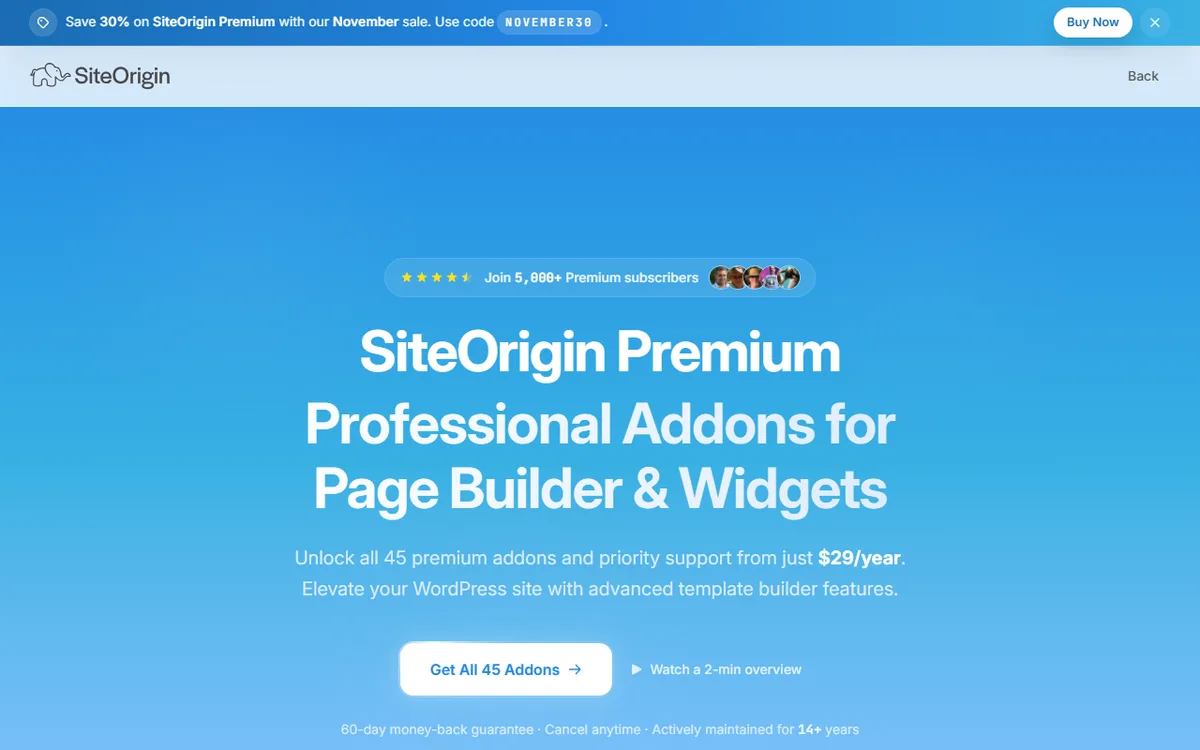
All three plans are billed annually and may be canceled at any time. SiteOrigin says the only difference between plans is how many sites you can activate, and every plan comes with all 45 premium addons, ongoing updates, all future addons and priority support. The plan cards describe support somewhat differently, listing email support for Personal and priority email support for Business, so support alone should not determine your choice.
The Premium page also promotes a 60-day money-back guarantee. The refund policy confirms it, with details provided in the section about ways to pay less.
What you get free before you pay
SiteOrigin has four free plugins: Page Builder, Widgets Bundle, SiteOrigin CSS and Installer. You can get them on WordPress.org, and SiteOrigin also offers a collection of free themes. Premium builds on these plugins rather than replacing them, and the Premium page itself recommends trying the free Page Builder and Widgets Bundle first.
The free Page Builder is a drag-and-drop plugin with a Live Editor that lets you edit on the front end and see changes right away. It includes a History Browser for moving back and forward through changes, plus a Layout Block for placing a full Page Builder layout in the WordPress Block Editor. SiteOrigin says there are no artificial page limits, no need to upgrade for core features and no widgets reserved for Premium.
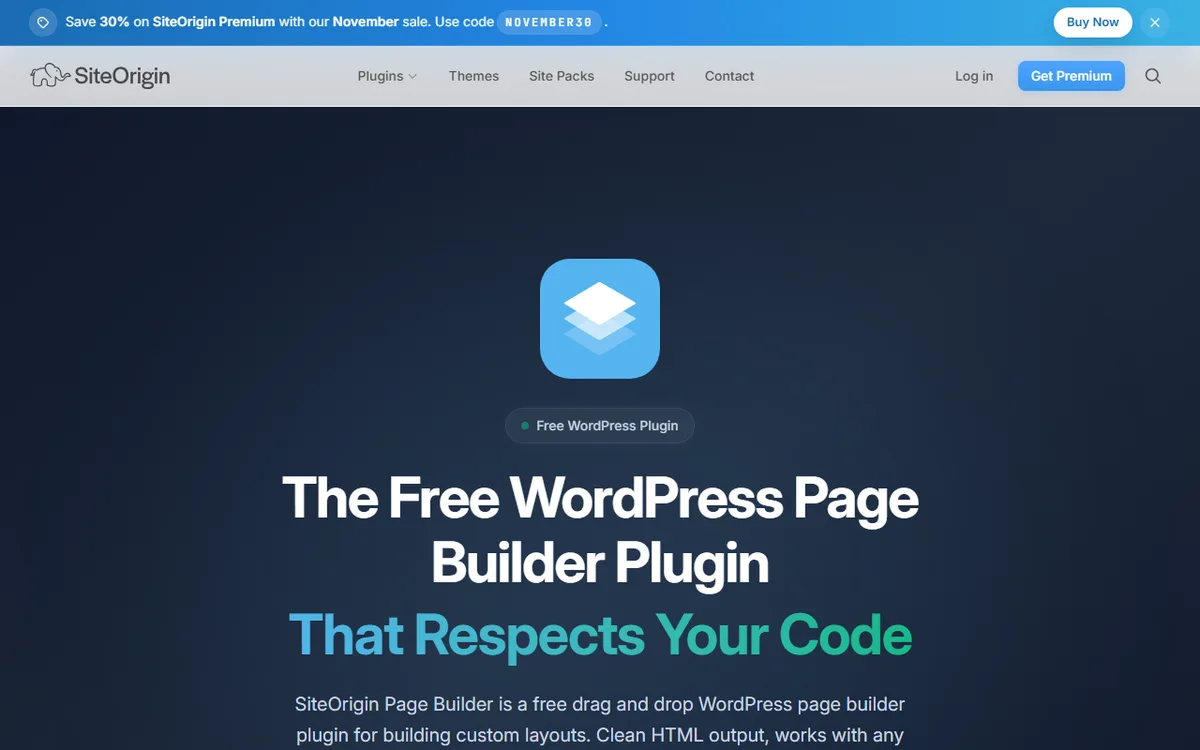
The free Widgets Bundle provides 28 widgets designed for the Page Builder grid. The free plugins remain free: SiteOrigin says Page Builder, Widgets Bundle, CSS and Installer keep working if a Premium subscription is canceled or expires.
Installing the free plugin and its requirements
To install Page Builder, open Plugins, Add New in WordPress and search for SiteOrigin Page Builder. The WordPress.org listing specifies WordPress 5.9 or higher and PHP 7.0.0 or higher. SiteOrigin's own Page Builder page specifies WordPress 5.0 or higher and PHP 7.4 or higher. Since the pages conflict, use a current WordPress and PHP version and check the plugin listing before installing.
The free plugins offer an easy way to try SiteOrigin at no cost, with no time limit. If you buy Premium afterward and change your mind, the purchase is covered by the 60-day money-back guarantee.
What the paid plans add
Premium is a single plugin that adds 45 addons. SiteOrigin groups them into 18 Page Builder addons, 17 Widgets Bundle addons and 10 theme enhancements. Every plan includes all 45, with no tiers, limits or charges for individual addons.
The free and Premium comparison shows these additions:
- Landing pages, parallax effects, and video backgrounds
- Widget visibility and mirroring, along with carousel improvements and a lightbox
- Accordion and Tabs improvements
- Custom fonts and typography, including 1,600+ Google Fonts
- Block animations, WooCommerce templates, and contact form improvements
- Custom 404 and maintenance pages, along with logo and branding improvements
Most addons build on a free SiteOrigin plugin, either Page Builder or the Widgets Bundle. When you activate an addon, SiteOrigin Premium also turns on the plugins and widgets it requires, if they are installed and your account has permission to activate plugins. You do not need both free plugins to install Premium.
The subscription also provides updates and support. SiteOrigin says Premium addon code is licensed under GPL 3.0, but receiving addon updates from its servers, getting the license key for update notices, and accessing priority email support require an active subscription and are not covered by the GPL.
Which plan to choose
Count the live sites you plan to run, then choose the least expensive plan that covers them. A site counts only when you activate the license on a live domain that anyone can access. Localhost, private IP addresses, domains ending in .local, .test or .dev, subdomains such as dev.example.com or staging.example.com, and staging domains from common hosts do not count toward the limit.
- One site: Personal costs $29 per year.
- Two to five sites: Business costs $49 per year. With five sites, that is $9.80 per site per year, compared with $29 per site if you purchased Personal five times.
- Six or more sites, or sites you build for clients: Developer costs $99 per year and includes unlimited site licenses and client-friendly licensing.
Over three years, if the listed price stays the same, Personal costs $87, Business costs $147 and Developer costs $297. Since Premium is a yearly subscription, that is the full calculation for each plan.
You can transfer a license. SiteOrigin says it can be moved freely from one site to another. To do this, clear the License Key field and click Save on the old site, or deactivate the site from the SiteOrigin dashboard. Then activate the license on the new site.
If you are comparing SiteOrigin with other builders, the SiteOrigin versus Elementor comparison compares their costs, while the Elementor pricing guide explains Elementor's own plans.
How to buy, install and activate SiteOrigin Premium
SiteOrigin says your account activates within seconds of checkout, making every addon available to activate. Premium is a standard WordPress plugin. Download it as a ZIP file from your SiteOrigin dashboard and upload it to your site.
- Sign in to your SiteOrigin dashboard, locate SiteOrigin Premium in the Product column, and click its file link in the Files column.
- Keep the file zipped. WordPress installs it in ZIP format.
- In WordPress, open Plugins, then Add Plugin. Click Upload Plugin, select the ZIP and click Install Now. Next, click Activate Plugin.
- Locate your license key in the order confirmation email or in the SiteOrigin dashboard. Go to Order History, select View Licenses, then click the key icon in the Key column.
- In WordPress, go to SiteOrigin, Premium License, enter the key in License Key, and click Save.
- Go to Premium Addons and turn on the addons you want.
When your license is active, WordPress updates SiteOrigin Premium like any other plugin. You can enable auto-updates on the Plugins page. About every three hours, the plugin checks siteorigin.com for a new version. If no update appears, go to Dashboard, Updates and click Check again. You can also update manually using the ZIP file in the Downloads tab of your SiteOrigin dashboard. Updating with a ZIP leaves addon settings and the license key unchanged.
When a site moves to a new address, deactivate the old address in the dashboard. Then go to SiteOrigin, Premium License and click Save to activate the license for the new address. The Manage License page in your SiteOrigin dashboard lists every site on a license and lets you deactivate one.
What happens when a license ends
While your subscription is active, Premium renews automatically each year, and SiteOrigin emails a reminder before each renewal. If you cancel or renewal payments continue to fail, the license expires when its term ends. You can renew an expired license at any time, and its key remains the same.
Your pages and layouts remain. SiteOrigin says that content created with its products stays on the site and that the free plugins continue to work. Updates and email support end, the license key is deactivated, and free community forum support remains available. If you subscribe again, your Premium settings are restored. The Licensing page says there is no penalty if a subscription lapses.
The official pages give conflicting information about the addons. The Licensing page, license documentation and renewal guide say installed addons continue working but no longer receive updates. The Refund Policy says Premium addon features stop working when a subscription is canceled or expires. If your site relies on a Premium addon, ask SiteOrigin support which statement applies before allowing a license to lapse.
To renew, sign in to your SiteOrigin dashboard and click Order History, then View Licenses, then Renew license next to the expiration date. This link appears only when a license has the status Expired. You can also use the renewal link in the notice WordPress displays when the license expires. After renewing, go to SiteOrigin, Premium License and click Save to check the license right away.
Ways to pay less
- Begin with the free plugins. Page Builder, Widgets Bundle and SiteOrigin CSS are free, and Premium adds to them.
- Choose the smallest plan that works. Plans differ only in the number of sites, so there is no feature-based reason to pay for Developer if you run one site.
- Start with a staging site. Local and staging sites do not count toward your site limit, so you can develop a site before it goes live and uses an activation.
- Take advantage of the 60-day refund. You can request a full refund for any reason within 60 days of your first purchase. Email SiteOrigin with your order number or account email address. Refunds take 5 to 10 business days and are returned to the original payment method. For an upgrade, the period starts on the original purchase date.
- Cancel before renewal if you no longer need it. Cancel through the account dashboard before the renewal date. If an unwanted renewal charge is processed, contact SiteOrigin within 30 days for a full refund for that renewal period.
SiteOrigin lists each plan next to a higher regular price, and the screenshot above shows a sale banner at the top of the page. Offers change, so check the current page before buying and note the amount displayed at checkout.
If you are still deciding how to build your site, the guide on how to build a WordPress site explains how a page builder fits in, while the WordPress builders overview lists other options.
Sources
- SiteOrigin Premium
- Renewing a License
- Premium License
- Refund Policy
- Licensing
- About SiteOrigin
- Page Builder by SiteOrigin
- Page Builder by SiteOrigin (WordPress.org)
- How to Install SiteOrigin Premium
- SiteOrigin Premium License
- How to Update SiteOrigin Premium
- Managing Sites You Activated
Frequently asked questions
Is SiteOrigin Premium free?
No. Premium costs $29 a year to start for one site. The Page Builder, Widgets Bundle, SiteOrigin CSS and Installer plugins are free and continue working if a Premium subscription ends.
How much does SiteOrigin Premium cost?
Personal costs $29 a year for 1 site, Business costs $49 a year for up to 5 sites and Developer costs $99 a year for unlimited sites, as read on 10 November 2026. All plans include all 45 addons.
What does SiteOrigin Premium add to the free Page Builder?
It includes 45 addons, such as landing pages, parallax and video backgrounds, custom fonts, block animations and WooCommerce templates, as well as updates and priority email support.
How do I activate a SiteOrigin Premium license?
Upload the Premium ZIP to WordPress and activate it. Then go to SiteOrigin, Premium License, paste in your license key, and click Save. Find the key in your order confirmation email or SiteOrigin dashboard.
Does SiteOrigin offer free themes?
Yes. SiteOrigin offers a family of free themes along with its free plugins.