
Power Pages benefits businesses that need customer portals, application forms or sites with sign-in. A brochure site is better served by another builder.
Microsoft has discontinued older tools that people still look up, including FrontPage and SharePoint Online public websites. For a simple business site, the free alternatives near the end of this page are a better place to start.
Power Pages is Microsoft's website builder today
Power Pages is part of the Microsoft Power Platform. Microsoft calls it a low-code platform for external-facing business websites and increasingly promotes AI-assisted site creation, Copilot and agent features. Power Apps portals was the previous name for this product line, and may still appear in licensing documents.
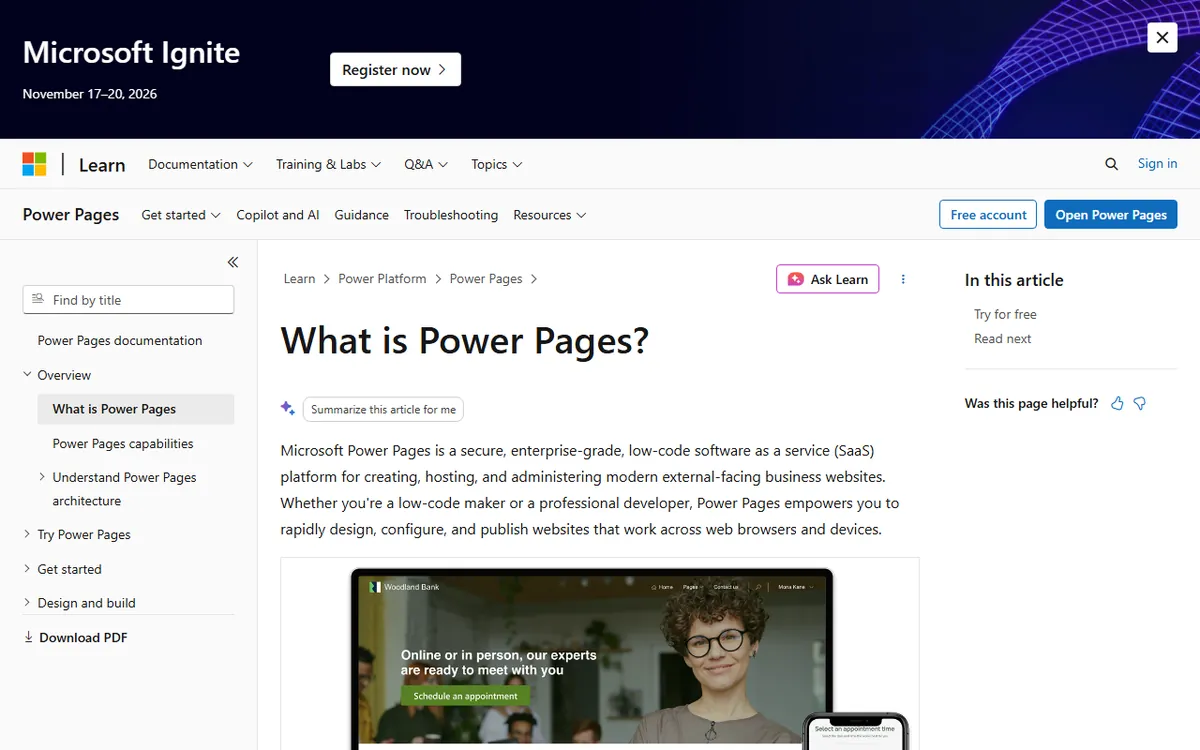
Power Pages is a business tool for sites that connect to data, collect forms and allow people to log in. It is not meant as a quick way to publish a five-page company website. Microsoft’s introduction to Power Pages provides a full explanation of the product.
What Microsoft retired
People often mistake two products for current options.
- FrontPage: Microsoft’s lifecycle page states that support for FrontPage 2003 has ended.
- SharePoint Online public websites: Microsoft stopped permitting new sites after March 9, 2015, and sites whose removal had been postponed were set to be deleted by March 31, 2018.
Do not build plans for a new public website around either product. Microsoft’s FrontPage lifecycle page and notice on public websites confirm this.
What Power Pages costs
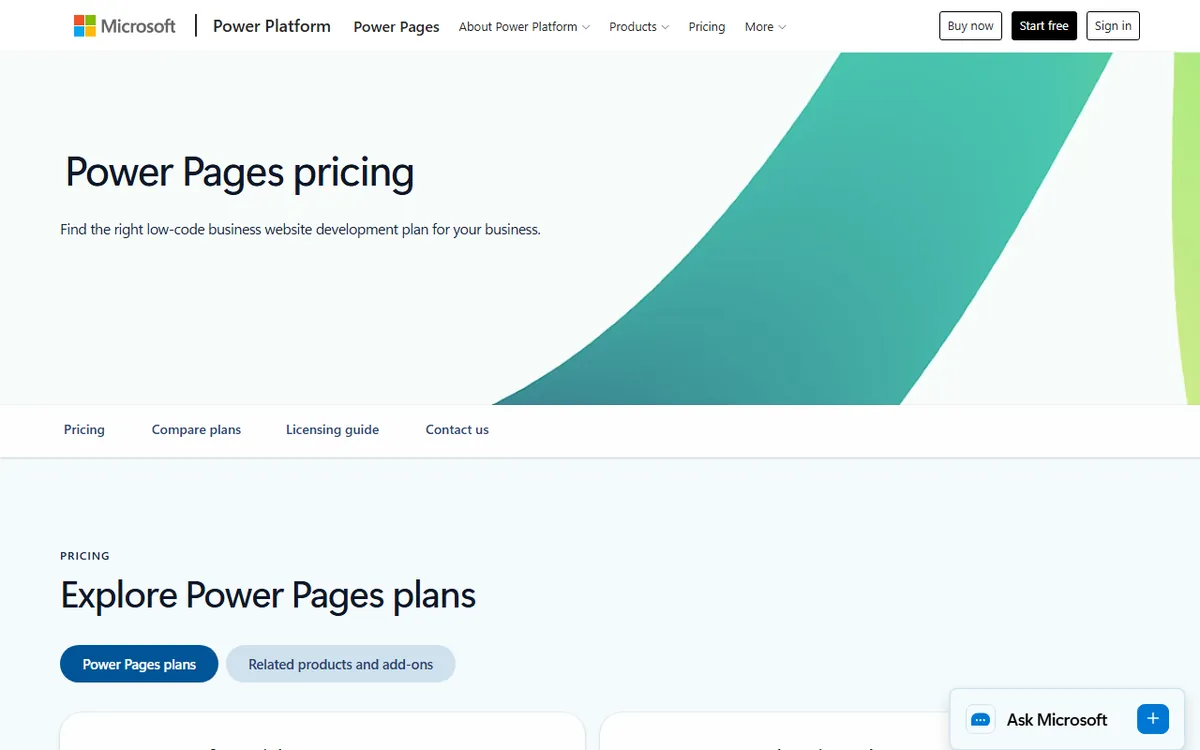
Prices below come from Microsoft's official Power Pages pricing page as seen from the United States on 4 November 2026. Microsoft also lists other volume tiers and monthly commitments. Check Microsoft's pricing page before you buy.
| User type | Pack size | Price, paid yearly |
|---|---|---|
| Authenticated users (people who sign in) | 100 users per site | $200 a month |
| Anonymous users (visitors who do not sign in) | 500 users per site | $75 a month |
The cost is based on how many people use the site, rather than how many pages it contains. This is the main difference from a standard builder plan. A site with 50 signed-in customers and 1,000 anonymous visitors a month would require at least one pack of each, based on these pack sizes. Check the exact count and volume rules with Microsoft before committing.
If you exceed the number of users you purchased, Microsoft’s licensing guidance says occasional, reasonable overages are allowed, but customers should adjust their quantity to remain compliant. It does not guarantee that a site will continue running without limits, so do not assume extra users are free.
Power Pages is offered as a standalone product. You generally do not need a separate Power Apps license just to license a site, and Microsoft says that simply setting up a website does not require Dataverse capacity. Some internal users may also get usage rights through qualifying Power Apps or Dynamics 365 licenses, subject to their terms.
The trial and how to start
A trial site lasts 30 days in a trial environment, or until that environment expires if sooner. A trial site created in a non-expiring environment, such as production or sandbox, lasts 90 days. After expiry the site is suspended. You can convert it to production during the next seven days, after which its host is deleted. Details are in Microsoft's trial FAQ.
Creating a site normally requires a Read-Write account and the System administrator role. If site creation is turned off for your tenant, you also need the Dynamics 365 administrator or Power Platform administrator role. See roles required for website administration. If those words are unfamiliar, the person who manages your company's Microsoft account will need to help.
Templates and features
Microsoft documents several ways to start. Starter layouts and the blank page are still offered. Solution templates include Program registration, Frequently Asked Questions (in preview), Schedule and manage meetings, and Application processing. Dynamics 365 templates, such as customer self-service, partner and community, depend on your environment having a supported Dynamics 365 application. See the templates documentation.
Sign-in options include Microsoft, LinkedIn, Facebook and Google accounts. Microsoft's documentation also lists Twitter as a built-in OAuth 2.0 option, and custom providers can use OpenID Connect, SAML 2.0 or WS-Federation.
Production sites with CDN enabled can use a web application firewall, which Microsoft says requires no additional license.
Custom domains and search engine basics
A custom domain needs a production site and SSL, and Microsoft documents one custom domain per site. You set it up in the Power Platform admin center, then add the CNAME record Microsoft gives you. A TXT validation record is also required when CDN or WAF is enabled. The custom domain guide has the steps.
Microsoft documents page descriptions, custom meta tags, a robots.txt file, and 301 and 302 redirects. Its documentation lists no automatic XML sitemap for standard sites. For code-based React sites, Microsoft says SEO support is limited because they render on the client. The Bing indexing guidance covers what is documented.
Free alternatives for a simple business site
If you do not need sign-in, data tables or a business portal, a general builder will cost far less. Start with our guide to making a business website for free. Two specific places to look:
- The Wix free plan, which explains what you can build without paying and where the limits are.
- Google Sites pricing, which describes if and how Google Sites is free.
If this is all new to you, what a website builder is lays out the differences in simple terms.
Which route fits you
- Choose Power Pages if you already use Microsoft 365 and Dataverse and need a customer or partner portal with sign-in and forms connected to business data.
- Choose a general builder if you want a brochure site, a small shop or a portfolio.
- Avoid FrontPage and SharePoint public sites. Both have been discontinued.
Sources
- Microsoft Power Pages pricing (prices for user packs)
- What is Power Pages? (description of the product)
- Power Pages trial FAQ (trial duration and conversion)
- Roles needed for website administration (account roles)
- Power Pages templates (available template options)
- Set up a custom domain (domain setup)
- SEO and Bing indexing guidance (search features)
- FrontPage 2003 support lifecycle (end of support)
- Discontinuation of SharePoint Online public websites (retirement dates)
Frequently asked questions
Is Microsoft Power Pages free?
Not indefinitely. Microsoft offers a trial, and a trial site remains available for 30 days in a trial environment or 90 days in a non expiring environment. After that, the site is suspended and can be changed to production within seven days.
Can I use Power Pages for a simple small-business website?
You can, but it is designed for sites with sign in, forms and data, and charges are based on user packs. A general website builder is usually simpler and cheaper for a basic brochure site.
What counts as an authenticated user for Power Pages pricing?
An authenticated user is someone who signs in to your site. Microsoft sells authenticated capacity in packs of 100 users per site per month, priced at $200 with yearly billing. Visitors who do not sign in are anonymous users, available in packs of 500 for $75.