
Make three choices to begin: choose a builder, add the menu to the page as text and set up online ordering or table booking. You can do everything without code, and a basic site may take a weekend.
This guide covers the parts in the order most owners need, from picking a platform to checking everything before you publish. If you prefer WordPress, the WordPress build guide covers menu and booking plugins, so they are not repeated here.
What a restaurant website must include
Many visitors check a restaurant website on a phone for a single fact, such as the hours or menu, so make those facts available one tap from the homepage. This short list covers nearly every visit:
- The menu, including prices and brief descriptions.
- Opening hours, including holiday changes.
- The address, a map, and a phone number guests can tap to call.
- A button to order online, reserve a table, or do both.
- A few clear pictures of the food and the room.
Other things, such as an about page or a blog, are optional. Add them once these basics are working.
Choose a builder that has restaurant tools
Look for a builder with menu layouts, ordering, and reservations that do not require a separate developer. Based on each vendor's own pages as of 4 November 2026, the main options differ in these ways:
| Builder | Restaurant features | Plan note |
|---|---|---|
| Wix | Restaurant tools for orders, menus and table bookings. Wix describes its orders as commission-free, with payment processing fees still applying. | A paid plan is required to take online orders and bookings. |
| Squarespace | Menu blocks and OpenTable blocks on all plans. ChowNow ordering on Core and higher. Tock is a separate service. | US prices listed are $25 a month on Basic ($19 billed annually) and $39 on Core ($29 annually). |
| Canva | Drag-and-drop pages for menus and contact details. | A custom domain needs a paid plan. The free plan publishes on a my.canva.site address. |
| WordPress | Menu, ordering and reservation plugins, with more control and more upkeep. | WordPress.org needs separate hosting. |
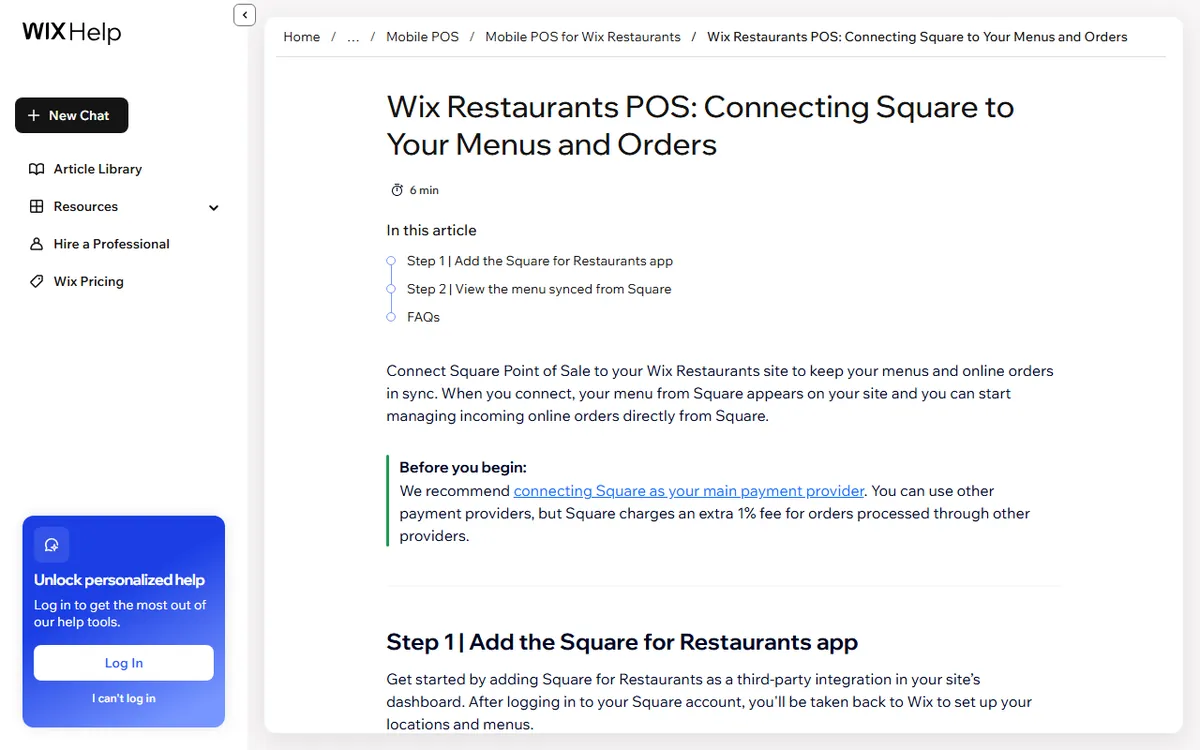
If you already use a point of sale system, first see what it offers. Square, Toast and Clover each offer an ordering page you can link to from an existing site. Wix also provides details on a Square connection that syncs menus and sends Wix orders to Square. Check which fields sync before making your choice.
If budget is your main constraint, the free business website guide compares what each free plan includes, while the general build guide covers the basics of domains and publishing.
Build the site in eight steps
- Choose a short domain that matches your restaurant name. Check the renewal cost, not just the first-year offer. For example, Namecheap announced a .com renewal price of $19.98 per year starting 1 November 2026, plus a $0.20 ICANN fee.
- Select a restaurant template and replace the sample name, logo and colors.
- Put the menu text on a page. Organize it into sections and include prices.
- Put your hours, address, map and phone number in the footer and on a contact page so they show up everywhere.
- Set up ordering or reservations, as covered below.
- Upload your own photos of the food and dining room, and add brief alt text to each one.
- Claim your Google Business Profile and connect it to the site.
- Test on a phone, then publish.
A custom domain needs a paid plan on Wix, Squarespace and WordPress.com. Each includes an SSL certificate for a connected domain at no extra charge.
Write the menu as text, not a PDF
A menu pasted into a PDF can be difficult to read on a phone and offers search engines little to use. Put it in regular page text, with headings for starters, mains, desserts and drinks. Keep each description to one line, and change prices whenever they do.
Add a short note near the menu about dietary details you can confirm, such as which dishes are vegetarian. If you include allergens, make sure the list is accurate because guests depend on it. Chains with 20 or more locations that use the same name and have substantially the same menu fall under the FDA menu labeling rule, which requires calorie information. A single restaurant is generally not covered by that rule, though your state or city may have its own requirements.
Set up online ordering
Delivery apps can bring more customers, but they charge their own fees. Linking to direct ordering on your own site and using apps as an extra channel is one way to limit app fees.
Wix requires a paid plan, and payment processing fees still apply. Wix also lists DoorDash delivery for a flat $6.99 per order. Card fees vary by processor, and the Wix Payments guide provides the US rates. For a complete walkthrough of an option based on a point of sale system, see the Square Online ordering guide.
Before launching, place a test order using a phone. Make sure the order reaches the kitchen, pickup times are reasonable and the confirmation email arrives.
Add reservations
You can take reservations through your builder or an embedded booking service. Squarespace lists OpenTable blocks on all plans. OpenTable's US plans cost $149 a month for Basic, $299 for Core and $499 for Pro, with per-cover fees on some plans. Resy lists monthly subscriptions at $289 and $459 and says it charges no per-cover or per-reservation fees, though prepayment and processing fees may apply.
Prices may change, so check OpenTable's plan page and Resy's plan page before comparing. A small restaurant with few bookings may do well with a basic form or a phone number.
Claim your Google Business Profile
A free Business Profile displays your hours, photos and directions in Google Search and Maps. Search for your restaurant first. Claim the profile if one is already there. Otherwise, add it using Google's add or claim steps and pick one of Google's verification methods, which may include video, phone, text, email or mail. Google says the review may take up to five business days.
A restaurant is eligible because it serves customers in person during its stated hours. A PO Box or virtual office is not a valid storefront address. Use the same name, address and phone number on your site and profile.
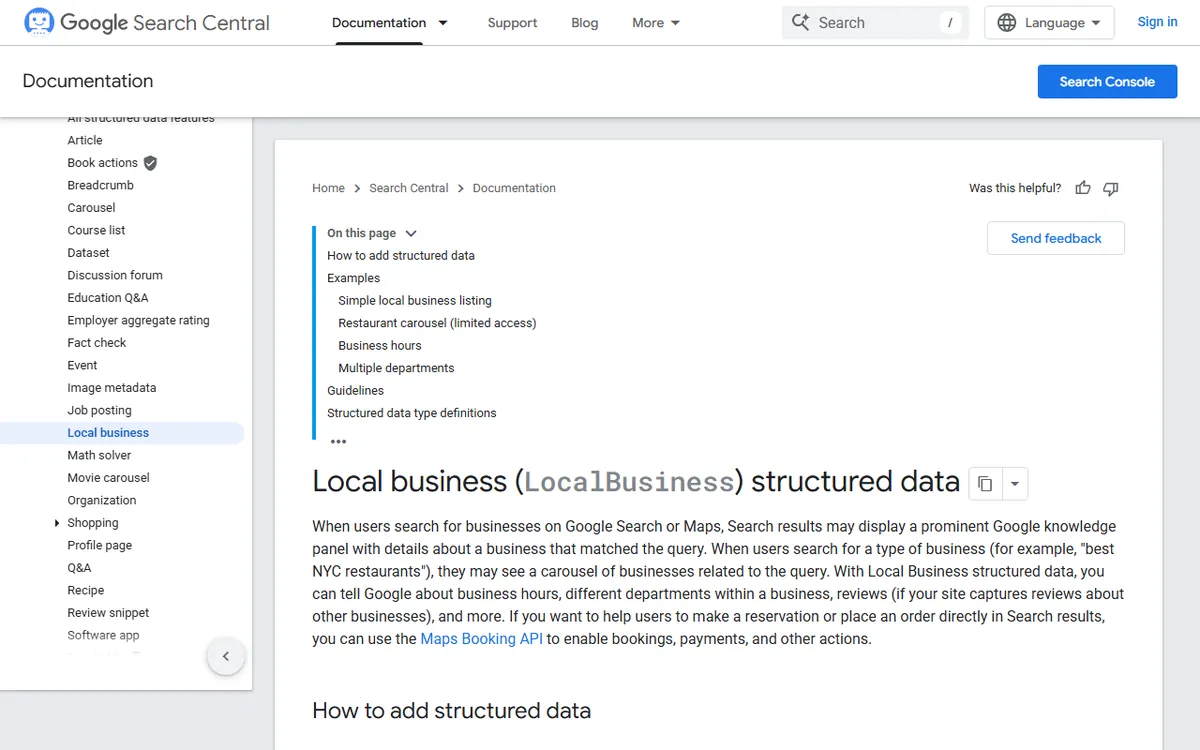
Google supports Restaurant and LocalBusiness structured data on the site for information such as address, menu URL, hours and cuisine. You can check it with Google's Rich Results Test. Google indexes the mobile version of your site, so ensure the menu and contact details show on phones. None of this guarantees a ranking.
Accessibility, privacy and the launch checklist
Restaurants are public accommodations under the ADA, and the Department of Justice says online services need to be accessible. It has not established a detailed technical standard for private businesses, so WCAG 2.1 AA is a practical goal. For a restaurant site, that means readable text contrast, alt text for food photos, labeled forms, and menus and ordering that work with a keyboard. This is general information, not legal advice.
Privacy rules vary depending on who visits. There is no single federal rule requiring a cookie banner. California's CCPA applies only to businesses that meet its thresholds, and the GDPR may apply if you target people in the EU. If you use analytics, ads or a mailing list, include a privacy policy.
Before publishing, go through this checklist:
- The menu, prices and hours are up to date.
- The phone number and address link properly on a phone.
- A test order and test booking both reach you.
- Photos load fast and include alt text.
- Your Google profile links to the site.
Sources
- Wix plans (paid plans for orders and bookings)
- Guide to the Wix restaurant website builder (ordering needs a plan that takes payments, such as Core at $29 a month billed yearly)
- Wix Restaurants Orders (orders with no commission)
- Squarespace pricing (plan costs and restaurant blocks)
- Canva website restrictions (a custom domain requires a paid plan)
- Wix Restaurants: linking Square POS (menu and order syncing)
- OpenTable plans (monthly and per cover charges)
- Resy pricing and plans (monthly subscriptions)
- Google Business Profile: claim or add (steps to set it up)
- Google Business Profile eligibility (rules for addresses)
- Google LocalBusiness structured data (restaurant markup)
- Web accessibility guidance from ADA.gov (online accessibility)
- FDA requirements for menu labeling (chains with 20 or more locations)
- Namecheap notice about .com price changes (renewal price)
Frequently asked questions
How much does a restaurant website cost?
The main expenses are a domain and a paid plan. A .com domain often costs about $12 to $20 a year, so check the renewal price. Wix says accepting online orders and bookings requires a paid plan with payment support. Core is one option, costing $29 per month when billed yearly on Wix's US plans page in November 2026.
Should I put my menu in a PDF?
No. Put the menu in text on the page so phones can read it and search engines can index it. A PDF is difficult to read on a small screen and harder for Google to understand.
Do I need a website if I have a Google Business Profile?
A profile is free and helps people find your hours and location, while a website gives you control of the menu, lets you take direct orders, and lets people book tables. Most restaurants use both.
Do I need to publish allergen or calorie information?
The federal FDA calorie rule generally applies to chains with 20 or more locations that share a name and have substantially the same menu. A single restaurant usually falls outside that rule, but check your state and local requirements.