
For a non-developer creating a website, no-code is the practical place to start. No-code tools let you build websites and apps with visual tools and no programming, while low-code tools also use visual tools but need some code for tasks those tools cannot handle. The main questions are which no-code tool to choose and how easy it will be to move away from it later.
The two terms overlap, and vendors use them inconsistently. The working definitions below clarify the difference.
What no-code and low-code mean
No-code means creating something by arranging items on a screen, setting options and linking ready-made features. You do not write any code to complete the project. Wix, Squarespace and Carrd are examples of site builders that require no code.
Low-code means creating something visually, while also being expected to write or change code for custom actions, integrations or data handling. The aim is to shorten development time, not eliminate developers. Microsoft Power Apps, Mendix and OutSystems are often described this way.
These labels are not a strict standard. Webflow illustrates the issue: its core Designer is visual, but Webflow also allows customers to add custom code and scripts. A reasonable description is a visual, no-code website builder with optional low-code extensions. Bubble is much the same. It offers visual workflows, a database and plugins, although complex integrations using its API Connector can require technical knowledge.
The main differences at a glance
| Point | No-code | Low-code |
|---|---|---|
| Coding needed | None for standard builds | Some, for custom logic or integrations |
| Typical user | Business owners, creators, small teams | Developers, IT teams and technically confident staff |
| Flexibility | Limited to what the platform offers, unless it allows custom code | Higher, because you can extend with code |
| Speed to first result | Fast for common projects | Fast for developers, slower for beginners |
| Typical examples | Wix, Squarespace, Carrd, Webflow, Bubble | Power Apps, Mendix, OutSystems |
| Learning curve | Gentle for simple sites, steeper for complex apps | Needs technical skill |
A citizen developer is a non-developer employee who builds tools for themselves or others. Gartner defines a citizen developer as an employee who creates application capabilities for themselves or others with tools that IT or business units do not actively forbid. Both categories are intended for this audience, though low-code tools generally assume somewhat greater technical comfort.
What this means for building a website
If you want a website, you will mainly choose from no-code builders. They include pages, hosting, domains and basic search settings in one product. Our guide to what a website builder is explains the main types, while what the Wix free plan includes shows what getting started for free looks like.
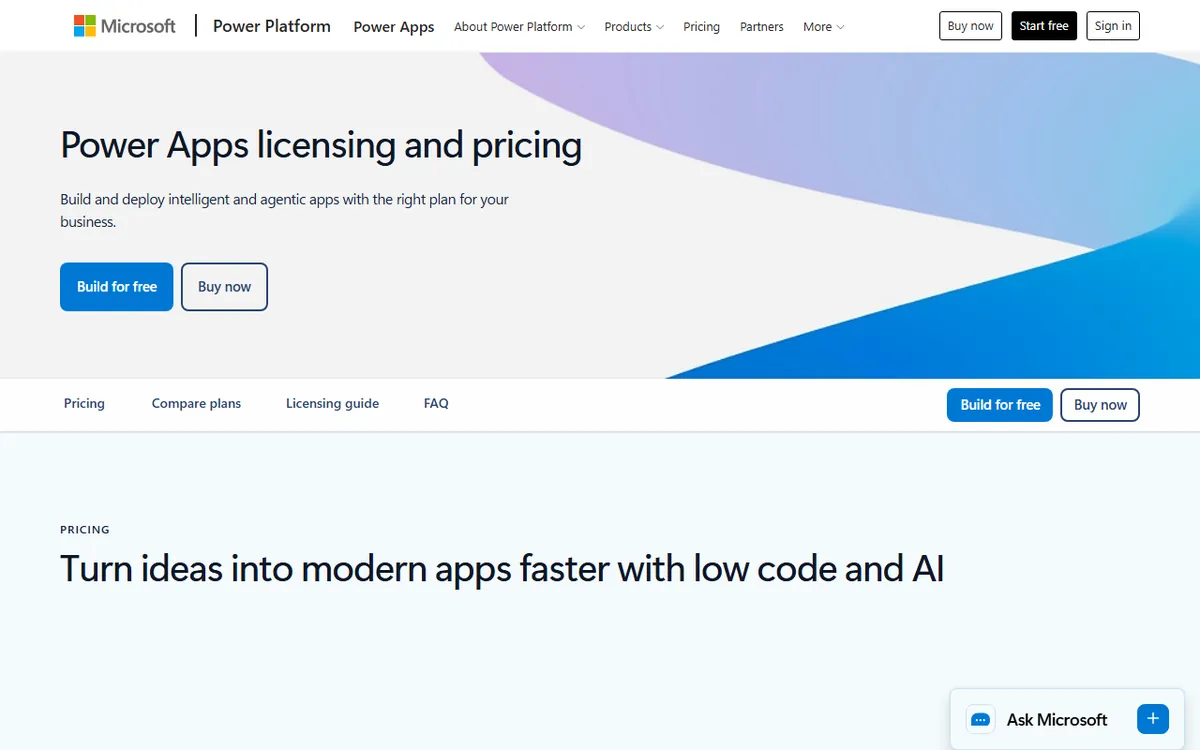
Low-code is primarily for business applications, including internal tools and workflow apps. Microsoft Power Apps, for instance, is sold per user, and Microsoft lists Power Apps Premium at $20 per user per month, paid yearly. Microsoft has announced that the price will increase to $22 on January 1, 2027, for new purchases and renewals. Mendix and OutSystems have free tiers for learning, prototyping and non-production use.
No-code app builders, such as Bubble, form a middle category. They let you build software with logins and databases without writing code. Our guide to no-code app builders covers this group, and what Bubble is explores one example.
Benefits and limits of no-code
No-code’s main advantage is that people without development skills can work quickly. You can publish a real site without hiring a developer, while the vendor takes care of hosting and security updates. Wix, Webflow and Bubble also document search settings, including editable titles, descriptions and structured data.
The limits are specific, so it is worth reviewing them before you commit:
- Customization. You are limited to what the platform allows. Webflow and Bubble users report that advanced behavior sometimes requires workarounds or custom code.
- Search visibility. Each tool offers different controls. Squarespace creates structured data that you cannot edit or remove. Glide has long said search engines do not index its apps, though it has announced that public apps published from August 27, 2026 are indexed. Review Glide's current documentation before relying on search traffic.
- Performance. Some Bubble users report slower performance with data heavy or high traffic apps. These are user reports, not guarantees, and results differ by design.
- Exit options. The next section covers this.
Check how you can leave before you start
The main difference between platforms is what you can take with you. The vendors have documented the following positions.
| Platform | What you can take out |
|---|---|
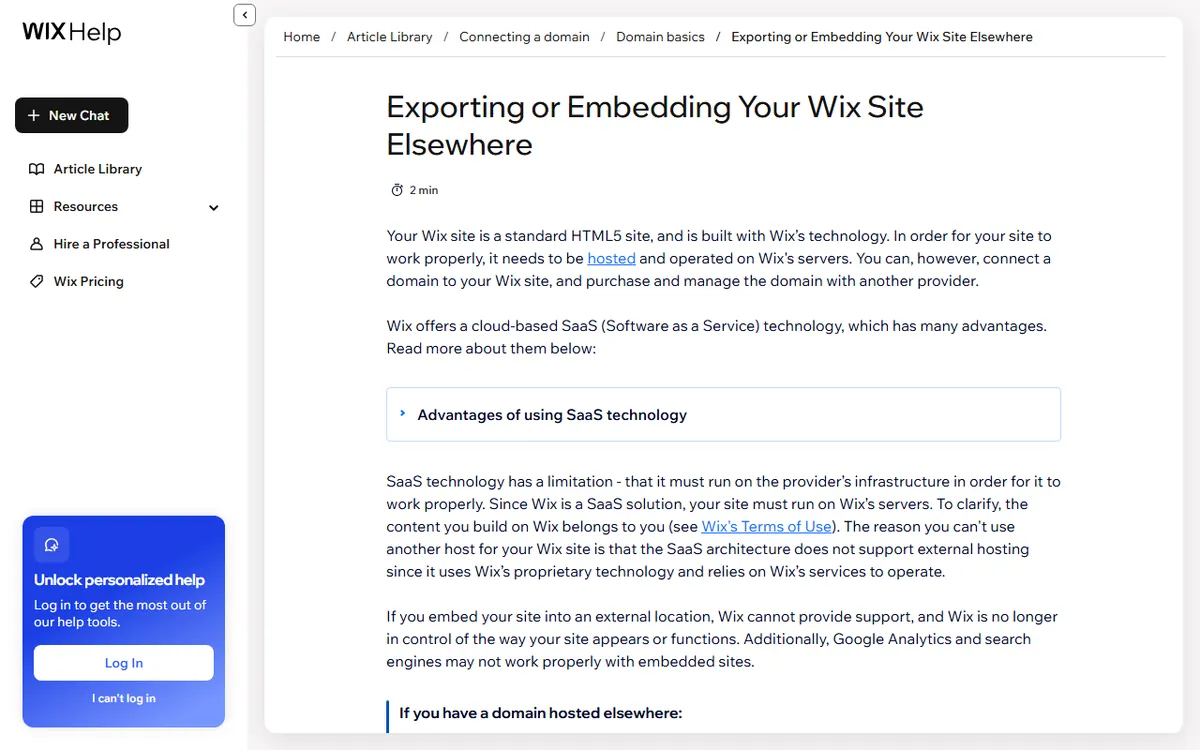
| Wix | A Wix site generally depends on Wix hosting and cannot simply be exported and hosted elsewhere. CMS collections can be exported as CSV, and a code export for Studio Two sites is in beta with limits. |
| Squarespace | A limited WordPress-format XML content export, plus CSV for products and contacts. It is not a complete editable site, and some page types, styling and custom CSS are left out. |
| Webflow | A paid Workspace plan can export HTML, CSS, JavaScript and assets. The export does not include working CMS content, ecommerce, user accounts or form processing. |
| Bubble | Data can be exported as CSV, JSON or NDJSON. Bubble does not export a ready-to-run app. |
| Glide | Table data can be exported as CSV. A general code export for Glide Classic could not be confirmed. |
Low-code can involve lock in too, so ask every vendor the same question. Moving from no-code to custom work usually means rebuilding. Keeping your text, images and data in your own files makes that easier.
Security and data ownership for small builders
Vendors share their security positions. Wix lists SOC 2 Type II, PCI DSS Level 1 and ISO certifications. Webflow says it has SOC 2 Type II reports and ISO 27001 certification. Bubble says it complies with SOC 2 Type II and warns that platform compliance alone does not make each customer built app compliant.
This warning applies to all platforms. A vendor certification covers only the vendor's scope. It does not make your site or app compliant, since your settings, data use and contracts still matter. Squarespace offers a data processing addendum and privacy information, but its official pages did not confirm a SOC 2 certification.
Where AI and vibe coding fit in
Several no code tools now offer AI that builds from a prompt. Wix has its Aria assistant, Squarespace offers Blueprint AI, Webflow has an AI site builder and Bubble has an AI Agent that can create or edit app interfaces, data structures and workflows. Bubble's AI features include a monthly AI credit allowance.
Vibe coding is a separate route. Instead of a visual editor, you describe what you want and an AI writes the code. It sits closer to low-code than no-code because you end up with code you may need to read. Our guide on what vibe coding is explains the approach and its trade-offs.
How to choose in four questions
- What are you building? A brochure site, portfolio or small shop points to a website builder. An app with logins and stored data points to a no-code app builder.
- Who will maintain it? If nobody on your team writes code, pick no-code and avoid tools that require scripts for basic tasks.
- Do you need search traffic? If yes, confirm the platform lets you edit titles, descriptions and structured data, and that its pages are indexed.
- What is your exit plan? Check the export table above, and keep your own copy of text, images and data.
If you answer "no one writes code" to the second question and "a simple site" to the first, a no-code website builder is the practical choice. Move to low-code only when a specific requirement cannot be met otherwise, and when you have someone who can write and maintain the code.
Sources
- Webflow pricing and features (visual builder with optional custom code)
- Bubble pricing (plans, AI credits)
- Bubble AI Agent (AI building features)
- Microsoft Power Apps pricing (per-user pricing)
- Mendix pricing (limits on the free tier)
- OutSystems pricing and editions (free Personal Edition)
- Wix Help Center: exporting or embedding your site (exporting from Wix)
- Squarespace Help: exporting your site (exporting from Squarespace)
- Webflow Help: exporting your site code (limits on Webflow exports)
- Glide docs: publishing and sharing (search indexing)
- Wix Trust Center (security certifications)
- Wix Help Center: SEO settings (SEO controls)
Frequently asked questions
Can I build a professional website without any coding?
Yes. Builders such as Wix, Squarespace and Webflow let you create and publish a full site with visual tools. Many also let you add custom code later, so customization remains an option.
Is low-code or no-code better for SEO?
Neither label determines SEO. What matters is the controls the platform offers, such as editable titles, descriptions and structured data. Wix, Squarespace and Webflow all document these, while Glide has said its apps were not indexed and has since announced indexing for public apps published starting August 27, 2026.
What happens if I outgrow my no-code website builder?
It depends on the platform, and most do not offer a complete exit. Squarespace exports limited content, Webflow exports code without its hosted features, and Bubble exports data but not a runnable app, so plan to rebuild.