
Pick Webflow if you want a single hosted tool for visually designing a marketing site with a custom look, and are comfortable paying for each site. Pick WordPress if you want the broadest range of themes, plugins and hosts, and are prepared to handle updates yourself or pay WordPress.com to take care of some of them.
Both can power a serious website. The difference is the freedom you have, who maintains the parts, and how costs increase. This guide compares them for people who do not code. Prices are U.S. figures listed by each vendor in November 2026.
What Webflow and WordPress are
Webflow is a hosted website builder. You create pages on a visual canvas, keep content in its CMS and publish using Webflow's hosting. There is nothing to install, and Webflow takes care of hosting.
WordPress is publishing software available in two forms, and choosing between them matters.
- WordPress.org: free software you install with a host you select. WordPress.org recommends PHP 8.3 or greater and MariaDB 10.11 or MySQL 8.0 or newer, along with HTTPS support. You select the host, theme and plugins, and take care of updates.
- WordPress.com: a hosted service operated by the company behind the platform. Paid plans include hosting, and you pay a monthly fee.
W3Techs reports WordPress is used on 39.5% of all websites and 58.2% of sites with a known CMS, making help, themes and freelancers easy to find. For a step by step start, see how to build a WordPress site.
Side-by-side summary
| Webflow | WordPress | |
|---|---|---|
| Type | Hosted visual builder | Software (self-hosted) or hosted on WordPress.com |
| Learning curve | Steeper, the editor exposes design concepts such as layout and styling | Gentle for posts and pages, steeper for themes, plugins and hosting |
| Design control | High, on a visual canvas | Depends on the theme and page builder |
| Hosting and updates | Handled by Webflow | You, your host or WordPress.com |
| Extending the site | Built-in features and integrations | Large plugin and theme ecosystem |
| Cost model | Per site plan, plus Workspace seats | Free software plus hosting, or a WordPress.com plan |
Ease of use and design control
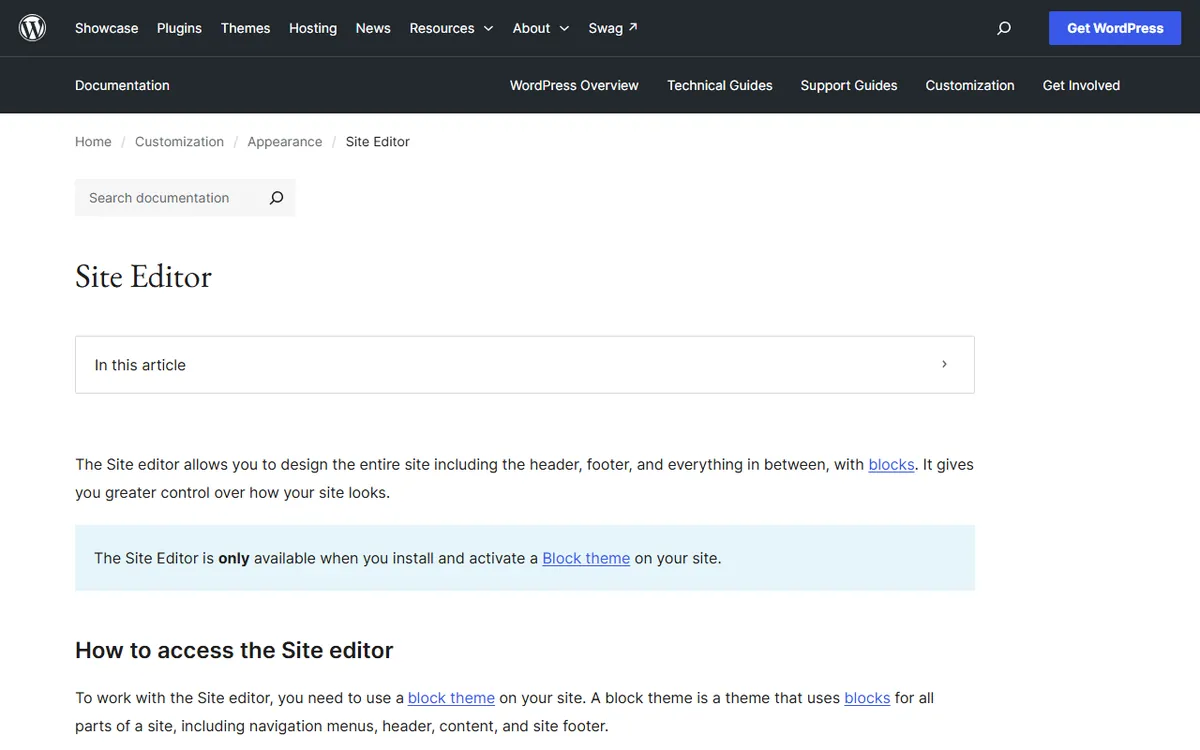
WordPress is simpler to begin with for a blog or basic business site. You create posts and pages in the block editor and choose a theme. The Site Editor allows you to edit headers, footers, templates and styles across the site, but only with a block theme.
Webflow offers layout and design control from the beginning, but you need to understand how pages are structured, so set aside time to learn the editor. Our guide to building a website without code explains where each type of tool fits.
Pricing compared
Webflow
Webflow lists Starter (free), Basic, Premium, Team and Enterprise. Starter, Basic and Premium are priced per site per month with yearly billing. Basic and Premium are paid plans for a single small site, while Team and Enterprise are for larger organizations.
| Site plan | Price | Key limits and features |
|---|---|---|
| Starter | Free | Webflow.io subdomain, 2 static pages, 1 GB bandwidth, 50 form submissions, limited CMS |
| Basic | $15 | Custom domain, 300 static pages, 10 GB bandwidth, no CMS |
| Premium | $25 | Adds the CMS, site search and form file uploads |
| Team | $2,500, annual contract | Team controls, publishing workflows, localization and priority support |
| Enterprise | Custom | Scale, governance and enhanced SLAs |
Workspace plans, which include design seats and team features, are separate. Webflow offers a free Starter plan, Core for $19 a month and Growth for $49 a month with yearly billing. Our Webflow pricing guide explains which site plan most people need.
WordPress
Self-hosted WordPress does not charge a license fee. You pay for hosting, a domain and any paid themes or plugins. Hosting costs can vary widely and often increase at renewal, so compare the renewal cost and contract length.
WordPress.com shows these plans as the monthly equivalent for a 12-month term.
| Plan | Monthly | 12-month term, per month | Notes |
|---|---|---|---|
| Free | $0 | $0 | WordPress.com subdomain, 1 GB storage, ads, no plugins |
| Personal | $9 | $4 | 6 GB, no ads, plugin installation |
| Premium | $18 | $8 | 13 GB, payment buttons, video uploads |
| Business | $40 | $25 | 50 GB, backups, SFTP and SSH, staging |
| Commerce | $70 | $45 | Adds ecommerce tools |
Review the WordPress.com pricing page and Webflow's pricing page before buying, since prices change on both and promotions affect the first-year cost.
SEO
Both platforms allow you to edit page titles, meta descriptions, URLs and image descriptions, covering the basics. WordPress typically adds an SEO plugin. Yoast SEO offers a free version with SEO analysis, XML sitemaps and schema. Its Premium version is listed at $118.80 a year, excluding VAT. Webflow has SEO settings built into the editor, so you do not need an extra plugin.
Your platform choice does not determine rankings. Helpful content, a clear structure and fast pages matter more. A well-maintained site on either platform will outperform a neglected one on the other.
Ecommerce
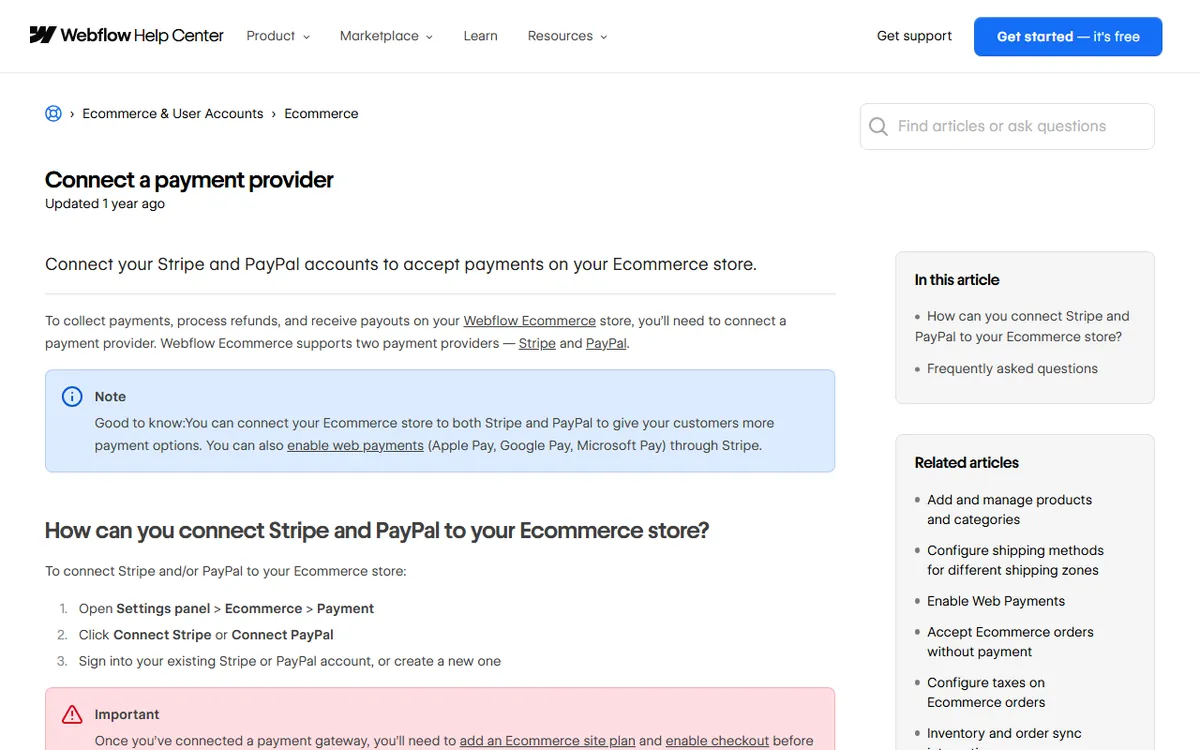
Webflow Ecommerce plans cost $29 (Standard), $74 (Plus) and $212 (Advanced) a month with annual billing. Webflow charges a 2% transaction fee on Standard and no transaction fee on Plus or Advanced, in addition to payment-provider fees. Webflow's payment provider help explains the fee.
On WordPress, you can add selling through a plugin such as WooCommerce or choose the Commerce plan on WordPress.com for $45 a month on a 12-month term. The plugin option offers more choice and more items to maintain.
Security, updates and upkeep
This is the main difference between the two. With Webflow, hosting, SSL and platform updates are managed for you. The tradeoff is that you are limited to the platform's offerings. Note that Webflow says non-Enterprise customers have no contractual site-uptime SLA, as explained in its help article.
With self-hosted WordPress, you or your host handle WordPress, theme and plugin updates, take backups and monitor security. Each plugin you add needs to be kept updated. WordPress.com handles more of this work, and its higher plans include backups and restores. Set aside time each month for upkeep on any self-hosted site.
Who should choose which
- Choose Webflow if you want a custom-designed marketing site, prefer to work visually, want hosting taken care of, and are fine with a subscription for each site.
- Choose self-hosted WordPress if you need a blog-focused or content-rich site, particular plugins, or complete control over hosting and cost.
- Choose WordPress.com if you want WordPress content tools with less upkeep and are able to stick to its plans.
- Consider other builders such as Wix or Squarespace if you prefer a simpler editor than Webflow's, and see our Wix vs WordPress comparison.
Moving between them
When moving a WordPress site to Webflow, or vice versa, start by listing every URL. Rebuild pages at the same addresses when possible, and add 301 redirects for changed addresses. Transfer titles, descriptions and image descriptions. After launch, confirm that the old URLs redirect and the key pages are indexed. Poorly mapped content is a common cause of lost traffic, so manage the move as a project.
Sources
- Webflow pricing (site and Workspace plans, Ecommerce prices)
- Webflow Help: connect a payment provider (transaction fees)
- Webflow Help: Enterprise and non-Enterprise differences (uptime SLA)
- WordPress.com pricing (plans and features)
- WordPress.org requirements (PHP and database versions)
- WordPress Site Editor documentation (block themes and templates)
- Yoast SEO Premium (plugin cost)
- W3Techs: WordPress usage (share of the market)
Frequently asked questions
Is Webflow better than WordPress for SEO?
Neither is automatically better. Both let you edit titles, descriptions and URLs. Webflow has SEO settings built into the platform, while WordPress usually requires an SEO plugin such as Yoast. Content quality and site structure are more important than the platform.
Can I move a WordPress site to Webflow without losing SEO?
You can, but you must keep or redirect every old URL, copy titles and descriptions, and review the new pages after launch. Plan the move carefully and test it before changing the domain.
How much does it cost to run a WordPress site compared with Webflow?
Webflow site plans are listed at $15 to $25 a month when billed yearly for most sites. WordPress.com paid plans are listed from $4 to $45 a month with a 12-month term. A self-hosted WordPress site has no license fee, but you pay for hosting and often for themes and plugins.