
WYSIWYG means "what you see is what you get." A WYSIWYG HTML editor displays your page as visitors will see it and creates the HTML in the background when you click buttons for bold text, headings, links and images. You can make a page without typing any tags.
The term refers to three different things: tools for creating complete web pages, the visual editor in a content system such as WordPress, and editor components developers add to their own apps. Knowing which meaning applies helps non-technical readers understand whether they need a tool for building pages, editing content or adding an editor to an app, rather than writing HTML manually.
What a WYSIWYG HTML editor does
HTML is the markup language that tells a browser what each page element is: a heading, a paragraph, a link or an image. With a code editor, you type the markup. With a WYSIWYG editor, you select text and use a toolbar, and the editor adds the corresponding tags.
Most editors include another view for viewing the code they generate. This source view can help you correct an extra tag or paste a snippet, such as embed code. Even if you never expect to write HTML, it is useful to understand that tags make up the page underneath.
WYSIWYG versus writing raw HTML
| WYSIWYG editor | Hand-written HTML | |
|---|---|---|
| Learning curve | Low, similar to a word processor | Higher, you need to know tags and CSS |
| Speed for simple pages | Fast | Slower |
| Control over the final code | Limited, the editor decides the markup | Full |
| Risk of messy code | Higher, especially when pasting from other apps | Depends on the writer |
A visual editor is the practical choice for most small sites. Use the code view if the result looks wrong or you need a feature the toolbar does not offer.
Three places you will meet a WYSIWYG editor
Inside a content system or website builder
This is what most non-technical readers need. The WordPress block editor has been the default since WordPress 5.0 and opens in a visual mode, with a code editor available. The older Classic Editor also offers Visual and HTML tabs, but it now comes from a plugin. Website builders such as Wix and Squarespace go further: you edit the whole page on a visual canvas. Our guides on building a WordPress site and building a website from scratch without code start from these tools.
Standalone page editors
Desktop editors that generated HTML for you were common in the 2000s, and this site first served as the home of one. Nvu and KompoZer, discussed in the next section, worked this way. Browser based tools have mostly replaced them, so for a visual editor today, consider WordPress or a website builder.
Editor components for developers
Products such as TinyMCE, CKEditor, Froala, Quill and Summernote are not standalone apps. Developers add them to a website or app to let users format text in a comment box, blog post form or email template. If you only manage a site, you will use one of these indirectly.
Where this site comes from: Nvu and KompoZer
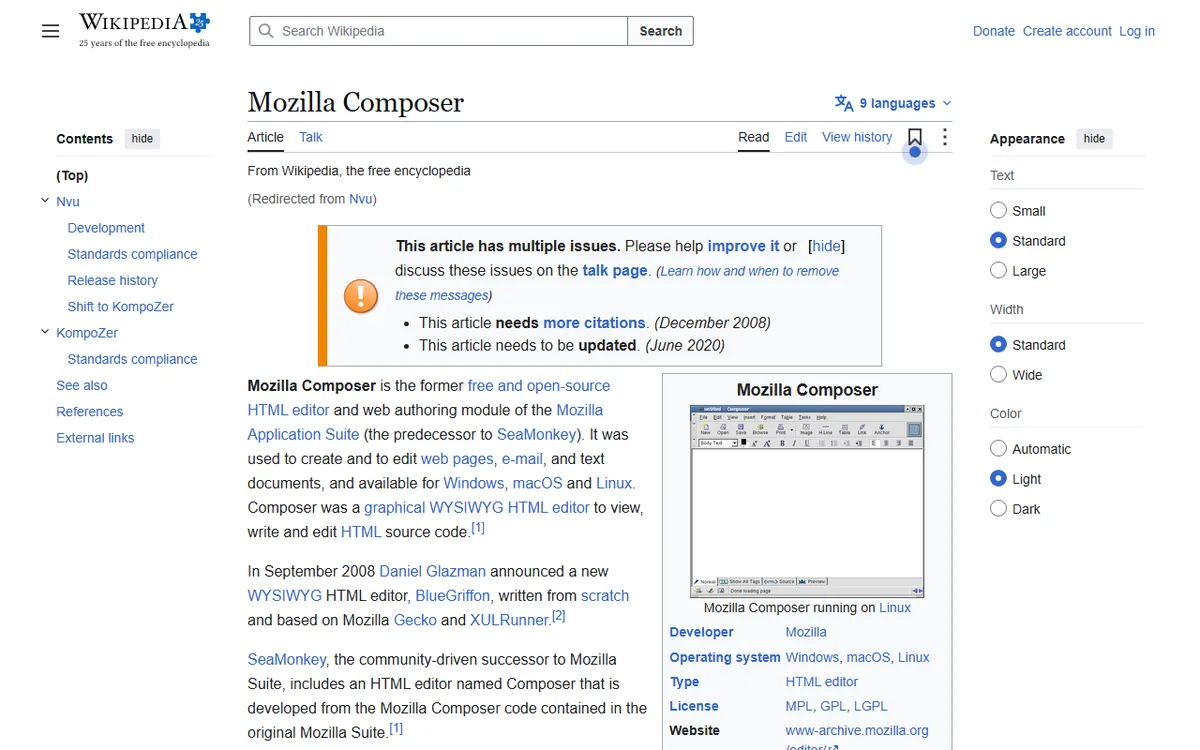
This website started as the home of Nvu, an open source WYSIWYG web editor. Nvu reached version 1.0 in June 2005, and the pages here about the project date from about 2005 to 2007. Nvu used Mozilla's Composer code and was led by Daniel Glazman. KompoZer later carried on the work as a community project that began as a fork of Nvu and was created by Fabien Cazenave. Its final release was 0.8 beta 3 in 2010, and Wikipedia calls the project discontinued.
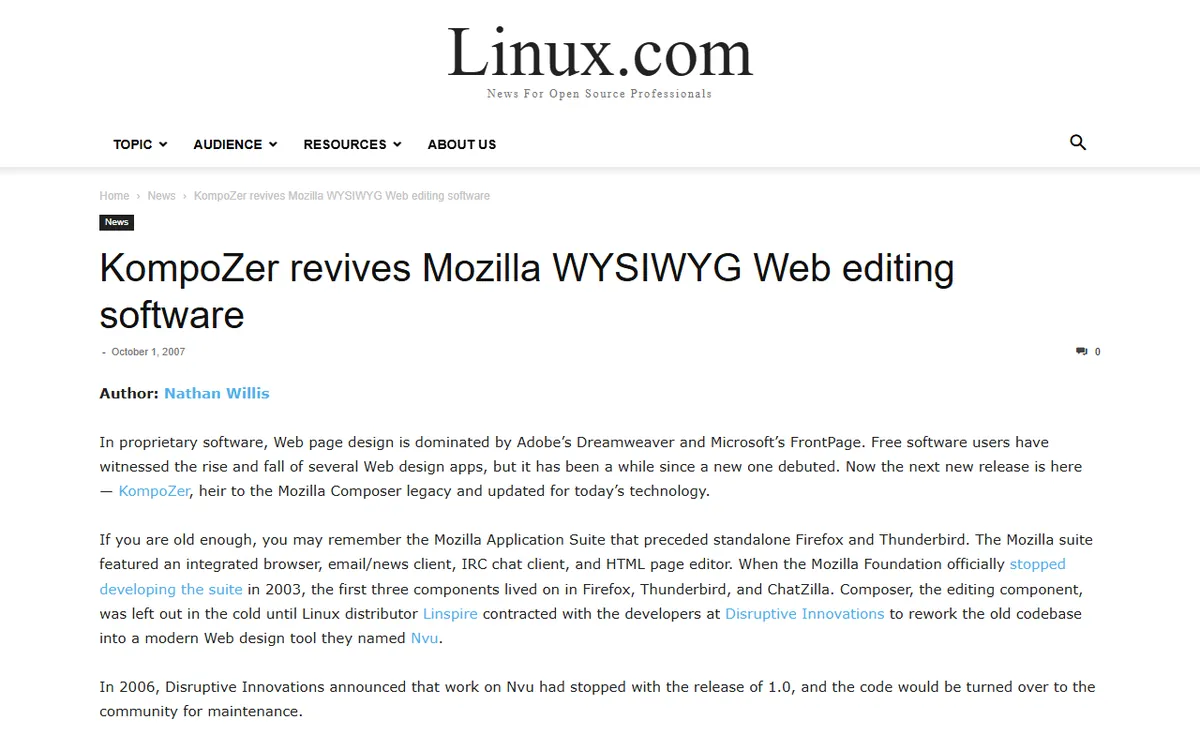
Whole page desktop editors have mostly given way to browser tools, so an old one is rarely the right choice today. Browse the Nvu and KompoZer entries on Wikipedia for the background, or read about the KompoZer revival that Linux.com covered.
Today's options and what they cost
The prices below are from the vendors' pricing pages as of November 2026 and may change often.
| Editor | Type | Cost |
|---|---|---|
| WordPress block editor | Built into WordPress | Included with WordPress |
| TinyMCE | Embeddable component | Free plan with 1,000 editor loads a month. Paid plans from $79 a month billed annually |
| CKEditor 5 | Embeddable component | Free plan with 1,000 editor loads a month and a Powered by CKEditor watermark. Paid plans from $144 a month at the annual rate |
| Froala | Embeddable component | 30-day trial. Professional shown at $719 a year |
| Quill | Embeddable component | Open source, BSD 3-clause license |
| Summernote | Embeddable component | Open source, MIT license |
An editor load is counted whenever the editor opens on a page, so a free limit of 1,000 loads works for a small project. Review each license before using a free option in a commercial product.
What to check before you choose
- Source view: can you view and edit the HTML when something seems wrong?
- Clean output: does it keep the markup neat when you paste text from Word or Google Docs?
- Media: can you add images, enter alt text, embed video and create tables?
- Mobile: does the page you make display properly on a phone? Preview it on one.
- Cost and limits: check for editor load limits, watermarks and renewal costs.
- Where it fits: choose the editor your site platform already supports instead of adding another one. An extra editor on WordPress or a builder can create conflicting markup and gives you one more thing to update.
How to use one without breaking your page
- Write the text first, then apply heading styles to section titles instead of just using larger bold text.
- Use the toolbar to add links and images, and enter the image description.
- When copying from another app, choose the paste as plain text option if the editor has one, then format the text in the editor.
- Look in the source view for empty tags or styling left behind.
- Check the result with the W3C Nu Html Checker, which checks markup but does not certify a page.
- Preview the page on a phone before publishing.
Accessibility and security
An editor can only help you create accessible content. The WCAG 2.2 quick reference calls for text alternatives for images, headings that explain their sections, and a structure that software can read. Use real headings and add alt text to bring the page closer to those goals.
If you let visitors write formatted text, such as comments, treat what they submit as untrusted. Untrusted HTML can carry scripts that run in other visitors' browsers, which is called cross-site scripting. OWASP recommends a maintained HTML sanitizer for HTML that users are meant to author, and says input validation alone is not enough. See the OWASP XSS prevention cheat sheet.
Sources
- WordPress block editor documentation (visual and code modes)
- TinyMCE pricing (free and paid plans)
- CKEditor pricing (free and paid plans)
- Froala pricing (trial and Professional plan)
- Quill on GitHub (license)
- Summernote (license)
- Nvu on Wikipedia (history of Nvu)
- KompoZer on Wikipedia (Nvu fork, final release, status)
- Linux.com on KompoZer (Nvu continuation)
- W3C Nu Html Checker (checking markup)
- WCAG 2.2 quick reference (accessibility)
- OWASP XSS prevention cheat sheet (HTML sanitizing)
Frequently asked questions
Do I need to know HTML to use a WYSIWYG editor?
No. Use buttons and menus to format text, and the editor writes the HTML. Knowing a little HTML can help you fix unusual formatting in the source view.
Can I switch between visual and code view?
Yes, in most editors. For example, WordPress opens in visual mode and provides a code editor for that content.
Are there free WYSIWYG editors without usage limits?
Yes. Quill is open source under the BSD 3-clause license, while Summernote uses the MIT license. TinyMCE and CKEditor hosted plans offer a free tier limited to 1,000 editor loads per month.