
Bricks recommends testing the beta on a staging site rather than production. This is especially important for drafts and site versions, which are still labeled experimental. If you build client sites with Bricks, test this release on a site copy and review the Search element notes below before the stable version arrives.
What is new
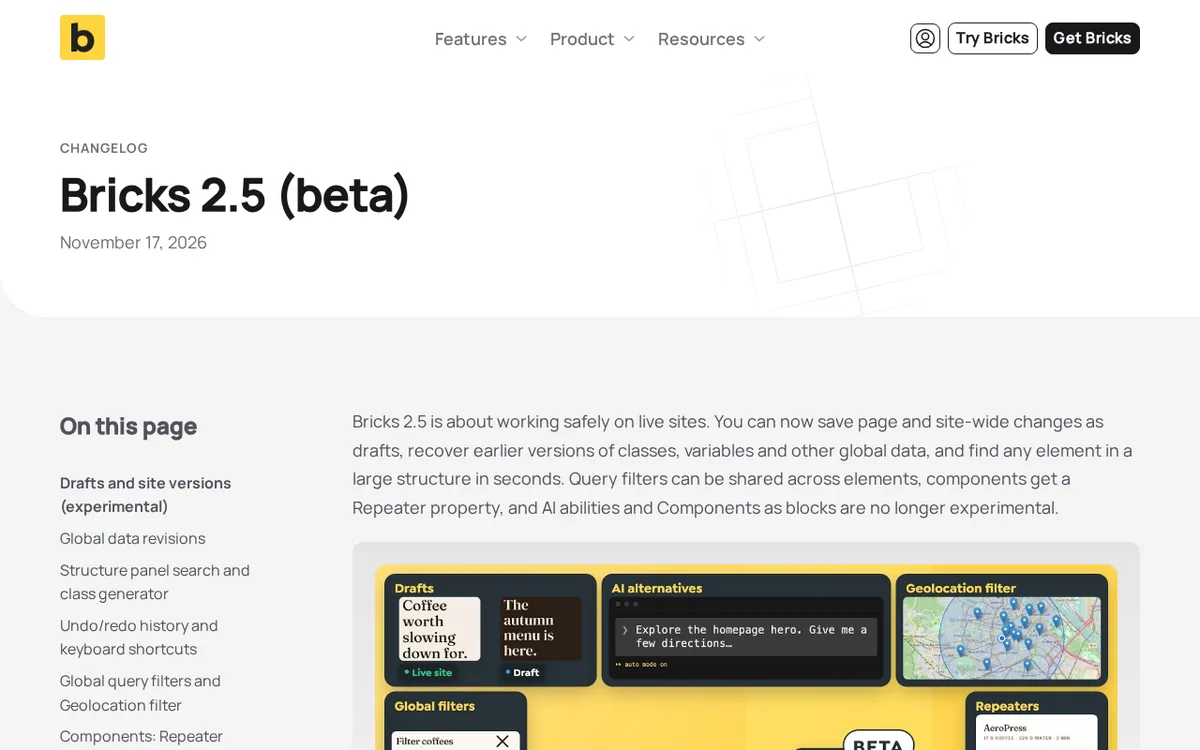
- Page drafts and site versions let you save changes without publishing them (experimental, off by default).
- Global data revisions record earlier versions of classes, variables and other global items, and conflict-safe saving is now always on.
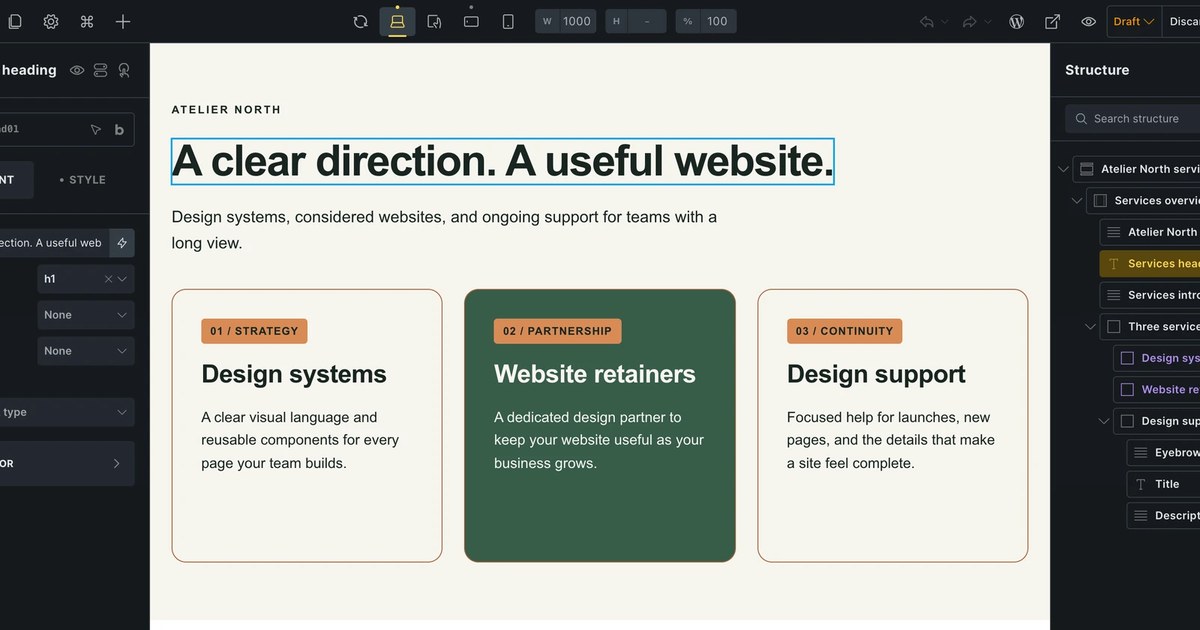
- The Structure panel has a search field, opened with Cmd or Ctrl + F.
- Global filters let several filter elements of the same type share one definition, managed in the new Filter Manager.
- A new Geolocation filter searches Posts, Terms or Users within a radius.
- The Search element has regrouped controls and new default CSS, which is a breaking change to check after updating.
Taken from the official update: bricksbuilder.io [1]
Drafts and site versions keep changes off the live site
Drafts are the main change for anyone editing a site that already has visitors. The feature is experimental and off by default. To test it on a staging site, go to Bricks > Settings > Builder > Drafts & site versions in the WordPress dashboard and turn it on.
Fact checked on 19 Nov 2026 against bricksbuilder.io [1], academy.bricksbuilder.io [2]
The two terms refer to different things. A page draft stores changes to a single page, and each page can have one active page draft. A site version can combine work across multiple pages and global styles, making it useful for a rebrand that updates colors, fonts and several pages at once.
Fact checked on 19 Nov 2026 against academy.bricksbuilder.io [2]
Review links let people view a draft or site version without logging in. The links are view only, expire after 1 to 30 days, and can be deleted. Rather than sending a client login details, you can share a link and revoke it after the review ends.
Fact checked on 19 Nov 2026 against bricksbuilder.io [1]
Agencies should note one limitation. Review links are tied to drafts, which are experimental and disabled by default, and Bricks recommends testing only on staging. For now, you can practice the review link workflow on a staging copy, but the notes do not give a stable release date, so do not depend on this for client sign off on a live site yet.
Fact checked on 19 Nov 2026 against bricksbuilder.io [1], academy.bricksbuilder.io [2]
Global data revisions and safer saving for teams
Bricks 2.5 introduces global data revisions, which are recorded automatically, so enabling experimental drafts is unnecessary. Access them through Manage > Global data revisions in the Builder toolbar. Bricks records revisions for global classes, variables, color palettes, theme styles, components, global queries, and global filters.
Fact checked on 19 Nov 2026 against academy.bricksbuilder.io [3], bricksbuilder.io [1]
By default, each global data item retains its latest 20 revisions and all revisions from the last 90 days. You can also restore deleted items: locate them under Deleted in the Global Data Revisions dialog and select Bring back. To stop recording revisions, go to Bricks > Settings > Builder > Global data revisions and enable Disable global data revisions.
Fact checked on 19 Nov 2026 against academy.bricksbuilder.io [3]
Conflict-safe saving is useful when multiple people work on one site. It is now always enabled: unrelated changes made in different Builder tabs are merged, while competing changes to the same item prompt you to choose which version to keep. The previous setting is gone, so sites where it was turned off now have it on.
Fact checked on 19 Nov 2026 against bricksbuilder.io [1]
This lets two people edit different classes or variables in separate Builder tabs without overwriting each other. If both edit the same class, Bricks prompts them to choose which version to keep, and the revision history lets you check the earlier value if a layout breaks.
Fact checked on 19 Nov 2026 against bricksbuilder.io [1], academy.bricksbuilder.io [3]
Find elements faster and share filters across the page
You can search the Structure panel, and Cmd or Ctrl + F places the cursor in its search field. Prefixes narrow results to IDs, classes, attributes, HTML tags, or Dynamic Data tags. This avoids scrolling through the element tree on a long page.
Fact checked on 19 Nov 2026 against academy.bricksbuilder.io [4]
Global filters are useful for sites with product lists, directories, or listings. After enabling Query Filters, open the Filter Manager from Browser in the Builder toolbar. Creating or editing global filters requires the Access filter manager permission.
Fact checked on 19 Nov 2026 against academy.bricksbuilder.io [5]
The release example shows the same filter in a desktop sidebar and a mobile offcanvas panel. Linked filter elements use one shared filter definition that you edit once, while each element retains its own target query and styling. To use the same global filter, the elements must have the same filter type.
Fact checked on 19 Nov 2026 against academy.bricksbuilder.io [5], bricksbuilder.io [1]
The new Filter Geolocation element finds Posts, Terms or Users within a radius. It measures straight-line distance rather than driving distance or travel time, so it is suited to a rough nearby search, not directions. It supports native coordinate fields, ACF Google Map fields and Meta Box Map fields, and works with Google Maps and Leaflet maps.
Fact checked on 19 Nov 2026 against academy.bricksbuilder.io [6]
Components now include a Repeater property that supports fields up to two levels deep. Component instances can add, duplicate, reorder and remove rows.
Fact checked on 19 Nov 2026 against bricksbuilder.io [1]
Changes to check before you update
The most practical change is a breaking update to the Search element. It now has separate controls for the input submit button, overlay trigger, overlay submit button, and close button. Previously, some buttons shared controls, and overlay button settings did not apply to the close button. Existing settings remain as fallbacks, so most sites should look as they did before.
Fact checked on 19 Nov 2026 against bricksbuilder.io [1]
The default CSS has changed. Search buttons no longer have a fixed height of 40px and width of 60px. They now have a minimum size of 40 by 40px with no horizontal padding. The overlay’s default close button icon has shrunk from 60px to 24px, and the 600px maximum width for the overlay search form has been removed.
Fact checked on 19 Nov 2026 against bricksbuilder.io [1]
Once the staging copy is updated, check every Search element, particularly in overlay mode. If a button or close icon looks different, adjust it using the new controls. Start by reviewing any custom CSS that was written for the old fixed button size.
Fact checked on 19 Nov 2026 against bricksbuilder.io [1]
AI abilities and Components as blocks, both introduced in Bricks 2.4, are no longer labeled experimental. The release states that their settings, permissions and saved data remain unchanged.
Fact checked on 19 Nov 2026 against bricksbuilder.io [1]
Site owners should also review two other items. The Disable global classes setting under Builder interface is deprecated, and the release directs administrators to Builder permissions to manage who can edit and assign global classes. The Media option in password protection conditions has been removed because it did not protect files at their direct URLs. The release recommends restricting media access at the server level.
Fact checked on 19 Nov 2026 against bricksbuilder.io [1]
What the official notes do not say
- The official pages do not say which subscription plans include these features or what they cost.
- The release is a beta, but the pages do not give a date for the stable release.
- The Repeater property entry does not say whether it depends on a plan.
How it helps: a freelancer who maintains a small business site for a client
The task. Practice a review workflow for refreshing color and heading styles without changing the live site
- On a staging copy of the site, enable drafts under Bricks > Settings > Builder > Drafts & site versions.
- Start a site version so the color, font and page changes are grouped together.
- Edit the pages and global styles, and save as a draft instead of publishing.
- Turn on review links and send the client a link to look at the draft without logging in.
- If a global class or variable is changed by mistake, open Manage > Global data revisions in the Builder toolbar and look at the earlier version.
The result. On the staging copy, published pages remain unchanged until the draft or site version is published. The client reviews through a view only link that expires after 1 to 30 days. This lets the workflow be practiced before drafts leave experimental status.
Fact checked on 19 Nov 2026 against bricksbuilder.io [1], academy.bricksbuilder.io [2], academy.bricksbuilder.io [3]
Other ways to use it
To let visitors search posts within a radius, apply the Geolocation filter with a coordinate field. Keep in mind that the distance is measured in a straight line.
Fact checked on 19 Nov 2026 against academy.bricksbuilder.io [6]
Related nvudev guides
Sources
- https://bricksbuilder.io/release/bricks-2-5-beta/ (official update)
- https://academy.bricksbuilder.io/builder/interface/drafts/
- https://academy.bricksbuilder.io/builder/interface/global-data-history/
- https://academy.bricksbuilder.io/builder/interface/structure-panel-search/
- https://academy.bricksbuilder.io/builder/dynamic-content/global-filters-filter-manager/
- https://academy.bricksbuilder.io/builder/elements/filter/filter-geolocation/
Facts in this article were checked against these sources on 19 Nov 2026. Product details change, so check the official page before you rely on them.