
AI website cloners use a public page address or screenshot to create an editable layout. They can help you rebuild your own site on a new platform or get started from a screenshot of a design you created. They are not for copying a competitor, since text, photos, code and logos on other sites are usually protected.
This guide covers what the tools do, which tools are available, what they cost and what to check before publishing anything.
Copyright first: what you may and may not copy
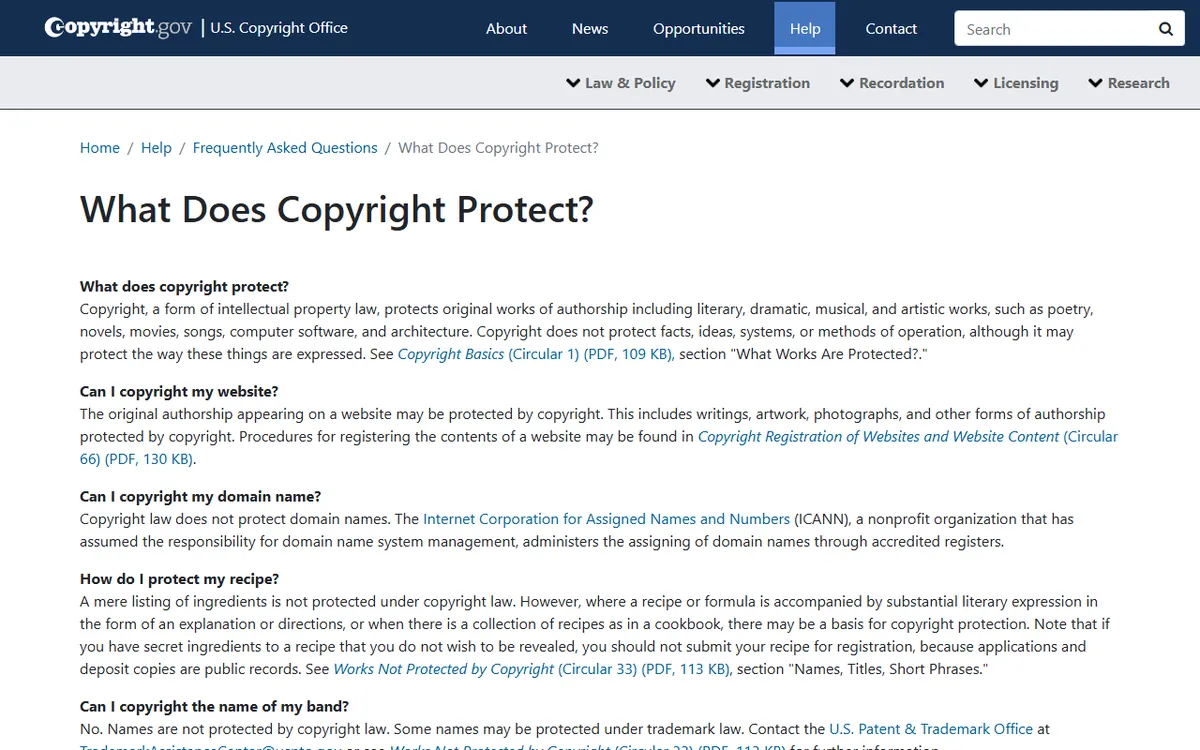
The U.S. Copyright Office says original writing, artwork and photographs on a website may be protected. Original logo artwork may be protected by copyright and can also be a trademark. Names, titles, slogans and short phrases usually are not protected by copyright, although trademark protection may apply.
The Office also says copyright does not cover facts, ideas, systems or methods of operation. It says a site's layout, format or "look and feel" is not usually copyrightable on its own, though a sufficiently creative selection or arrangement may qualify. So a general layout idea is safer to borrow than the actual wording and images.
These tools put the legal responsibility on you. Anima's help page says you need legal rights to the website content you import, including images, fonts, copy and video. This is general information, not legal advice, and it does not rule on any specific site.
Follow these rules:
- Your own site: it is fine to rebuild, as long as you own the content and any licensed fonts and photos.
- A site you have written permission to copy: keep a record of that permission.
- Anyone else's site: use it only for ideas. Write your own text, use your own images and your own brand.
- Never: copy a logo, present another business's design as yours, or make something that could be mistaken for that business. Also review the site's terms of service.
Three legitimate uses
- Moving your own site to a different platform. If your old builder has limits, a cloner can recreate the layout so you can avoid starting from scratch. Read what a website builder is to pick where to move it.
- Starting with a screenshot of your own mockup. Sketch the page in a slide or design tool, then have AI make a first version from it.
- Learning. Rebuild a basic page structure to understand how sections, navigation and spacing work together, then change it all to make it your own work.
How AI cloners work
A cloner reads the details it can see, such as a page's layout, colors, fonts and structure, or those of an image. It then creates new code with a similar look. It does not copy accounts, logins or private data, and it does not recreate the server behind the page. UX Pilot says its cloner uses public pages and does not copy accounts, logins or private content.
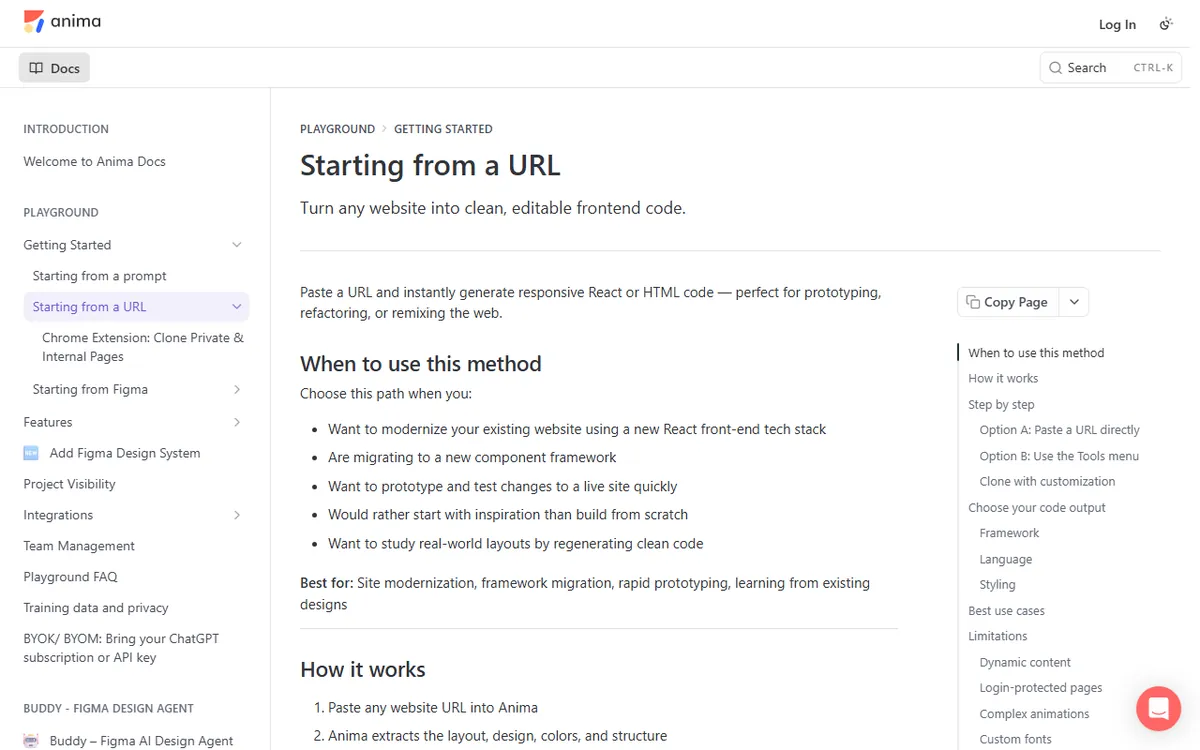
Anima says its URL cloning captures what appears when a page first loads, so it may not fully clone content that JavaScript loads later. Expect to rebuild forms, checkout, search, member areas and CMS content yourself.
Tools and what they cost
| Tool | Input | Output | Cost to start |
|---|---|---|---|
| UX Pilot website cloner | Public URL or screenshot | Figma and code exports (HTML, CSS and React) on paid plans | Free plan is $0 with 80 credits a day, but the cloner is listed as a paid feature. Pro is $29 a month, or $19 billed yearly |
| Anima | Public URL, with a Chrome extension for pages you are logged into | Editable React or HTML | Free plan includes 5 Figma imports or website clones. Paid prices should be verified at checkout |
| v0 | Screenshots or Figma files | Generated pages | Check v0's current pricing |
| Claude | Uploaded images | Text, including code you ask for | Check Claude's current plans |
Anima's private-page extension imports a page you are logged into into its editor. It captures the page without copying your credentials. Use it only for pages you are allowed to reuse.
Anima also offers a "Match a Brand" feature that uses a website address as visual inspiration. It pulls out qualities like colors, typography, spacing and layout patterns, then applies that style to a new page you describe. This is more like inspiration than copying, but you still need to avoid logos and wording.
Using general AI tools with a screenshot
v0's documentation lists "clone pages with screenshots or Figma files" as one use for designers. Claude accepts uploaded images on claude.ai, so you can attach a screenshot of your own design and ask it to create the page in HTML. Bolt and Lovable cloning features are not documented, so check their current documentation first. For Bolt, also see our Bolt guide.
General AI tools take a prompt, giving you more control than a one-click cloner. If this approach is new to you, read what vibe coding is first. Open-source cloning templates for AI coding agents also exist, but their authors warn against phishing and impersonation, as well as presenting another person's design as your own.
Step by step: clone your own site safely
- Confirm your rights. Make a list of your text, photos, fonts and code, and note which ones you own or have licensed.
- Choose one page. Begin with the homepage, not the entire site.
- Provide the reference. Paste the public URL or upload a screenshot.
- Generate and inspect. Review headings, spacing, buttons, fonts, images, and mobile layout. Plan to fix several things.
- Replace content. Swap in your own copy, images, colors and logo. If this is a reference to someone else's design, change the wording and images.
- Test it. Click each link, submit each form, and resize the window. Review page speed and image sizes.
- Publish. Export the code or publish through the tool. Anima documents publishing to an Anima address with one click, and custom domains on Starter or above. Our guide to building a website explains domains and launch steps.
What cloning cannot do
- It does not recreate your database, user accounts, payment systems, or CMS content.
- It cannot promise an exact mobile layout. Anima says it generates responsive React or HTML, but you should still review every screen size.
- It does not transfer search settings such as page titles and descriptions unless you set them again.
- It cannot improve a poor original. If the source page is slow or confusing, the clone will be too.
Sources
- U.S. Copyright Office: what kinds of things does copyright protect? (originality, logos, names and slogans)
- U.S. Copyright Office Circular 66 (registering website copyrights, including layout and look and feel)
- UX Pilot website cloner (inputs, claims about multiple pages, public pages only)
- Anima: begin with a URL (cloning a URL, output in React or HTML)
- v0 documentation (recreating pages from screenshots or Figma files)
- Claude documentation: images and vision (how to upload images to Claude)
Frequently asked questions
Is it legal to clone a website with AI?
You can legally rebuild your own site and use a layout for inspiration. Copying another site's text, images, code or branding may infringe copyright or trademarks, and using an AI tool does not make a difference.
Do I need coding or design skills to clone a website?
Not for the first draft, because the tools generate the page from a URL or screenshot. You still need to review the result, replace the content and correct the AI's mistakes.
Can an AI cloner copy a multi-page site with its navigation?
UX Pilot says it can recreate a multi-page site, including inner pages and navigation. That is the vendor's claim, so try it on a small site before you depend on it.