
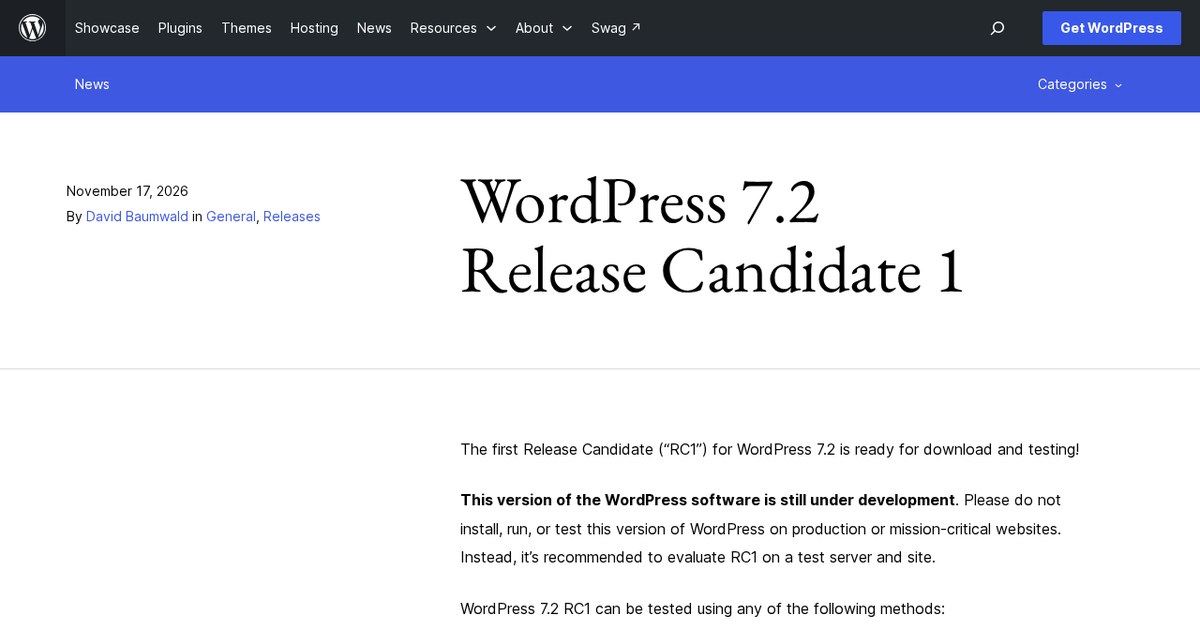
If you build or maintain WordPress sites, now is the time to check your themes, plugins and layouts against near-final code. The final release is scheduled for December 8, 2026, but that date is planned, not confirmed.
What is new
- RC1 adds bug fixes, accessibility improvements and compatibility updates, including client-side media upload fixes and a skip link in the admin bar for keyboard users.
- Block editor fixes cover duplicated block content, iOS keyboard interactions, revision previews, featured image compatibility, plugin installation and link suggestions.
- Plugin authors are asked to finish testing and set "Tested up to" to 7.2 in their readme file.
- The 7.2 highlights include the new Ipsum default theme, Gallery controls, Global Styles improvements, Notes updates and a DataForm block settings inspector.
Taken from the official update: wordpress.org [1]
How to test RC1 without risking a live site
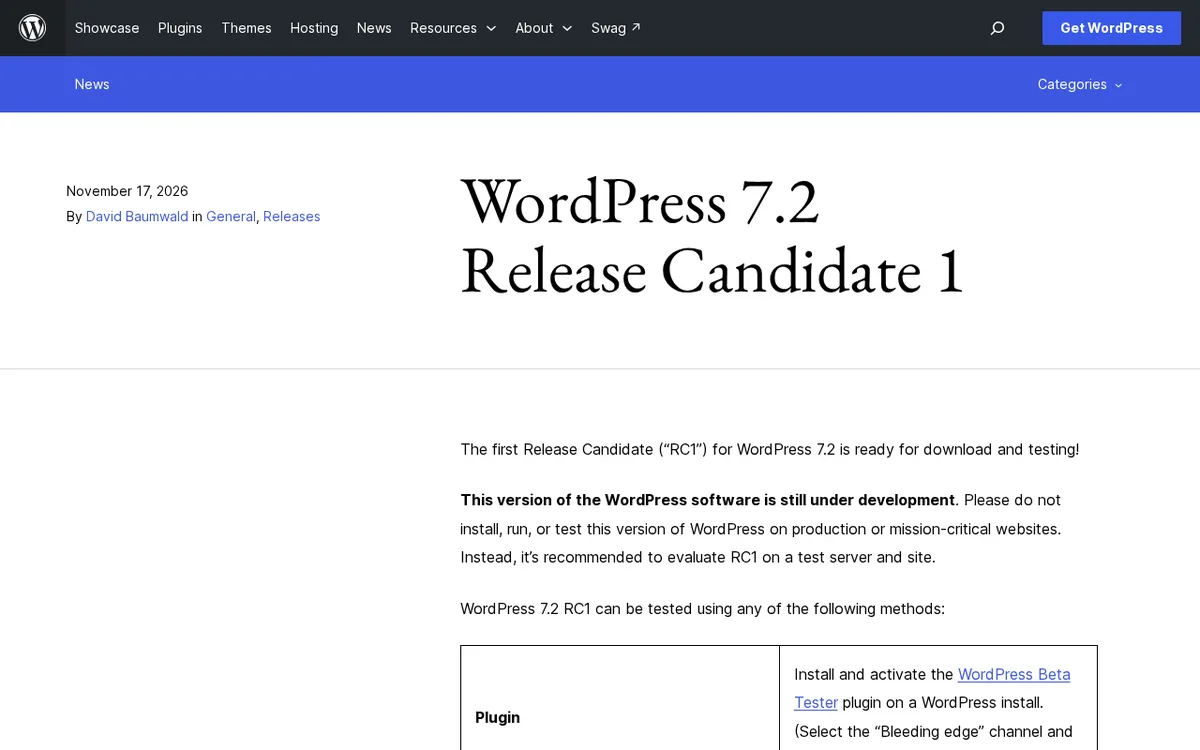
The announcement says not to install, run or test RC1 on production or mission-critical websites, and recommends using a test server and test site instead. For an agency or freelancer, that means using a staging copy of a client site or a throwaway install.
Fact checked on 17 Nov 2026 against wordpress.org [1]
You can get started in four ways: install the WordPress Beta Tester plugin, download and install the zip, run the WP-CLI command wp core update --version=7.2-RC1, or open WordPress Playground in your browser. Playground is the fastest way to look around because it requires no setup on your side.
Fact checked on 17 Nov 2026 against wordpress.org [1]
What to check if you build with a page builder
Elementor, Divi, and other page builders are not mentioned in the announcement. To check for 7.2 compatibility, look at the builder’s own changelog and support channel. This list shows which parts of core changed in RC1 and deserve a careful check on a staging copy.
Fact checked on 17 Nov 2026 against wordpress.org [1]
The RC1 entry lists block editor fixes for featured image compatibility, plugin installation workflows, duplicated block content, revision previews and link suggestions. On a staging copy, set featured images on a post and a template, install or update a plugin, duplicate a block with lots of content, open a revision preview and add a link from the suggestions list. It also lists fixes for client-side media uploads, so upload a few large images as well.
Fact checked on 17 Nov 2026 against wordpress.org [1]
The announcement schedules the final release for December 8, 2026. Treat that schedule as a target for completing your checks, not a promise.
Fact checked on 17 Nov 2026 against wordpress.org [1]
What RC1 asks of plugin and theme authors
Authors are asked to finish testing and update the "Tested up to" version in the plugin readme file to 7.2. Compatibility issues should be reported with detailed information in the support forum. If you maintain client sites, that readme value gives a quick indication of whether an author has checked a plugin against 7.2, but it is the author's own statement.
Fact checked on 17 Nov 2026 against wordpress.org [1]
The highlights also mention PHP 8.6 compatibility improvements. However, the announcement does not say WordPress 7.2 is fully compatible with PHP 8.6. The Make WordPress hosting page lists WordPress 7.1 as fully compatible with PHP 7.4 and PHP 8.0 through 8.5, and the compatibility pages did not yet list 7.2 when this was written. Before testing, check which PHP version your host runs.
Fact checked on 17 Nov 2026 against wordpress.org [1], make.wordpress.org [3]
What changes for people who design with blocks
Most design related changes were covered when Beta 1 came out in October. In WordPress 7.1, the Gallery block's column count and crop settings could not be set separately for each screen size. Gutenberg 24.0 added viewport controls, such as four columns on a wide screen and two on a tablet, and identified WordPress 7.2 as the release in progress. The Beta 1 post lists columns, image cropping and aspect ratios among the responsive Gallery settings. Gutenberg 24.2 also added an Order by control for hand picked Gallery images.
Fact checked on 17 Nov 2026 against wordpress.org [2], make.wordpress.org [4], make.wordpress.org [6]
Notes arrived in WordPress 6.9, allowing users to leave feedback on a single block and add replies that can be resolved, edited or deleted. Before Gutenberg 24.2, Notes and the Settings sidebar could not be open together, and the Notes column took up content space. Notes now appear in the canvas margin and stay visible while you edit, while Beta 1 adds emoji reactions and a minimized mode. If you hand sites to clients who leave feedback in the editor, this is the change you will notice first.
Fact checked on 17 Nov 2026 against wordpress.org [2], make.wordpress.org [5], make.wordpress.org [6]
Global Styles add a Customized filter to find blocks with modified styles, show inherited values in block inspector controls, and provide styling controls for form elements and text shadows. Block settings move to an inspector powered by DataForm. The official posts do not compare the DataForm inspector with the 7.1 sidebar, so they do not state how much it changes your daily work.
Fact checked on 17 Nov 2026 against wordpress.org [2]
What the official notes do not say
- The announcement and the Beta 1 post do not say how or when existing sites will be offered the update, or whether it will install automatically.
- They do not identify WordPress.com plans or paid tiers that receive these features.
- The announcement does not mention any page builder, so it does not say how builders such as Elementor or Divi behave on 7.2.
- The official posts do not compare the DataForm block settings inspector with the 7.1 sidebar.
How it helps: a freelancer who builds sites with a page builder for local shops
The task. Check whether a client site still works with WordPress 7.2 before the final release
- Make a staging copy of the client site on a test server, never on the live one, and install RC1 there with the Beta Tester plugin or wp core update --version=7.2-RC1.
- Open the pages and templates that use featured images, duplicated blocks and revision previews, since RC1 lists fixes in those areas.
- Update or install one plugin on the copy, and upload a few large images to try the media upload fixes.
- Report a core problem in the WordPress support forum with detailed information, and report a page builder problem to the builder's own support.
The result. Before December 8, you know whether the site needs changes, and the development version never touched the live site.
Fact checked on 17 Nov 2026 against wordpress.org [1]
Other ways to use it
While RC1 is available, try Responsive Gallery settings for columns, cropping and aspect ratios on a copy of your gallery pages.
Fact checked on 17 Nov 2026 against wordpress.org [2]
Related nvudev guides
Sources
- https://wordpress.org/news/2026/11/wordpress-7-2-release-candidate-1/ (official update)
- https://wordpress.org/news/2026/10/wordpress-7-2-beta-1-is-ready-for-download-and-testing/
- https://make.wordpress.org/hosting/handbook/server-environment/
- https://make.wordpress.org/core/2026/09/16/whats-new-in-gutenberg-24-0-16-september/
- https://make.wordpress.org/core/2025/11/15/notes-feature-in-wordpress-6-9/
- https://make.wordpress.org/core/2026/10/14/whats-new-in-gutenberg-24-2-14-october/
Facts in this article were checked against these sources on 17 Nov 2026. Product details change, so check the official page before you rely on them.