
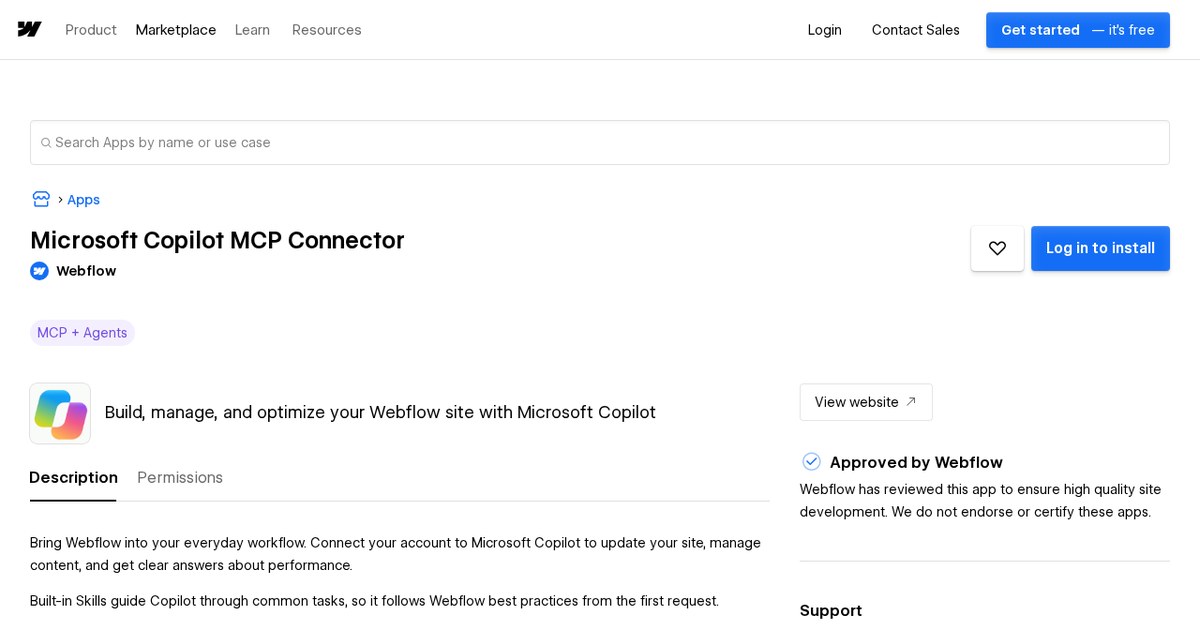
Installing the connector is free. However, Microsoft requires a paid license for connectors like this, so teams already paying for Copilot are the first to benefit.
What is new
- Build responsive pages and reusable components from your designs and brand, and add interactions.
- Set up and restructure CMS collections, then manage items.
- Ask Copilot about traffic, top pages and engagement.
- Audit a site for SEO and AEO, accessibility, broken links, speed and content quality.
- Read AI crawler and answer engine data, such as which pages LLM crawlers request most and how answer engines responded to your tracked prompts.
- Built-in Skills guide Copilot through common tasks using Webflow best practices.
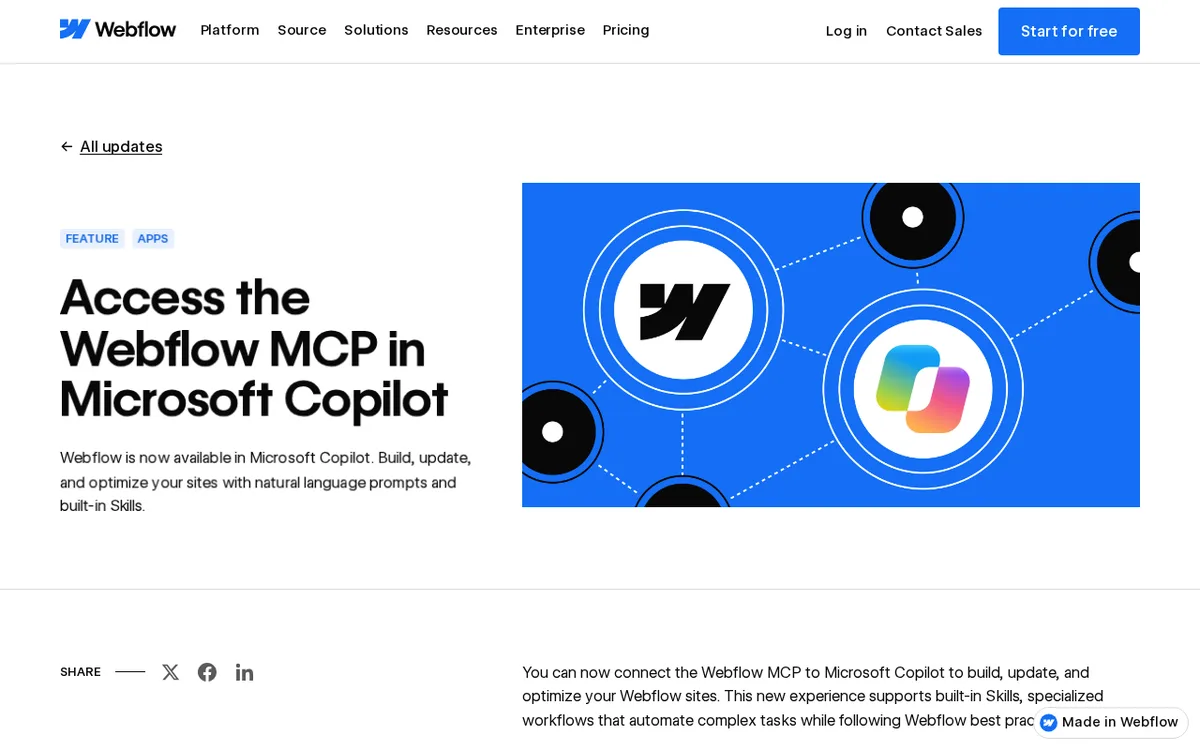
Taken from the official update: webflow.com [1]
What Copilot can do on your Webflow site
The connector handles two types of work: Copilot can make site changes or review a site and report findings. That lets one conversation cover both the list of fixes and the traffic question that prompted it.
Fact checked on 13 Nov 2026 against webflow.com [2]
Skills are especially useful if you are new to AI site work. These built-in workflows guide Copilot through common tasks and help it follow Webflow best practices, so you do not need to write a detailed prompt for each job.
Fact checked on 13 Nov 2026 against webflow.com [2]
Two limits apply to the general Webflow MCP setup. Anyone with a site role other than Reviewer can connect, and the server honors the permissions of that role, so Copilot should not be able to do more than you can. Webflow's general connection guide also says that actions requiring the canvas need the Webflow MCP Bridge App. Launch it from the site's Apps panel, and it installs automatically when you authorize the MCP server. Since the guide covers MCP connections generally, use it as background for Copilot, not as a Copilot-specific step.
Fact checked on 13 Nov 2026 against help.webflow.com [3]
Who can use it, and what it costs
According to Webflow, Webflow for Copilot is free to install and does not currently use Webflow AI credits. This applies only on the Webflow side.
Fact checked on 13 Nov 2026 against webflow.com [1]
According to Webflow's app listing, federated Copilot connectors require a Microsoft 365 Copilot add-on license or Microsoft 365 E7. Copilot Studio licenses and Microsoft 365 Copilot pay-as-you-go do not support them. If your agency or company uses either option, the connector is unavailable.
Fact checked on 13 Nov 2026 against webflow.com [2]
AI crawler and answer engine data are a separate case. The Webflow MCP server is available on all Site plans, including the free Starter plan, but Webflow says accessing that analytics data through MCP requires Analyze and AEO analytics access. There is no added cost if you already have that access. Webflow's pages differ on which plan qualifies: the AEO analytics help page specifies a Team or Enterprise Platform plan with the Analyze add-on, while the Analyze feature page FAQ specifies an Enterprise Site plan with the Enterprise Analyze add-on. Check your account before relying on this feature.
Fact checked on 13 Nov 2026 against help.webflow.com [4], help.webflow.com [6], webflow.com [7]
Copilot is one more way into the Webflow MCP
Webflow has connected to AI tools before. On April 8, 2025, Webflow announced its official MCP server for tools such as Cursor and Claude Desktop. Its Help Center now provides setup guides for ChatGPT, Claude, Codex, Devin Desktop, Gemini, Grok Build, Postman and Slack, and says any MCP compatible AI tool can connect manually. Copilot is now part of that list, which works well for teams that use Microsoft's assistant every day instead of another vendor's.
Fact checked on 13 Nov 2026 against help.webflow.com [4], developers.webflow.com [5]
If you are still deciding whether Webflow fits your project, the guide explaining what Webflow is and the pricing guide's plan breakdown cover the basics behind the connector.
What the official notes do not say
- The pages Webflow published do not name a Webflow plan that the Copilot connector requires.
- They give no usage quotas, rate limits or other numerical limits for the connector.
- They do not say what the connector replaces.
- They do not give Copilot-specific, step-by-step instructions for finding and connecting it inside Microsoft Copilot.
How it helps: a freelancer who maintains a Webflow site for a small business and whose client already pays for Microsoft 365 Copilot
The task. Review the site for issues and organize the blog before a campaign
- Check that the client's Microsoft 365 plan includes the Copilot add-on or E7, then follow the Connect Webflow to Copilot instructions linked from Webflow's update.
- Ask Copilot to audit the site for SEO, accessibility, broken links, speed and content quality.
- Ask which pages bring the most traffic and engagement so you fix those first.
- Have Copilot restructure the blog CMS collection and update items.
- Open the site in Webflow and review the changes yourself.
The result. One conversation handles the audit, traffic check and content cleanup, while you review the changes yourself in Webflow.
Fact checked on 13 Nov 2026 against webflow.com [1], webflow.com [2]
Other ways to use it
Ask about traffic and top pages in your Copilot conversation, then move right on to fixing the weakest pages.
Fact checked on 13 Nov 2026 against webflow.com [2]
Webflow offers the connector for free, but Microsoft’s license rules still apply. Check what your Microsoft plan includes before planning around it.
Fact checked on 13 Nov 2026 against webflow.com [1], webflow.com [2]
Related nvudev guides
Sources
- https://webflow.com/updates/microsoft-copilot (official update)
- https://webflow.com/apps/detail/microsoft-copilot-mcp-connector
- https://help.webflow.com/hc/en-us/articles/52536616701971-Connect-your-AI-tools-to-the-Webflow-MCP-server
- https://help.webflow.com/hc/en-us/articles/52536562285203-Webflow-MCP-server-overview
- https://developers.webflow.com/home/changelog/2025/4/8
- https://help.webflow.com/hc/en-us/articles/51704299506195-AEO-analytics-overview
- https://webflow.com/feature/analyze
Facts in this article were checked against these sources on 13 Nov 2026. Product details change, so check the official page before you rely on them.