
This matters when you build sites for clients who want their data kept in Europe. You cannot enable it within your existing workspace. The EU region is a separate setup with its own accounts, workspaces and sites, so plan for it before starting a project.
It is not available to everyone yet. The update post and developer documentation refer to Enterprise plans, while Webflow's hosting page also lists Scale customers in EMEA. In either case, you arrange access through Webflow sales or your account team, so this post explains who can use it and what you give up as well as what you get.
What is new
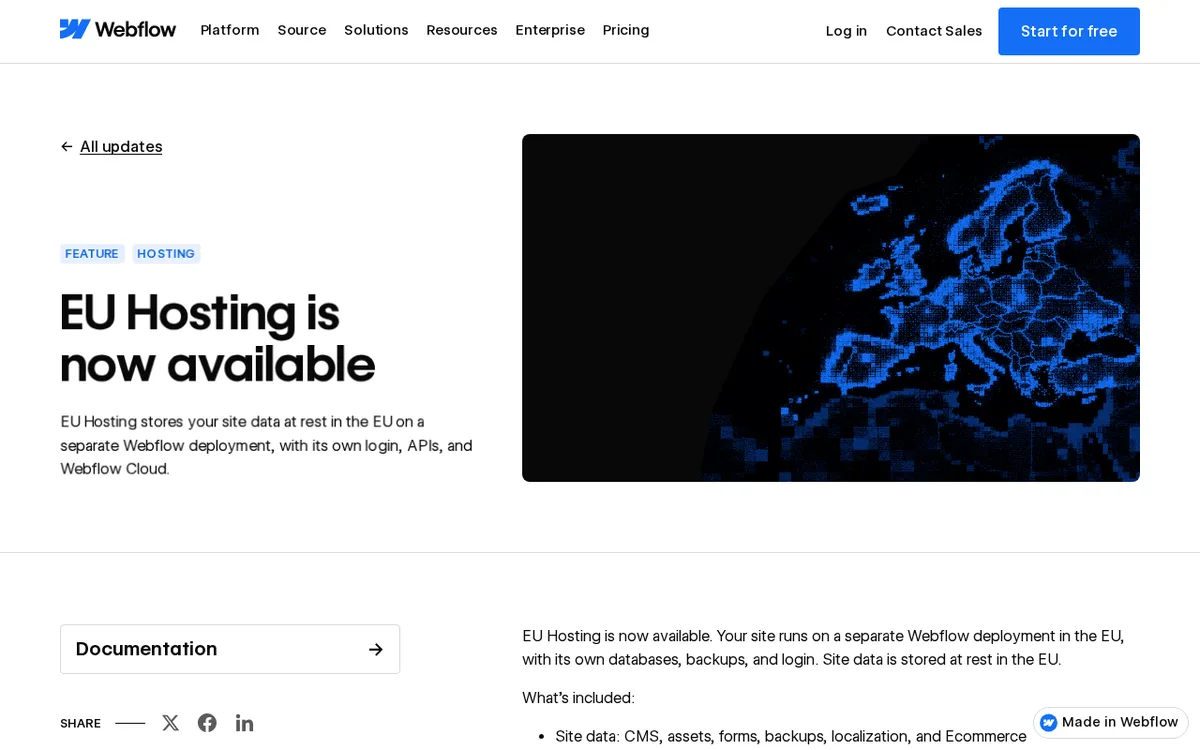
- Your site runs on a separate Webflow deployment, with site data stored at rest in the EU.
- Included data covers CMS, assets, forms, backups, localization and Ecommerce.
- The Designer works with a separate EU login, and the EU region has its own APIs, MCP and Webflow Cloud.
- Site activity logs and bandwidth metering with a usage dashboard are included.
- Marketplace and Apps, Analyze, Optimize, Campaigns and AEO are not available.
Taken from the official update: webflow.com [1]
How the EU region is set up
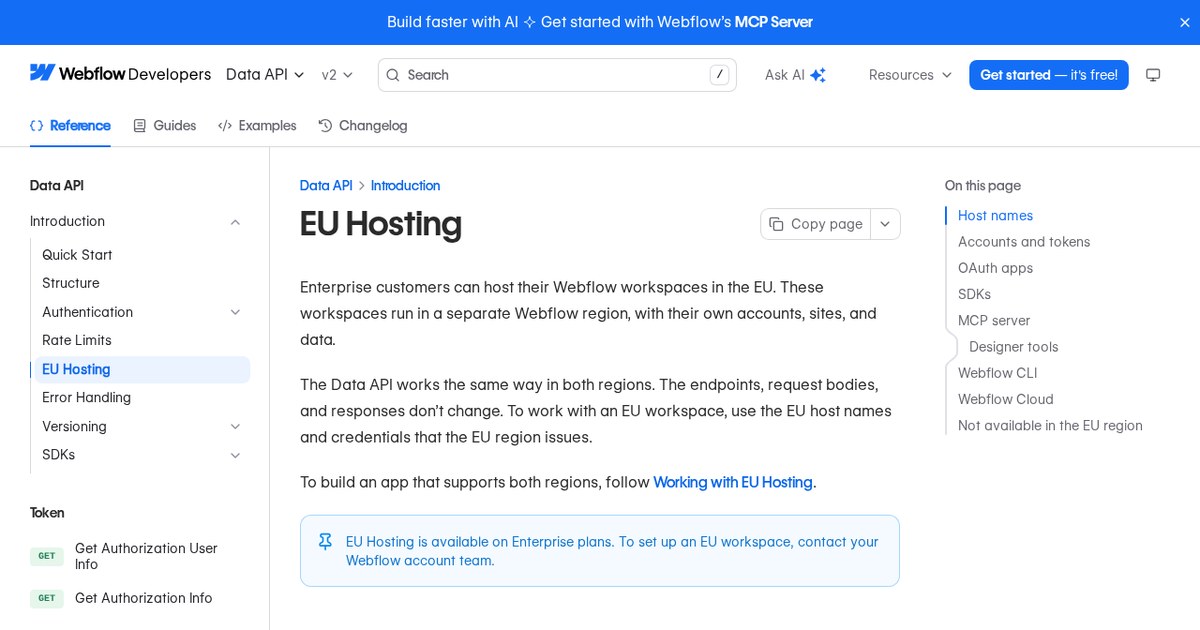
Webflow presents EU Hosting as a separate deployment, rather than a site setting. According to the developer documentation, the EU region has its own accounts, workspaces and sites. US and EU credentials cannot be used interchangeably, so your existing login will not open an EU workspace.
Fact checked on 18 Nov 2026 against webflow.com [1], developers.webflow.com [2]
The addresses are different as well. The EU Webflow app is at eu.webflow.com, the EU Data API is at api.eu.webflow.com, and EU staging domains use *.eu.webflow.io rather than the standard webflow.io. For custom apps or scripts built on Webflow, use the EU host names and credentials issued by the EU region.
Fact checked on 18 Nov 2026 against developers.webflow.com [2]
If you already work in the US region, think of the EU region as a separate environment. The EU login and EU MCP are distinct, so your current logins and tooling setup do not transfer automatically.
Fact checked on 18 Nov 2026 against developers.webflow.com [2], webflow.com [1]
Who can get it and how to start
Webflow's pages describe availability differently, so be aware of the difference before making a promise to a client. The update post says EU Hosting is available on specific Enterprise plans. Webflow's hosting page says it is available from November 17 to Scale and Enterprise customers in EMEA.
Fact checked on 18 Nov 2026 against webflow.com [1], webflow.com [3]
Getting started does not involve signing up in the dashboard. Contact Webflow sales or your Webflow account team, and the developer documentation directs customers to their account team to set up an EU workspace. An existing site in the US region will not move automatically. Webflow handles migrations of existing US sites case by case.
Fact checked on 18 Nov 2026 against developers.webflow.com [2], webflow.com [1]
When comparing plans for a client, the nvudev guide to Webflow pricing explains the standard site plans. EU Hosting is not included in that list, and the official pages do not state a price for it.
What is missing and what still leaves the EU
Some products are not compatible with EU Hosting. Webflow says Marketplace and Apps, Analyze, Optimize, Campaigns and AEO are unavailable. If a client relies on a Marketplace app or Webflow’s own testing and analytics tools, check compatibility first.
Fact checked on 18 Nov 2026 against webflow.com [1]
Read the data note carefully, too. Webflow says some data may still be processed or stored outside the EU for CDN caching, by subprocessors supporting certain features, and for customer support. So, storing site data at rest in the EU does not mean every related piece of data stays in the EU.
Fact checked on 18 Nov 2026 against webflow.com [1]
What the official notes do not say
- The update post and the developer documentation do not name which Enterprise plans qualify, and they do not explain how the Scale and Enterprise wording on the hosting page fits with the update's talk of specific Enterprise plans.
- They do not give a price for EU Hosting or any EU specific bandwidth or usage limits.
- They do not say that EU Hosting replaces another product or hosting option.
How it helps: a freelancer or agency that builds sites for European clients who want their site data kept in the EU
The task. Build and publish a client site using Webflow EU Hosting rather than the standard US region
- Contact Webflow sales or your Webflow account team and ask for an EU workspace.
- Log in to the EU Webflow app at eu.webflow.com with your EU credentials, not your US login.
- Build the site in the Designer, using the CMS, forms and Ecommerce as usual, and preview it on a *.eu.webflow.io staging domain.
- If the project needs custom code that talks to Webflow, point it at api.eu.webflow.com and use the credentials the EU region issues.
- Publish, then use the usage dashboard to keep an eye on bandwidth.
The result. The site data listed above is stored at rest in the EU, and you know beforehand which Webflow products are excluded from the setup.
Fact checked on 18 Nov 2026 against developers.webflow.com [2], webflow.com [1]
Other ways to use it
Contact your account team early. Since Webflow handles migrations of existing US sites case by case, there is no standard move to plan for.
Fact checked on 18 Nov 2026 against webflow.com [1]
The Data API works the same in both regions, using the same endpoints, request bodies and responses. Your app still needs to use the EU host names and credentials issued by the EU region. An app intended to work in both regions must handle both sets.
Fact checked on 18 Nov 2026 against developers.webflow.com [2]
Related nvudev guides
Sources
- https://webflow.com/updates/eu-hosting (official update)
- https://developers.webflow.com/data/reference/eu-hosting
- https://webflow.com/feature/hosting?daa59ebc_page=3
Facts in this article were checked against these sources on 18 Nov 2026. Product details change, so check the official page before you rely on them.