

You can add it through Connectors or ask Lovable to connect it within a project. This matters when you use Lovable to build small shops, donation pages, or booking forms and customers expect to pay with PayPal.
This is a separate connector, not a substitute for the payments Lovable sets up with Stripe or Paddle. For a builder, the key question is which of the two options best fits the client.
What is new
- Your app can create a PayPal checkout for an order.
- Your app can capture an order after the buyer approves it in PayPal, which is the step that takes the money.
- Your app can refund a capture, either in full or in part.
- Your app can read the status of an order.
- Your app can list recent transactions, but only after Transaction Search is enabled.
Taken from the official update: docs.lovable.dev [1]
PayPal connector or Lovable's built-in payments
Using the PayPal connector means bringing an existing PayPal account. Built-in payments from Lovable work differently: Lovable creates and manages the Stripe or Paddle account and takes care of the technical setup. Before going live with Paddle, you complete its verification. With Stripe, you claim the account Lovable created, or link an account you already own as you claim it.
Fact checked on 9 Nov 2026 against docs.lovable.dev [1], docs.lovable.dev [3], docs.lovable.dev [2]
The plans also differ. Built-in payments require the Pro plan or higher, though on Free you can connect your own Stripe account. The PayPal connector is available by default, so a client on Free who requires PayPal is not blocked by the plan. Workspace settings still determine who can create the connection.
Fact checked on 9 Nov 2026 against docs.lovable.dev [3], docs.lovable.dev [1]
Fees and legal responsibilities are different, too. Lovable adds no fee to built-in payments. Paddle serves as the merchant of record, making it the legal seller and responsible for payment and tax compliance. Paddle lists a standard rate of 5.0% plus 50 cents per transaction, with a flat 10% charge for transactions under $10. Stripe charges its standard pay-as-you-go rates. PayPal charges its fees directly and handles billing, not Lovable, so check PayPal's fee page before setting prices.
Fact checked on 9 Nov 2026 against docs.lovable.dev [3], docs.lovable.dev [1]
The PayPal route also has a structural limit. Each connection is a single PayPal REST app shared by its linked projects, and it cannot provide each user of your app with a separate PayPal business account. That makes it suitable for a business collecting its own money, rather than an app where each seller receives payment into a personal PayPal account.
Fact checked on 9 Nov 2026 against docs.lovable.dev [1]
What you need before you connect
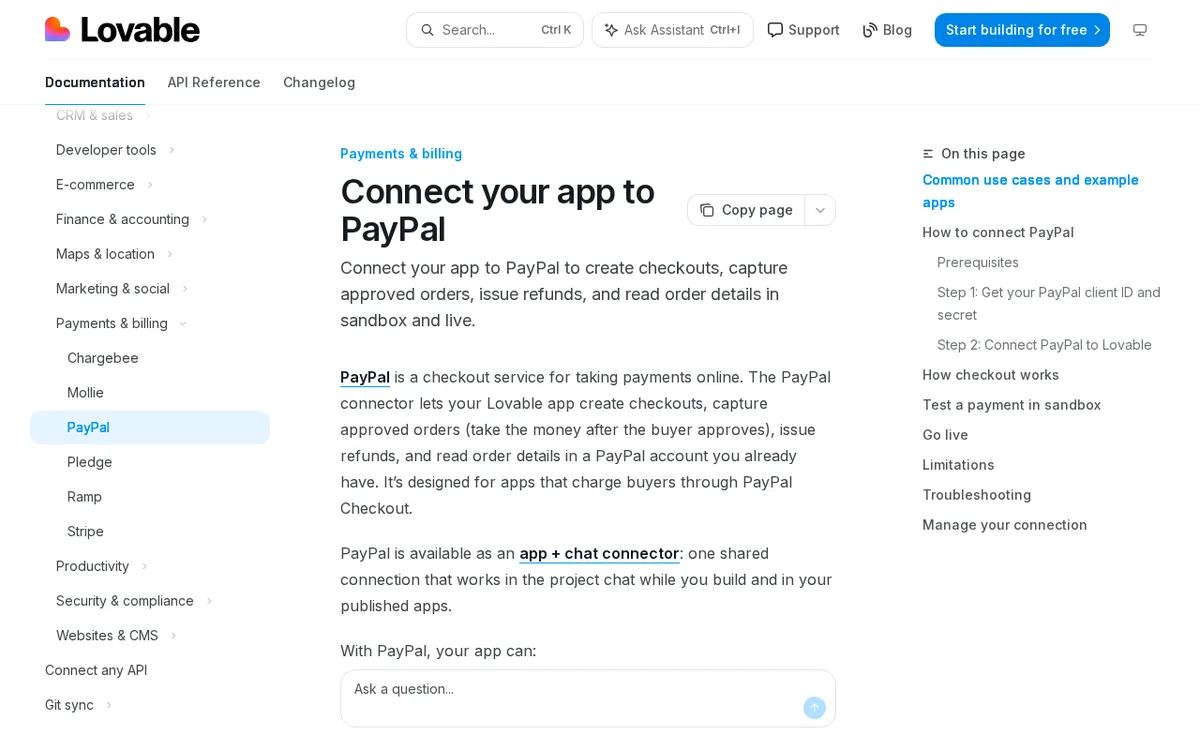
You need a PayPal account, a REST app in sandbox or live, and permission to create connections in your Lovable workspace. You create a REST app in the PayPal Developer Dashboard, where it gets its own client ID and secret. Select the Merchant type to take payments in your own app. Choose Platform to take payments for other businesses. A live REST app requires a verified PayPal business account, so a personal account cannot accept real payments.
Fact checked on 9 Nov 2026 against docs.lovable.dev [1]
On Free and Pro, editors or higher can create connections. Business and Enterprise workspaces default to the Admins setting. Some Enterprise workspaces default to No one, so nobody there can create a PayPal connection until an admin or owner changes the setting.
Fact checked on 9 Nov 2026 against docs.lovable.dev [1]
How a payment flows through the app
During checkout, the buyer approves the payment in PayPal. Your app then captures the order on the server and marks it paid only after capture succeeds. When testing the build, make sure it waits for the capture before showing an order as paid. Refunds are issued against a capture, either in full or for an amount you enter.
Fact checked on 9 Nov 2026 against docs.lovable.dev [1]
Requests pass through Lovable's connector gateway, so the PayPal secret never appears in the browser. Lovable also adds a check to confirm that each payment notification came from PayPal before the app acts on it. New connections are private to you by default. Share one by adding workspace members by email or inviting the entire workspace.
Fact checked on 9 Nov 2026 against docs.lovable.dev [1]
Transaction Search must be enabled for the recent transactions list, and PayPal may take up to three hours to include a new transaction. As a result, a payments overview page in your app may not immediately reflect what just happened.
Fact checked on 9 Nov 2026 against docs.lovable.dev [1]
What the official notes do not say
- The PayPal documentation and the changelog entry do not mention subscriptions or recurring payments.
- They do not mention which currencies the connector supports.
- They do not mention PayPal Pay Later.
- They do not mention paying by card through PayPal Checkout.
How it helps: a freelancer who builds booking sites for local studios
The task. Add a deposit payment to a booking form, test it, launch it, and handle a cancellation
- In the PayPal Developer Dashboard, create a sandbox REST app of the Merchant type and copy its client ID and secret.
- In Lovable, open Connectors, add PayPal and name the connection PayPal Sandbox, using the sandbox credentials.
- In the project chat, ask Lovable to build the deposit step into the booking form and to add an admin page that refunds a capture in full or for an amount you enter.
- To test, open Testing Tools, then Sandbox Accounts, in the PayPal Developer Dashboard and pay with a personal sandbox account. Confirm the booking shows as paid only after the order is captured.
- When the studio has a verified PayPal business account, create a live REST app and add a second connection named PayPal Live with its credentials and Environment set to Live (production).
- Unlink PayPal Sandbox from the project and link PayPal Live, so the app takes real payments.
- If a client cancels, use the admin page to refund the deposit.
The result. The studio gets a booking form that collects a deposit through PayPal into its own account, tested without real money, with a way to issue refunds for cancellations.
Fact checked on 9 Nov 2026 against docs.lovable.dev [2], docs.lovable.dev [1]
Other ways to use it
You want customers who already use PayPal to pay for a cart. The connector lets the app set up checkout and capture the order after the buyer approves it.
Fact checked on 9 Nov 2026 against docs.lovable.dev [2], docs.lovable.dev [1]
Sources
- https://docs.lovable.dev/integrations/paypal (official update)
- https://docs.lovable.dev/changelog.md
- https://docs.lovable.dev/features/payments
Facts in this article were checked against these sources on 9 Nov 2026. Product details change, so check the official page before you rely on them.