
An app + chat connection uses one shared account in both the project chat during development and the published app. Add either connector from Connectors, or ask Lovable to connect it within a project.
For a site builder, this means a Lovable app can file issues in a bug tracker or send order emails using a service already in place. The details below explain limits, setup, and costs, since both connectors depend on accounts paid for elsewhere.
What is new
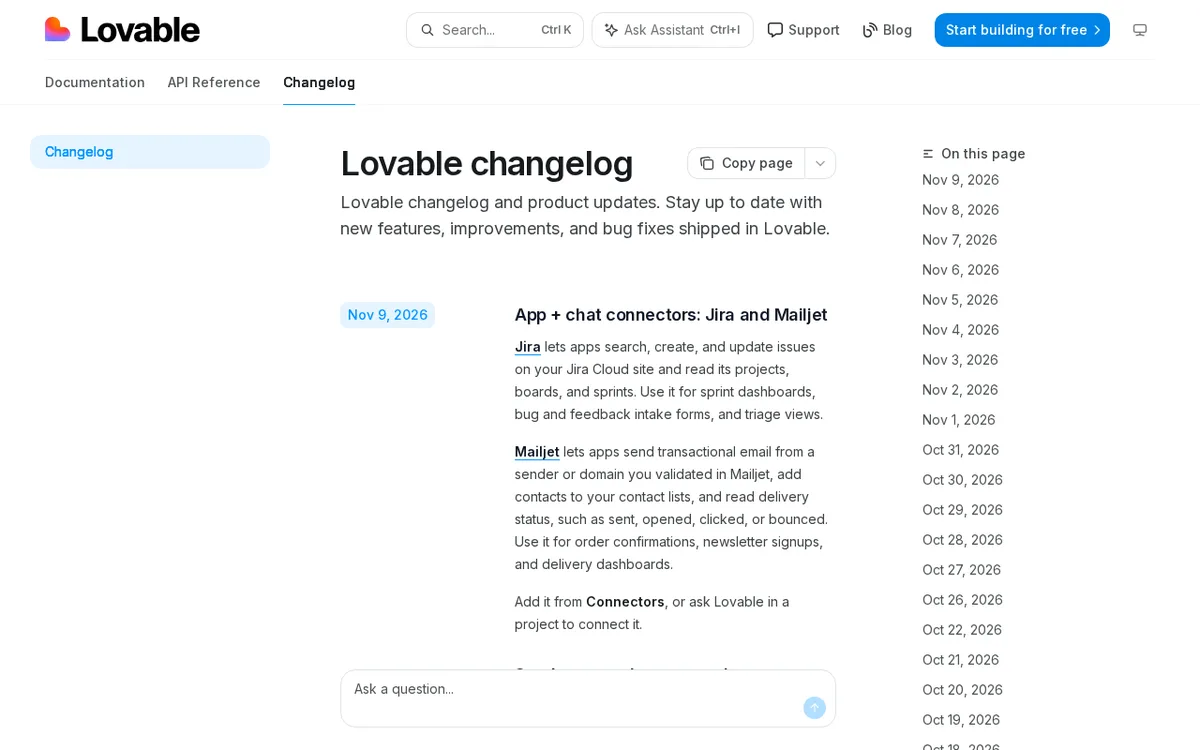
- Jira connector: your app can search, create, and update Jira issues and read projects, boards, and sprints.
- Mailjet connector: your app can send transactional email from a validated sender or domain and add contacts to your lists.
- Mailjet connector: your app can read delivery status such as sent, opened, clicked, or bounced.
- Both connectors work as app + chat connectors, so one shared account serves the project chat and the published app.
Taken from the official update: docs.lovable.dev [1]
The Jira connector works with Jira Cloud only
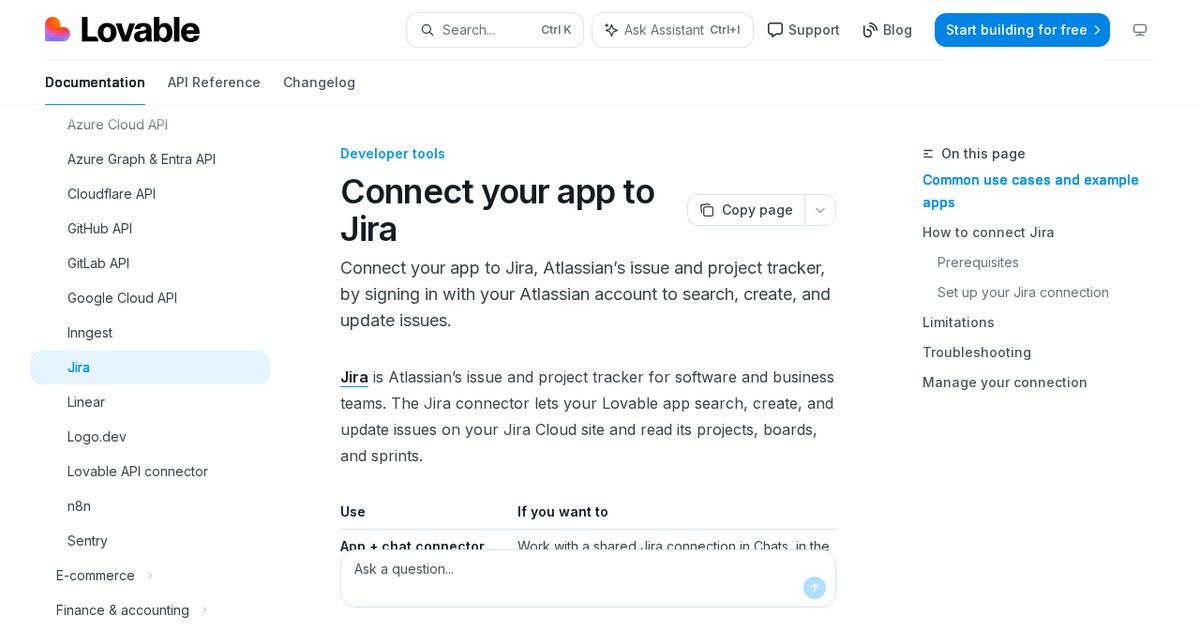
The connector can read and write issues on your Jira Cloud site. It can search for, create, and update issues, as well as read projects, boards, and sprints. This is enough to build a small tool that displays sprint progress or submits a new issue from a form.
Fact checked on 10 Nov 2026 against docs.lovable.dev [3]
Jira Server and Jira Data Center are not supported. If your team uses either one, you cannot use this connector.
Fact checked on 10 Nov 2026 against docs.lovable.dev [3]
To connect, sign in to Atlassian and approve the authorization request. An API token is not required. You need your Jira Cloud site address, such as mycompany.atlassian.net, an Atlassian account that can access the site, and permission to create connections in your Lovable workspace. Lovable's documentation does not require Jira administrator rights.
Fact checked on 10 Nov 2026 against docs.lovable.dev [3]
Because requests pass through Atlassian, they count toward Jira Cloud rate limits. Atlassian, not Lovable, manages billing and quota.
Fact checked on 10 Nov 2026 against docs.lovable.dev [3]
What you need before connecting Mailjet
You need an account with Mailjet, a sender address or domain validated there, and an API key and secret key.
Fact checked on 10 Nov 2026 against docs.lovable.dev [4]
After connecting, your app can send transactional email from the validated sender or domain, add contacts to your lists, and check delivery status, including sent, opened, clicked, or bounced.
Fact checked on 10 Nov 2026 against docs.lovable.dev [4]
There are two key limits. The connector supports email, not SMS. It also cannot receive Mailjet event webhooks or let each app user sign in with a personal Mailjet account.
Fact checked on 10 Nov 2026 against docs.lovable.dev [4]
Messages sent through the connector count toward your Mailjet plan. Mailjet, not Lovable, handles billing.
Fact checked on 10 Nov 2026 against docs.lovable.dev [4]
Who can connect, and where Mailjet fits among email options
Members with the editor role or higher can create app + chat connections on Free and Pro plans. On Business and Enterprise, admins and owners set who can create connections, with admins as the default. Some Enterprise workspaces have the connector turned off at first. If the option is unavailable, ask a workspace admin.
Fact checked on 10 Nov 2026 against docs.lovable.dev [2], docs.lovable.dev [3]
For standard transactional messages, Lovable recommends its built-in Emails. Mailjet is suggested if you already manage sending or contacts there, or need more volume than Lovable Emails provides.
Fact checked on 10 Nov 2026 against docs.lovable.dev [4]
Lovable documents other email options besides Mailjet. Resend and Mailchimp Transactional also support sending email, while ActiveCampaign and Mailchimp handle contacts, mailing lists, and campaigns. Mailjet brings transactional sending, contact lists, and delivery status together in one connector.
Fact checked on 10 Nov 2026 against docs.lovable.dev [6], docs.lovable.dev [7], docs.lovable.dev [8], docs.lovable.dev [9], docs.lovable.dev [4]
Lovable Emails are available on paid plans. Every paid workspace gets 50,000 transactional emails each month, with additional emails costing 4 credits per 1,000. This provides a baseline for comparison before adding a separate Mailjet account.
Fact checked on 10 Nov 2026 against docs.lovable.dev [5]
What the official notes do not say
- The changelog entry gives no rollout schedule and names no particular plan that is required for Jira or Mailjet. Creating a connection depends on your plan and workspace settings.
- The connector pages give no fixed Lovable price and no numeric request or sending quota for either connector. Jira usage follows Atlassian limits, and Mailjet usage follows your Mailjet plan.
- The entry does not say Jira replaces another feature. The Mailjet page explains when to choose it over Lovable Emails, but it does not say it replaces them.
How it helps: a freelancer who builds client portals for small agencies
The task. Give a client an easy page for the team to log bugs and view the current sprint without leaving the app the team already uses.
- Open the project and add the Jira connector from Connectors, or ask Lovable in the chat to connect it.
- Enter the client's Jira Cloud site address, sign in to Atlassian, and accept the authorization request.
- Ask Lovable to build a page that reads the sprint and its issues from a chosen board.
- Ask for a form that creates a new Jira issue when someone submits a bug report.
The result. The client's team can view the current sprint and file issues on one page. Requests count toward Atlassian's Jira Cloud rate limits, while Atlassian manages billing and quota.
Fact checked on 10 Nov 2026 against docs.lovable.dev [1], docs.lovable.dev [3]
Other ways to use it
Connect Mailjet using a validated sender, your API key, and your secret key. The app can then send order confirmations and add new customers to a contact list. Sending is billed under your existing Mailjet plan.
Fact checked on 10 Nov 2026 against docs.lovable.dev [4]
Ask Lovable to create a simple delivery dashboard that reads sent email status and displays how many messages were sent, opened, clicked, or bounced. Sending counts toward your Mailjet plan. Since the connector cannot receive Mailjet event webhooks, the dashboard reads delivery status instead of relying on events pushed to it.
Fact checked on 10 Nov 2026 against docs.lovable.dev [4]
Sources
- https://docs.lovable.dev/changelog (official update)
- https://docs.lovable.dev/integrations/app-connectors
- https://docs.lovable.dev/integrations/jira
- https://docs.lovable.dev/integrations/mailjet
- https://docs.lovable.dev/features/custom-emails
- https://docs.lovable.dev/integrations/resend
- https://docs.lovable.dev/integrations/activecampaign
- https://docs.lovable.dev/integrations/mailchimp
- https://docs.lovable.dev/integrations/mailchimp-transactional
Facts in this article were checked against these sources on 10 Nov 2026. Product details change, so check the official page before you rely on them.