
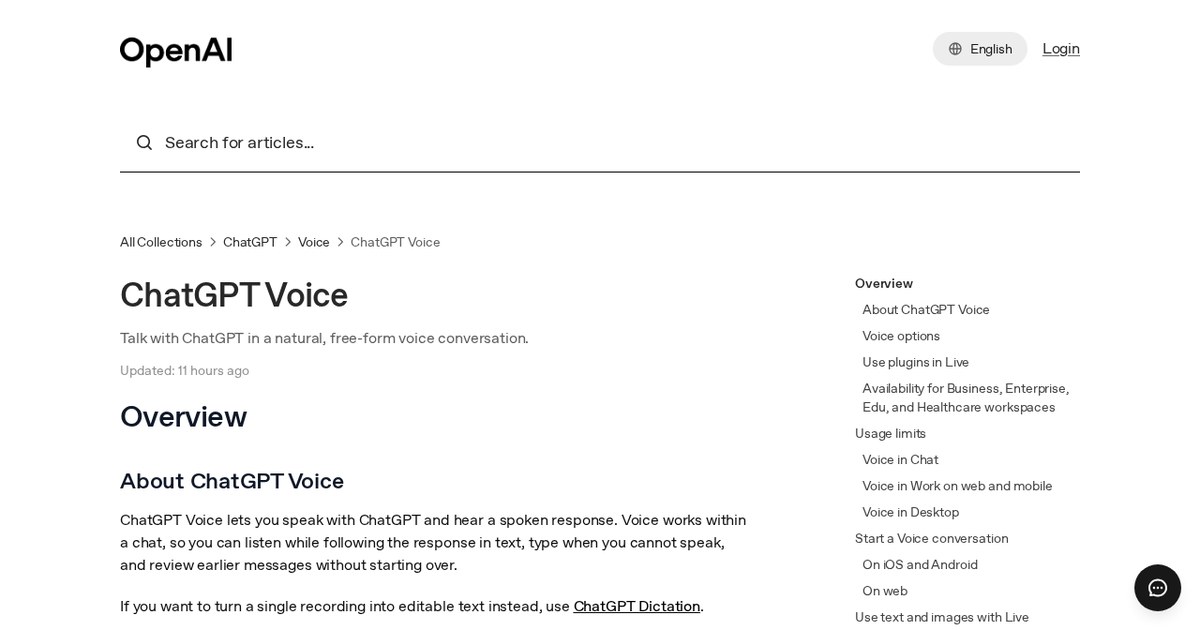
OpenAI says nearly everyone using voice in ChatGPT already uses GPT-Live, introduced in July 2026. The change mainly affects people who still have Advanced or Standard selected in Settings > Voice. For people who only type to ChatGPT, nothing changes because only voice options are being retired.
If you use ChatGPT while planning pages, drafting copy or organizing a site structure, this change determines which voice model responds. Live voice runs on GPT-Live, which OpenAI says can listen and speak at the same time. Your chat history will remain unchanged.
What is new
- Advanced and Standard voice are retired from ChatGPT Voice on December 11, 2026.
- Until that date you can keep using either one during the transition period.
- From December 11 neither option can be picked in Settings > Voice, and users who had one selected default to Live voice.
- Live voice is powered by GPT-Live, which OpenAI says can listen and speak at the same time.
- Live video and screen sharing keep running on Advanced voice until GPT-Live supports them, and OpenAI gives no date for that.
- Voice with custom GPTs runs on Advanced voice until it is deprecated on December 11, 2026, and voice is not available in custom GPTs after that.
Taken from the official update: help.openai.com [1]
What happens before and after December 11
OpenAI's release notes say nearly everyone using voice in ChatGPT now uses GPT-Live, which launched on July 8, 2026. As a result, the retirement mainly changes things for people who still have Advanced or Standard selected. Those users default to Live voice, which OpenAI says can listen and speak at the same time.
Fact checked on 11 Nov 2026 against help.openai.com [2], help.openai.com [1]
The retirement will happen in two steps. Advanced and Standard voice will continue working until December 11, 2026, so the notice will not cause anything to stop working. On December 11, both options will disappear from the model picker in Settings > Voice, and anyone who selected one will switch to Live voice.
Fact checked on 11 Nov 2026 against help.openai.com [2]
Your previous conversations will remain in your ChatGPT history. You can continue them by text or voice, so changing models will not affect your earlier work.
Fact checked on 11 Nov 2026 against help.openai.com [2]
OpenAI calls Advanced a previous turn-based voice model. Standard linked speech to text, a language model and text to speech. OpenAI says what it learned from both models will be incorporated into GPT-Live.
Fact checked on 11 Nov 2026 against help.openai.com [2]
Screen sharing stays on Advanced, custom GPT voice does not
Not everything switches to Live on December 11. Live does not support video or screen sharing, and OpenAI says those features will continue to use Advanced voice until GPT-Live supports them. Sharing your screen while talking through a page layout will keep working as before, with no date set for a change.
Fact checked on 11 Nov 2026 against help.openai.com [3]
Custom GPTs work differently. Voice with custom GPTs does not switch to Live. OpenAI's help article says it continues to use Advanced voice until the feature is deprecated on December 11, 2026, the same day as the retirement. The article also identifies that date as the end of voice in custom GPTs. If you built a custom GPT for client work and use voice to talk to it, finish that work before then and plan to use text afterward.
Fact checked on 11 Nov 2026 against help.openai.com [2], help.openai.com [5]
Where to find Live voice and what limits apply
Voice in Chat is available on the web, iOS and Android. On the web, select the Voice icon in the prompt window. On iOS or Android, select the Voice icon in the message bar. Available voice options may vary based on your plan, workspace settings, region, app version and parental controls.
Fact checked on 11 Nov 2026 against help.openai.com [3]
Live usage in Chat mode is limited by plan over a rolling 24 hours. The Free plan has limited access to GPT-Live-1.1 Quip. Go gets 3 hours with GPT-Live-1.1 Quip, Plus gets 3 hours with GPT-Live-1.1, and Pro at $100 a month gets 15 hours. Pro at $200 a month is unlimited, subject to abuse guardrails. Business Standard gets 3 hours and Business Premium gets 15 hours, then usage costs 1.25 credits per minute. Free limits may change. In practice, a Plus user moved on December 11 gets 3 hours of Live in Chat mode per rolling 24 hours. OpenAI does not list the limits for Advanced or Standard, so no like for like comparison is published.
Fact checked on 11 Nov 2026 against help.openai.com [3]
What the official notes do not say
- The retirement article does not specify a minimum app version or a date when GPT-Live will gain video or screen sharing.
- The listed Chat-mode usage limits do not state the limits for the retired Advanced and Standard modes.
How it helps: a freelancer who builds sites for local shops and talks through page ideas with ChatGPT on a phone
The task. Keep voice brainstorming working during the switch to Live voice
- Before December 11, open Settings > Voice and note whether Advanced or Standard is selected.
- Open the ChatGPT app on iOS or Android and select the Voice icon in the message bar to try Live voice early.
- Open an earlier chat about a client's site structure and continue it in voice or in text.
- If you share your screen while talking, you can keep doing that as before, because screen sharing stays on Advanced voice until GPT-Live supports it.
- If you talk to a custom GPT by voice, try that workflow before December 11, 2026, when custom GPT voice is deprecated, and plan to use text for it afterwards.
The result. On December 11, you are already using Live voice, your earlier chats are still there, screen sharing continues, and voice in custom GPTs ends.
Fact checked on 11 Nov 2026 against help.openai.com [2], help.openai.com [3], help.openai.com [5]
Other ways to use it
Business Standard includes 3 hours of Live usage, while Business Premium includes 15 hours, followed by 1.25 credits per minute. Teams that brainstorm by voice all day should check their plan before the switch.
Fact checked on 11 Nov 2026 against help.openai.com [3]
The Free plan includes limited access to GPT-Live-1.1 Quip, and OpenAI says Free limits may change. Planning around short voice sessions is the safer approach.
Fact checked on 11 Nov 2026 against help.openai.com [3]
Related nvudev guides
Sources
- https://help.openai.com/en/articles/6825453-chatgpt-release-notes (official update)
- https://help.openai.com/en/articles/20001638-retiring-advanced-and-standard-voice-in-chatgpt
- https://help.openai.com/en/articles/20001274-gpt-live-faq
- https://help.openai.com/en/articles/20001638
- https://help.openai.com/en/articles/20001519
Facts in this article were checked against these sources on 11 Nov 2026. Product details change, so check the official page before you rely on them.