
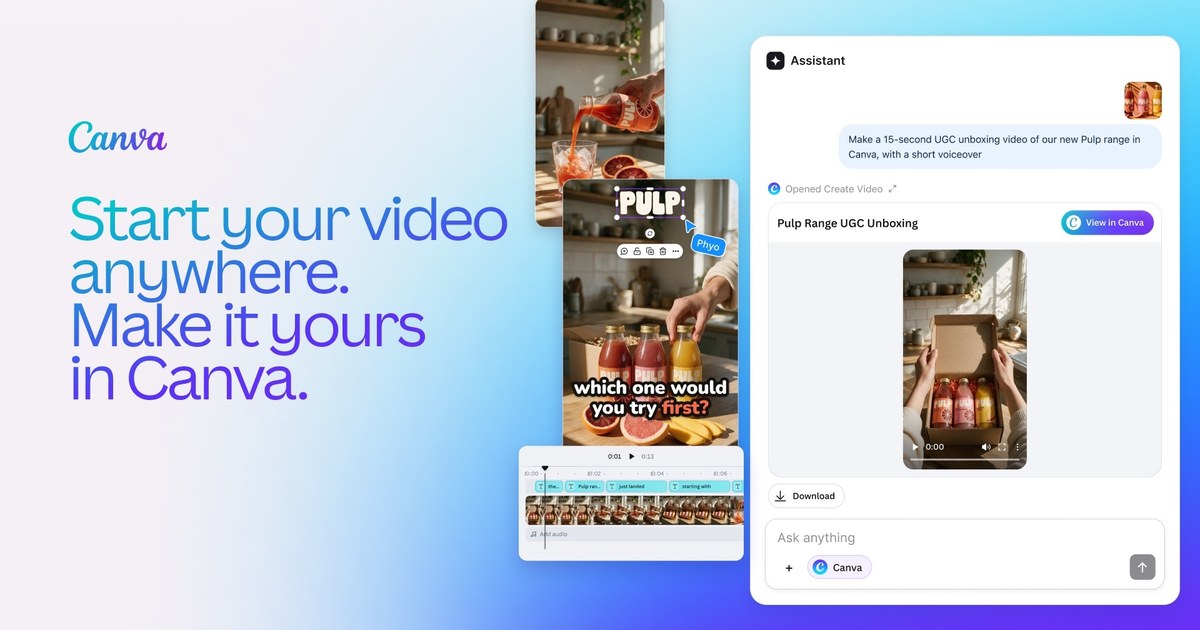
So far, most people have accessed Canva MCP through partner connectors like ChatGPT and Claude, while developers interested in building with it were directed to the Canva Developers community.
The update outlines three ways to build with Canva: MCP for agent tasks, REST APIs for product integrations, and the Canva CLI for coding agents.
For anyone building client websites or running a store, the questions are who can enable this today, what it costs, and what limits apply. The answers below are drawn from Canva's own announcement and developer pages.
What is new
- Canva MCP is generally available, with no waitlist.
- Agents can generate editable designs, images and video, remove backgrounds, and turn flat graphics into editable layered designs.
- Agents can also resize and export work, retrieve designs and templates, and personalize content with data.
- Service accounts let a platform call the REST APIs without its users signing in to Canva.
Taken from the official update: canva.com [1]
Who can use Canva MCP and on which plans
There are two types of users. For people who want to use Canva through an AI assistant, Canva's AI Connector links supported assistants, including ChatGPT, Claude, Gemini and Microsoft Copilot. It is available to Canva Free and Canva Education accounts, along with other accounts, but a team administrator may need to enable it first.
Fact checked on 24 Nov 2026 against canva.com [3]
Each person signs in to a personal Canva account, and the assistant can only perform actions that person is permitted to do in Canva.
Fact checked on 24 Nov 2026 against canva.dev [4]
Some features depend on the plan. Design generation, editing, search, exports, comments and asset uploads are available on all plans. Resizing, Autofill, brand kits and brand templates are listed for Canva Pro and above, while Free includes a limited resizing trial.
Fact checked on 24 Nov 2026 against canva.dev [4]
Export options also vary by plan. Free plans include standard quality exports, while Pro and above offer options such as lossless PNG, transparent backgrounds and premium element export.
Fact checked on 24 Nov 2026 against canva.dev [5]
How developers switch MCP on
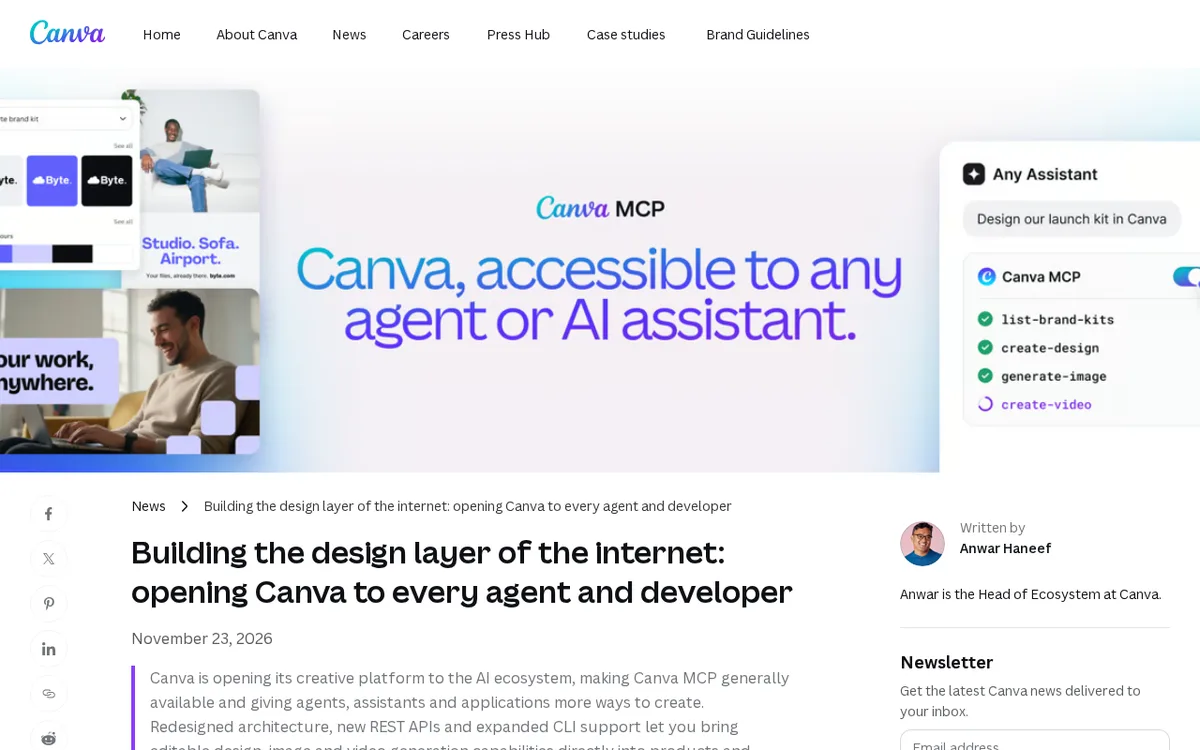
Canva's quickstart explains how to connect your own AI application: create an app in the Developer Portal, select Outside Canva and Start integrating, then enable the Canva MCP toggle under Configuration and Integration methods.
Fact checked on 24 Nov 2026 against canva.dev [2]
Previously, developers accessed Canva through its developer community. Canva now says there is no waitlist, so developers can begin after registering an app and enabling MCP.
Fact checked on 24 Nov 2026 against canva.com [1], canva.dev [2], canva.com [6], x.com [8]
The MCP documentation also provides rate limits. Design generation allows 20 requests per minute, and image generation allows 10 per minute. Other tools share a limit of 300 per minute per user. That is plenty for one freelancer, but bulk work across many client sites needs to account for the limit.
Fact checked on 24 Nov 2026 against canva.dev [5]
REST APIs, the CLI, service accounts, plans and API credits
Canva's REST APIs now support design generation, image generation, background removal and Magic Layers, which converts a flat image into a design with separately editable layers. Canva's developer docs label the generation, image transformation and image to design import APIs as previews, so changes may come.
Fact checked on 24 Nov 2026 against canva.com [1]
The Canva CLI now lets users create designs, run Autofill workflows and call the REST APIs from the command line. Canva Craft, the company's image generation model, is also available through MCP and the API.
Fact checked on 24 Nov 2026 against canva.com [1]
To let your product call Canva without requiring each customer to have a Canva login, use a service app, called service accounts in the announcement. A Canva Business, Teams or Nonprofit plan is required, each team can have one, and multi factor authentication or single sign on must be enabled.
Fact checked on 24 Nov 2026 against canva.dev [2], canva.dev [9]
Service app REST API requests use credits purchased in API packs. The credits expire 12 months after purchase, so buying them long before use wastes money. Canva’s pages do not list a dollar price for the packs.
Fact checked on 24 Nov 2026 against canva.dev [2]
Canva combined overlapping MCP tools to make it easier for agents to choose the right one, and the CLI now does more than build apps in the Canva editor.
Fact checked on 24 Nov 2026 against canva.com [1]
What the official notes do not say
- The update and the developer pages Canva published do not give a dollar price for API credit packs.
- Canva's Help Center says Autofill usage limits will be introduced in the future, and it does not give a current limit for that AI Connector feature.
- The update does not give a regional rollout schedule.
How it helps: a freelancer who builds small business sites and needs matching graphics for each client
The task. Ask an AI assistant to create matching social and banner designs for a client’s site launch instead of opening the editor
- Check that your Canva team administrator allows the AI Connector, then connect your Canva account to a supported assistant such as ChatGPT, Claude, Gemini or Microsoft Copilot
- Sign in with your own Canva account when asked, so the assistant works with your permissions
- Ask the assistant to generate an editable design. Applying a brand kit needs Canva Pro or above, so on Free ask for matching colors and fonts in plain words instead
- Ask it to resize the result for other formats, which needs Canva Pro or above after the Free plan trial
- Ask it to export the finished designs, knowing that Free plans get standard quality exports
The result. You receive editable Canva designs and exported files without creating the first draft by hand, subject to your own plan’s limits.
Fact checked on 24 Nov 2026 against canva.com [1], canva.com [3], canva.dev [4], canva.dev [5]
Related nvudev guides
Sources
- https://www.canva.com/newsroom/news/canva-mcp-update/ (official update)
- https://www.canva.dev/docs/apps/quickstart/
- https://www.canva.com/help/mcp-agent-setup/
- https://www.canva.dev/docs/apps/mcp/access/
- https://www.canva.dev/docs/apps/mcp/tools/
- https://www.canva.com/newsroom/news/deep-research-integration-mcp-server/
- https://www.canva.com/ai-connector/
- https://x.com/canva/status/2124926205313081394
- https://www.canva.dev/blog/developers/canva-service-accounts/
- https://x.com/canva/status/2124926207263486084
Facts in this article were checked against these sources on 24 Nov 2026. Product details change, so check the official page before you rely on them.